
10 templates: Christmas & New Year
Ten December email templates across industries: online shop, gifts, kids, fashion, events, beauty, food, property, retail and a universal option. The compositions differ — a grid built around delivery cut-off dates, a dark layout about gift cards, a live countdown, an asymmetric split and a list with no images.
Templates in this collection: 10
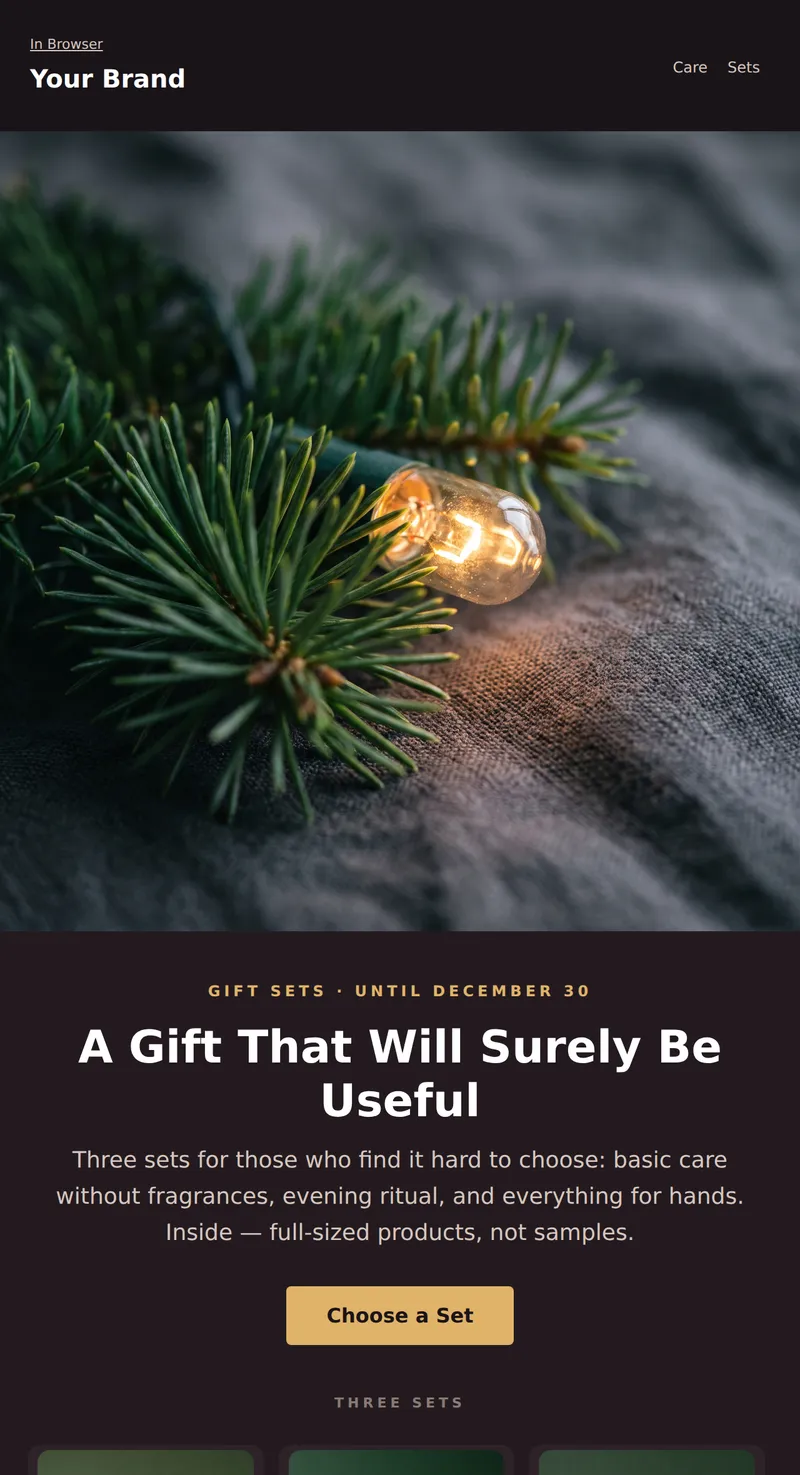
New Year Letter for a Beauty Brand: Cozy Evening Shot, Three Gift Sets, and a Reminder about Packaging and Delivery Times.
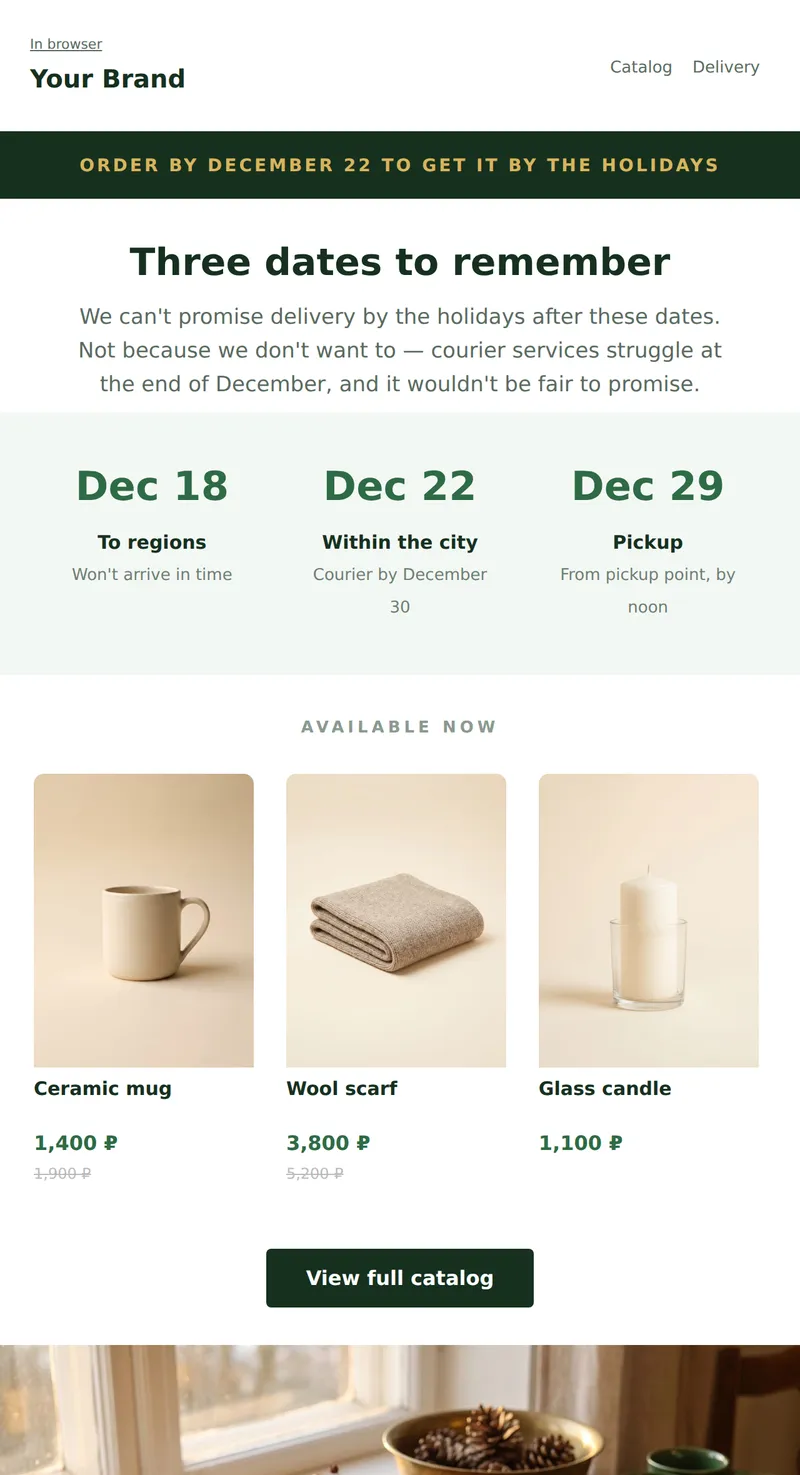
Promo email for December: product grid and order deadlines to ensure gifts arrive before the holidays.
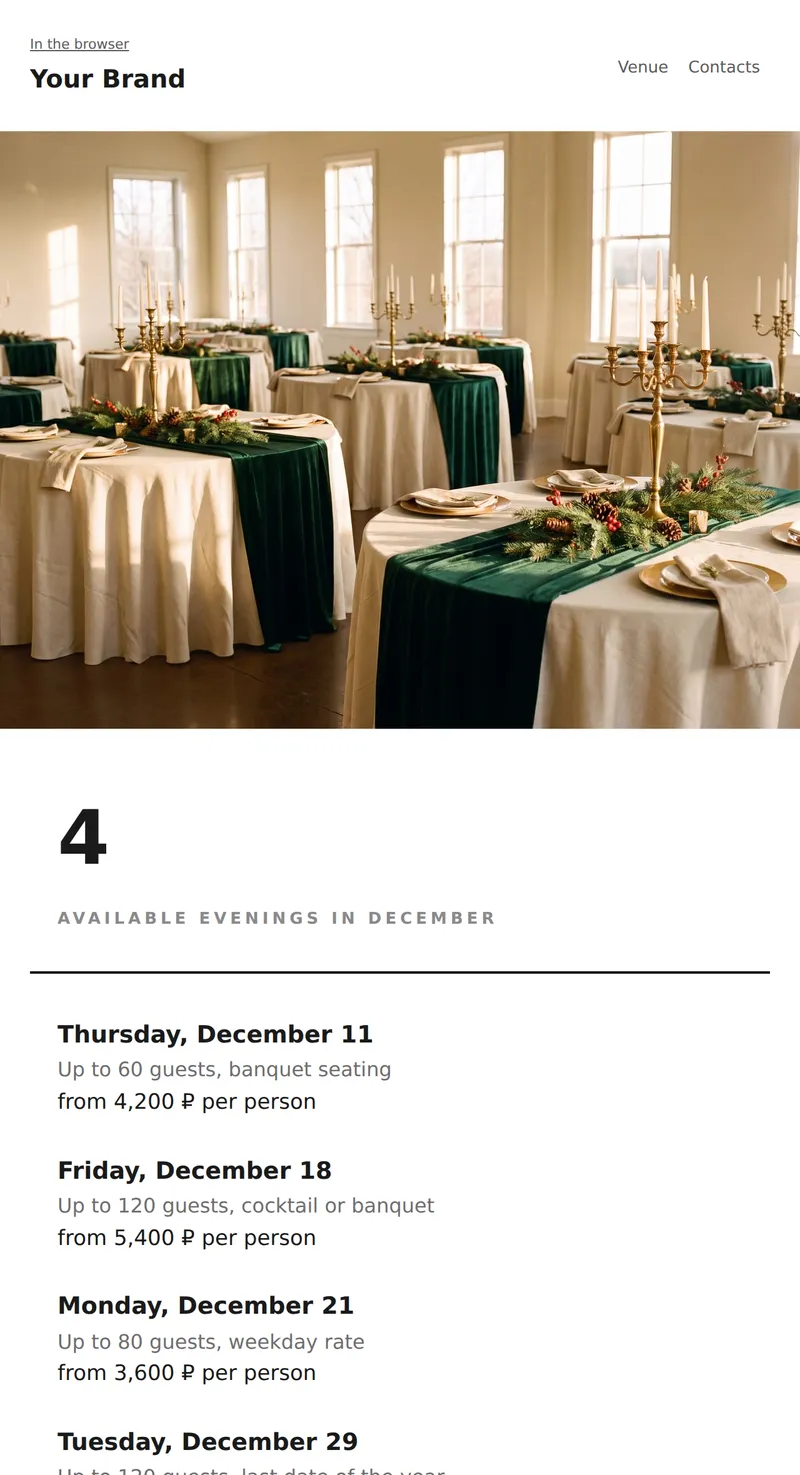
Promo for venue or organizer: minimalist email with dates, capacity, and prices. One photo at the top, then text only.
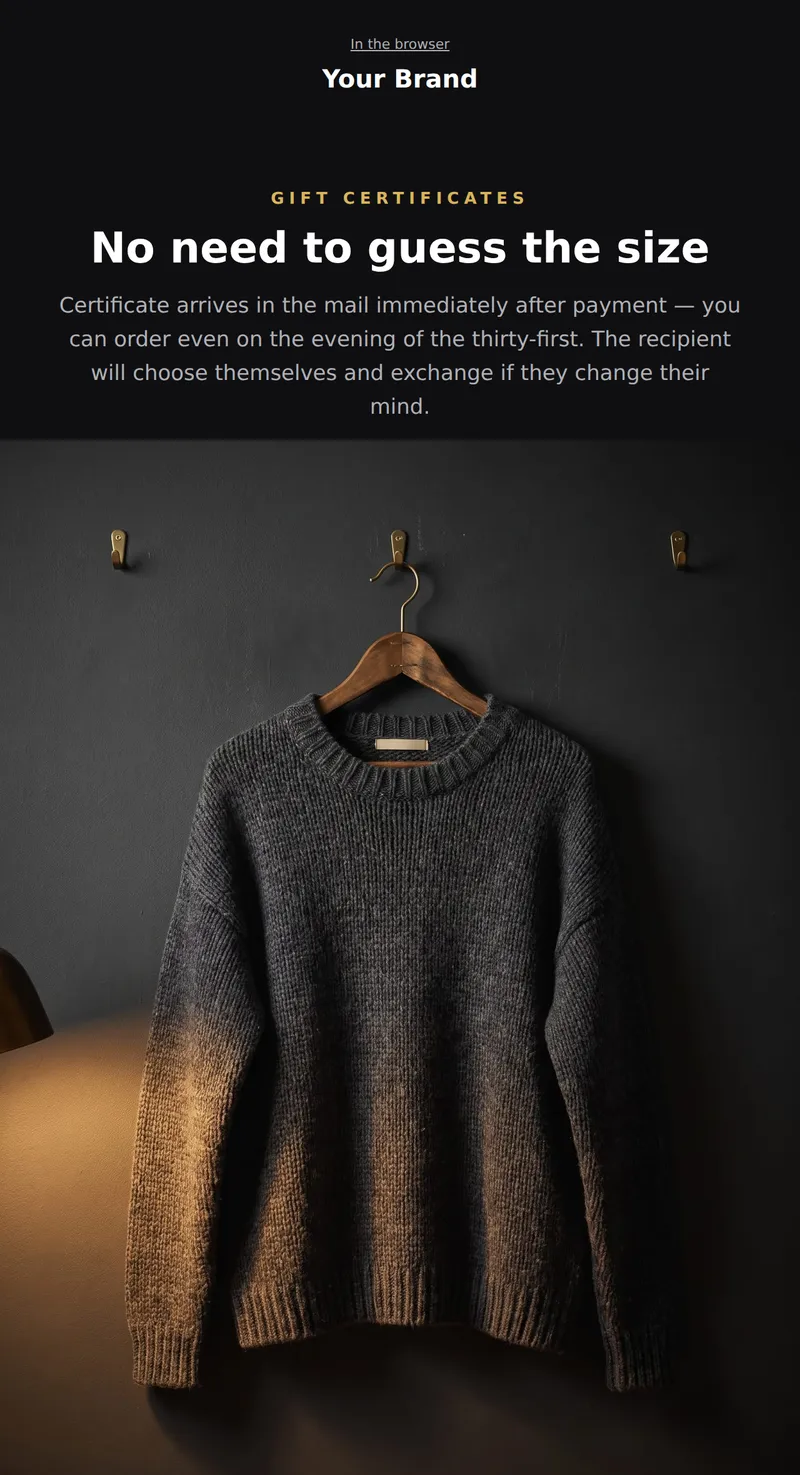
Clothing store promo for December on a dark background: focus on gift certificates and post-holiday exchanges.
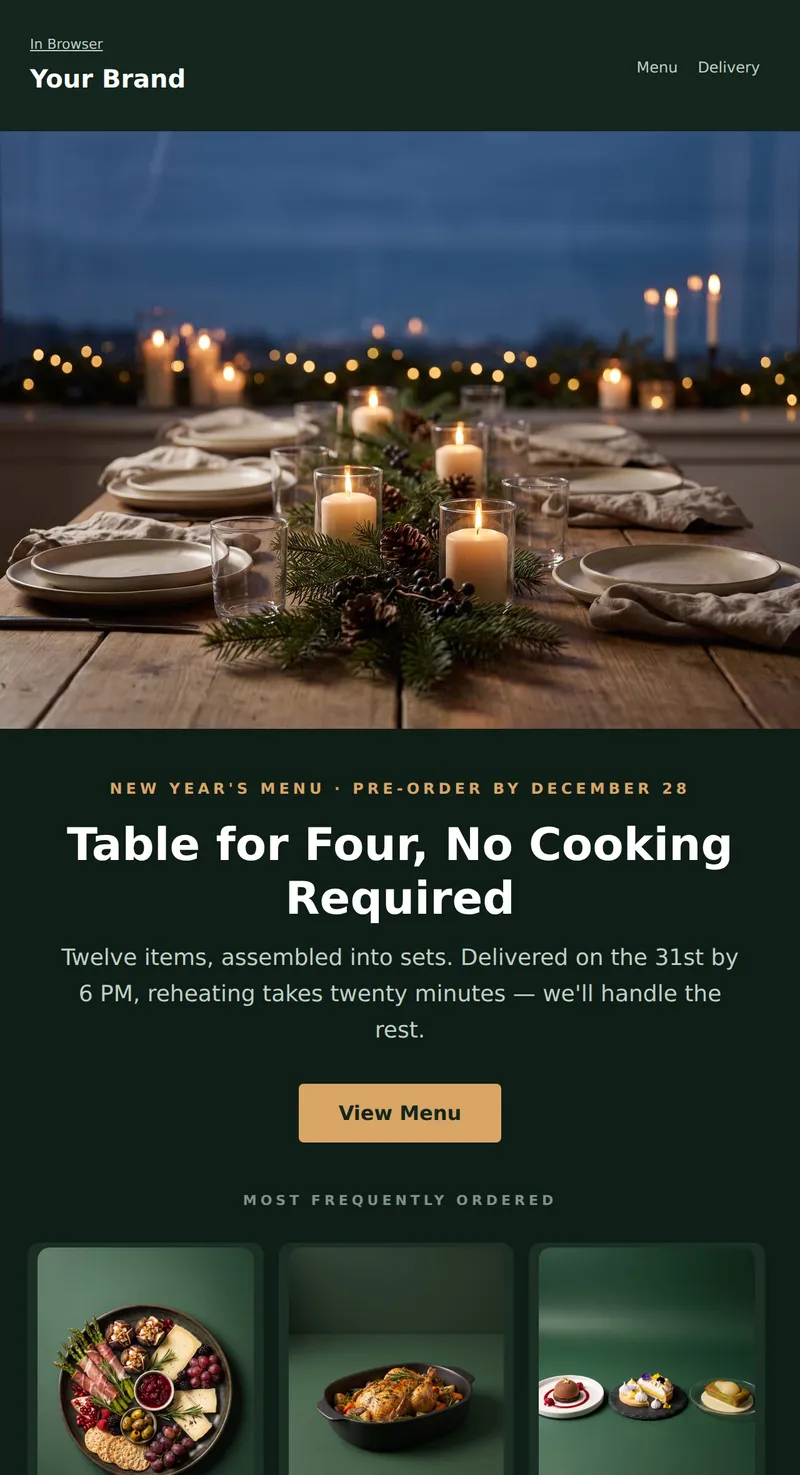
New Year Letter for Food Delivery and Restaurant: warm shot of a set table, three festive menu items, and the deadline for pre-orders.
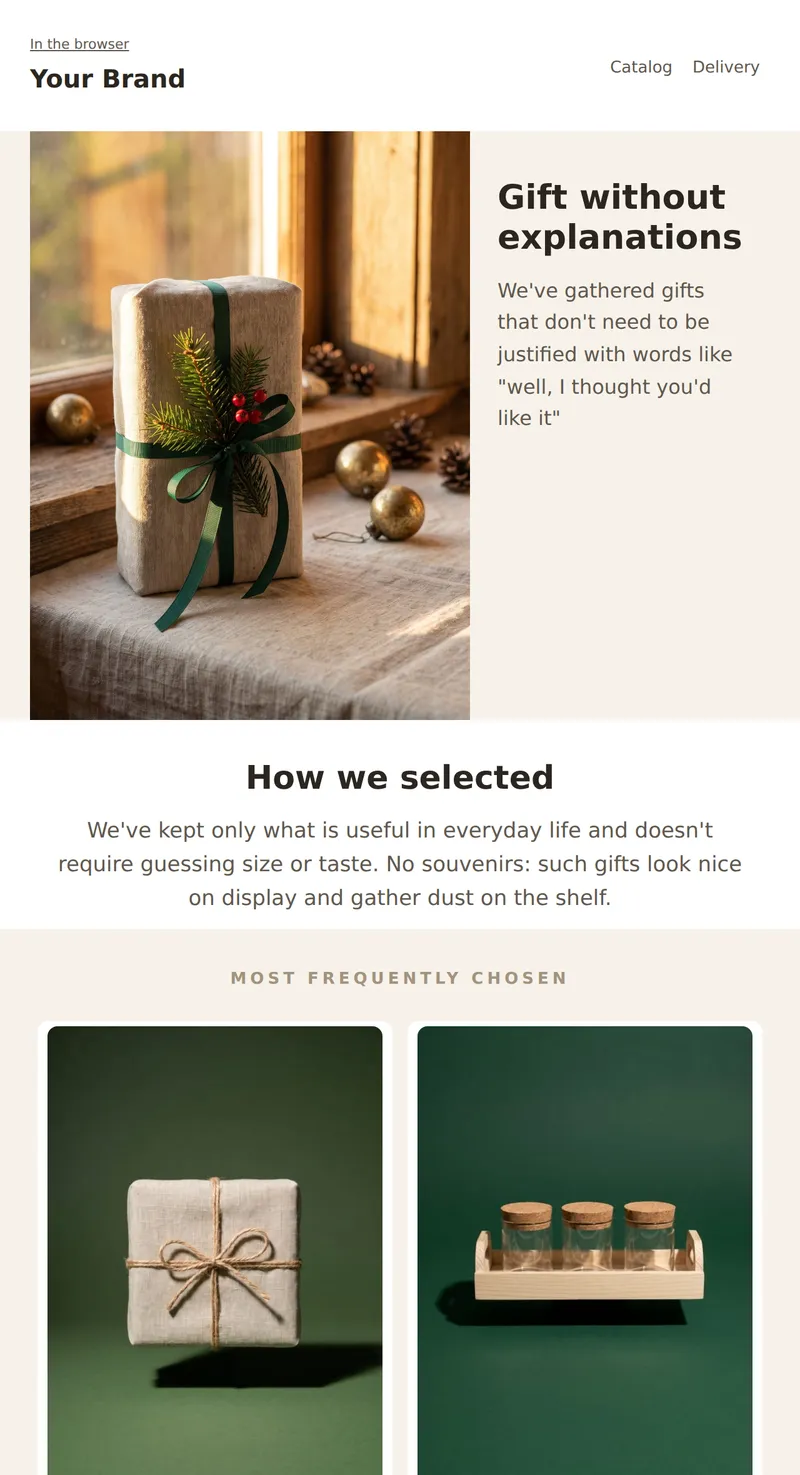
Gift shop promo: large photo two-thirds width, text next to it in a narrow column. Focus on gift selection, not discount.
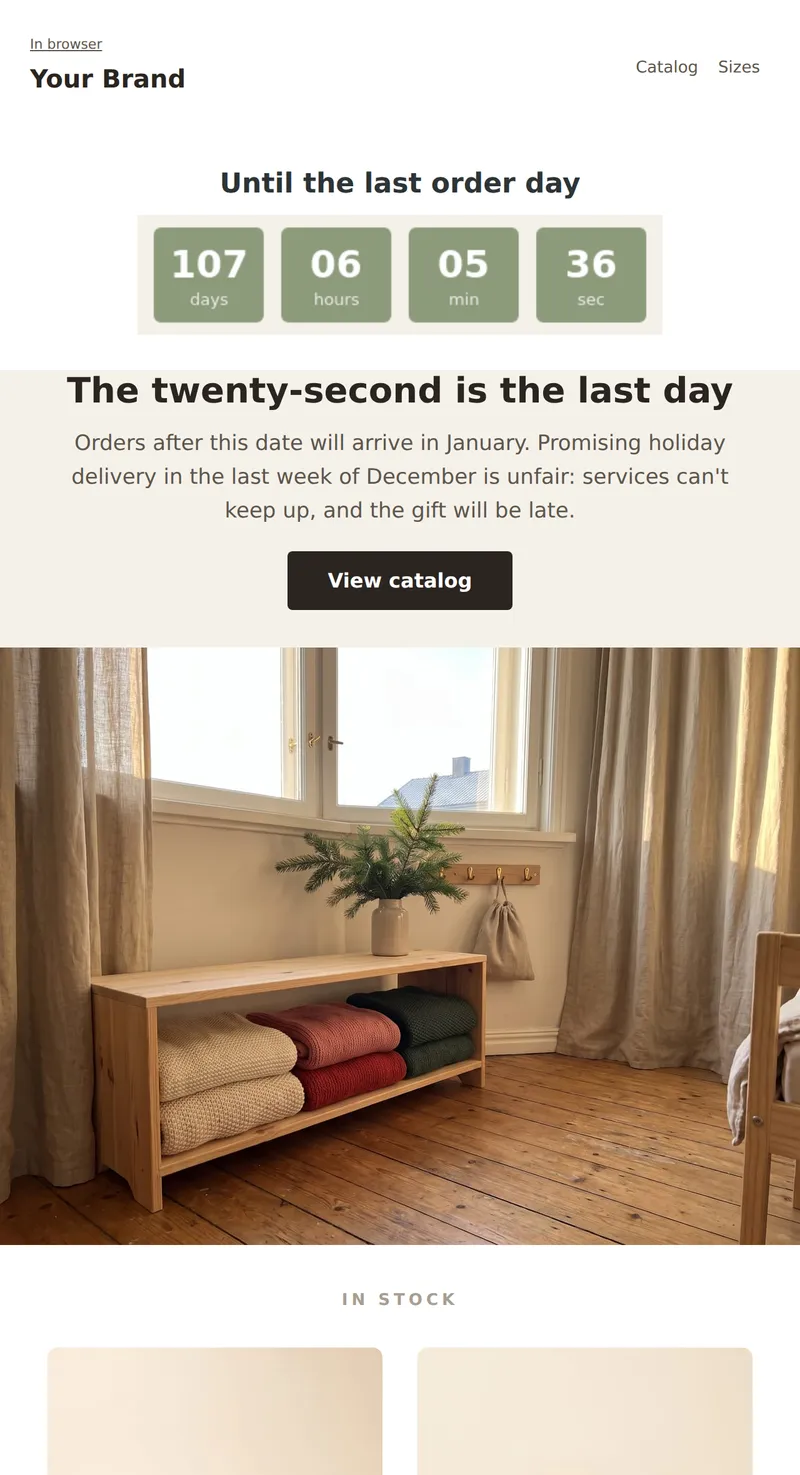
Children's store promo: live countdown to the last order day with guaranteed holiday delivery.
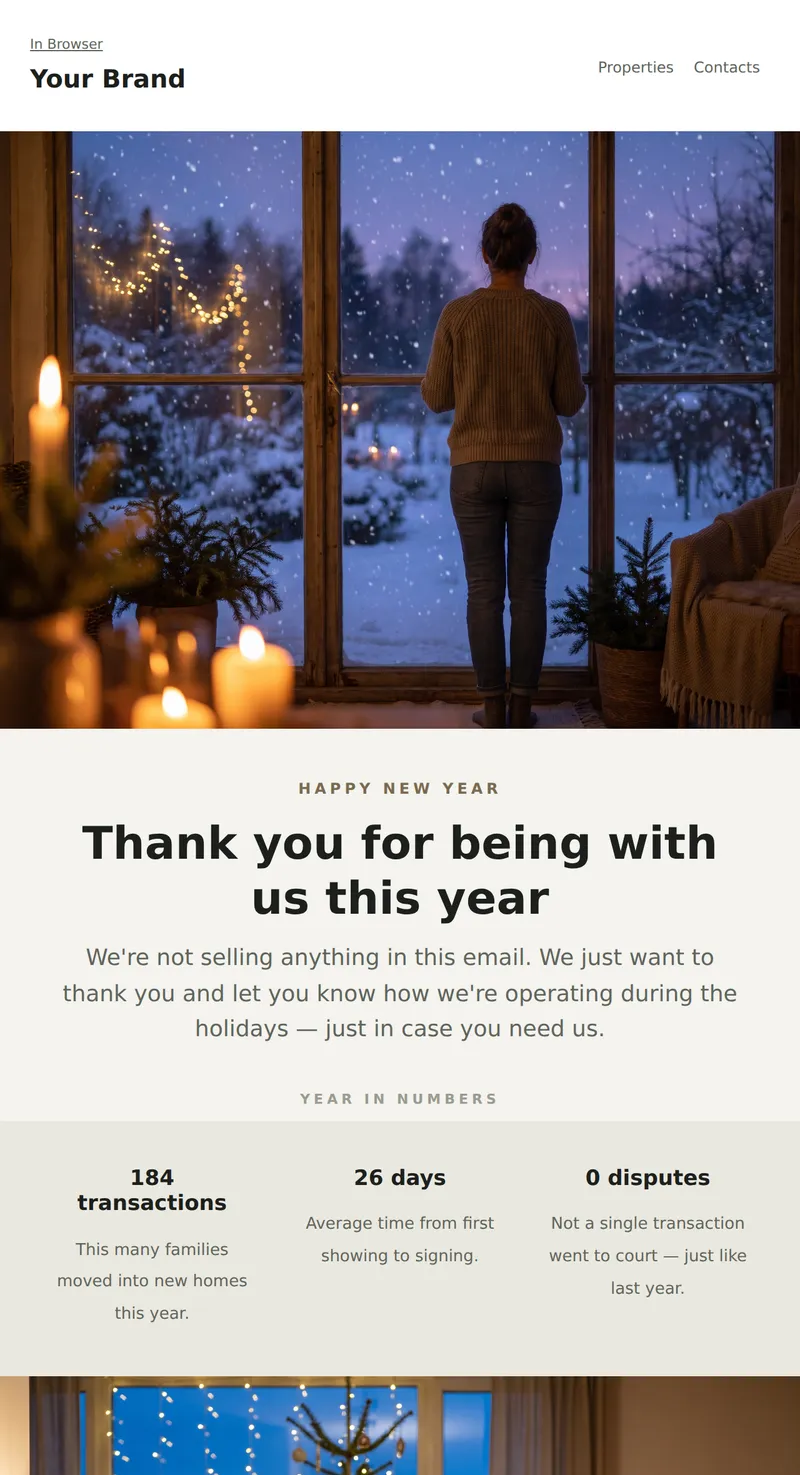
New Year's Letter for Real Estate Agency: Calm Greetings without Sales, Year-End Summary, and Holiday Work Reminder.
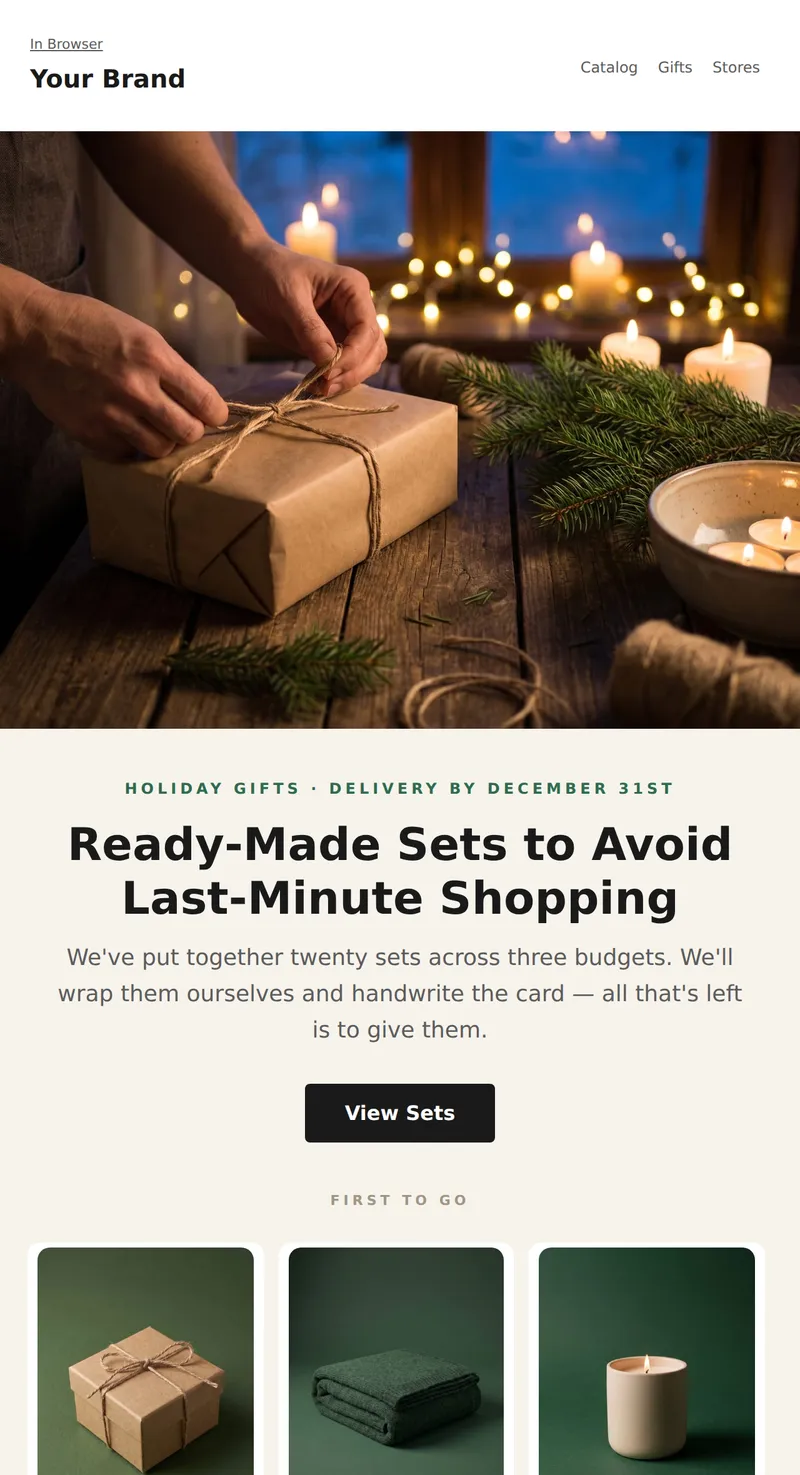
New Year Letter for Retail Network: Gift Wrapping Frame, Three Ready-Made Sets with Prices, and Last Day for Holiday Delivery.
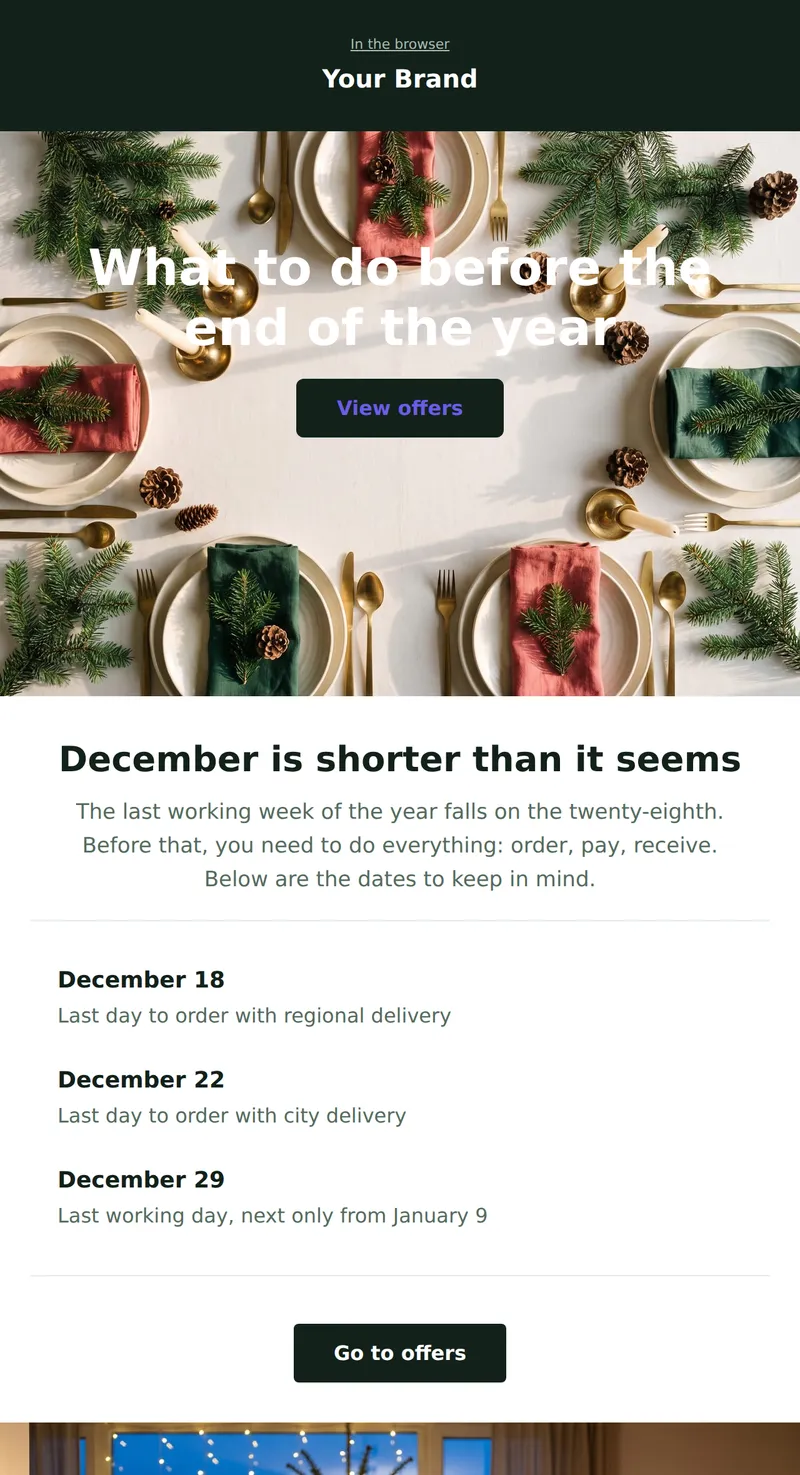
December promo for any industry: headline over background photo, key dates listed, no product grid.
Why these emails matter
A holiday campaign has a longer life than most: people start expecting it in late November and still open it in mid-January. Meanwhile December inboxes fill with identical snowflake greetings. What works is not decoration but specifics — what you are offering, the last day to order, and how you operate over the holidays.
How to choose a template
The December question is not the discount but the deadline. The online shop template is built around three cut-off dates, so the gift actually arrives. The kids template runs a live countdown to the last delivery day. Fashion leads on gift cards, which arrive instantly and remove the sizing problem. Venues and organisers get a minimal list of available dates with prices. Gift shops get the asymmetric split with a large photograph. The universal option suits anyone: a headline over a photograph and three key dates listed plainly.
Tips
- Put the order deadline above the fold. In December that is the decisive fact, not small print at the bottom.
- State your hours between Christmas and New Year. Half of holiday support requests are about exactly this.
- Send earlier than feels natural: the greeting wave starts around the 25th and everyone gets lost in it.
- One genuine thank-you does more in December than a third discount email.
- Check the email in dark mode: deep green and blue festive backgrounds behave differently there.
Frequently asked questions
Are these templates free to use?
Yes. Open any template in the editor, replace the copy and images, then export the HTML or send it through your own email service provider.
Will the emails render in Outlook?
Yes. The markup is table-based, with no flexbox or absolute positioning, and background images are duplicated in VML — the techniques desktop Outlook requires.
When should a holiday email go out?
Menu pre-orders and gifts: late November through around 20 December. The greeting: a few days before the holiday, ahead of the main wave. A note about opening hours is worth repeating right before the break.
How do I apply my brand colours?
Upload a brand book in the Brand books section and colours, fonts and corner radii apply to every block. You can also set any colour by hand in the right-hand panel.
