
7 templates: Events
Our 'Events' collection features six email templates tailored for various event-related communications. Whether you're announcing an event, confirming registrations, or sending reminders, these templates are designed to suit your needs. Ideal for event planners, marketers, and businesses looking to streamline their event communications.
Templates in this collection: 7
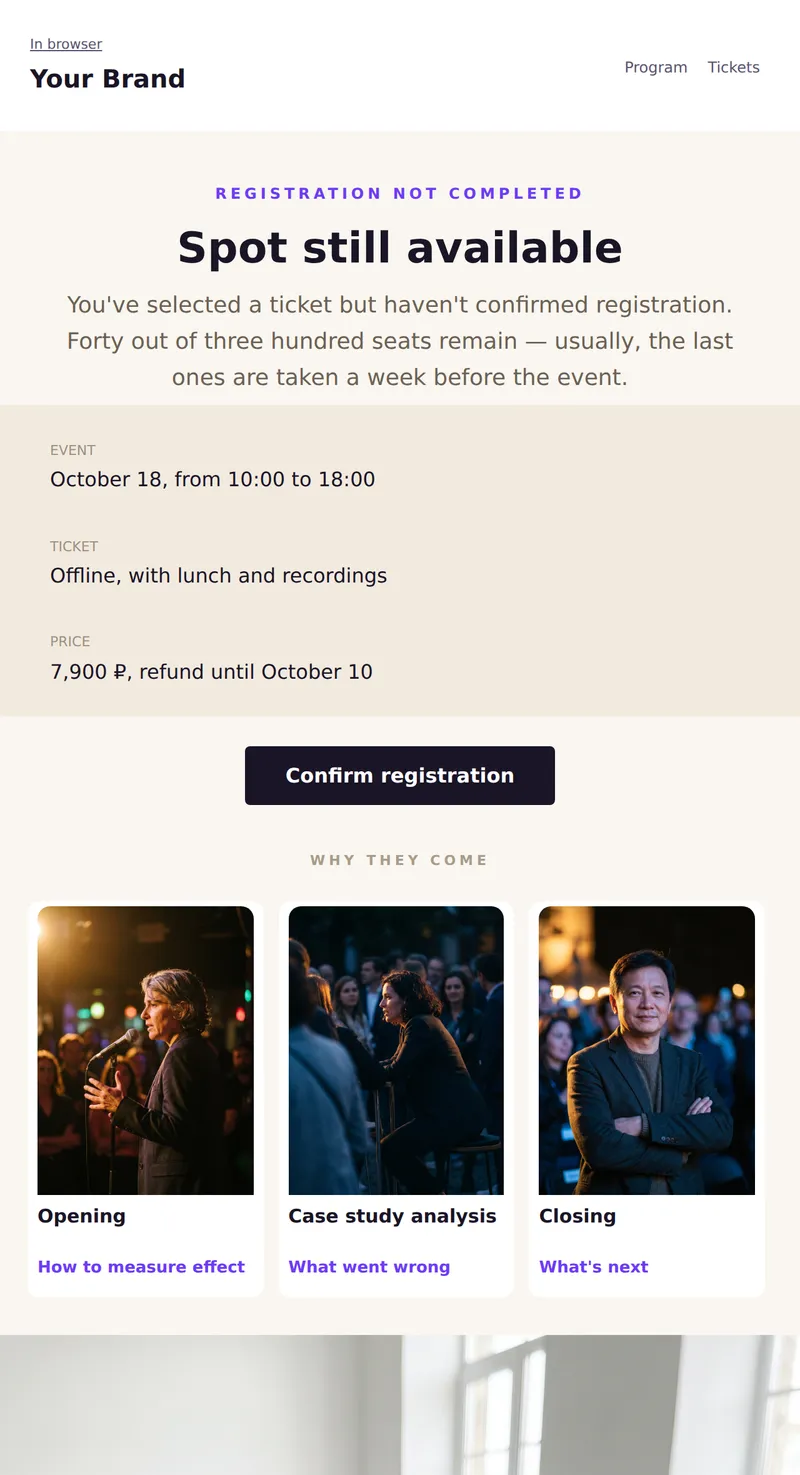
Incomplete registration: selected ticket, remaining spots, and one step to confirmation. No artificial timers.
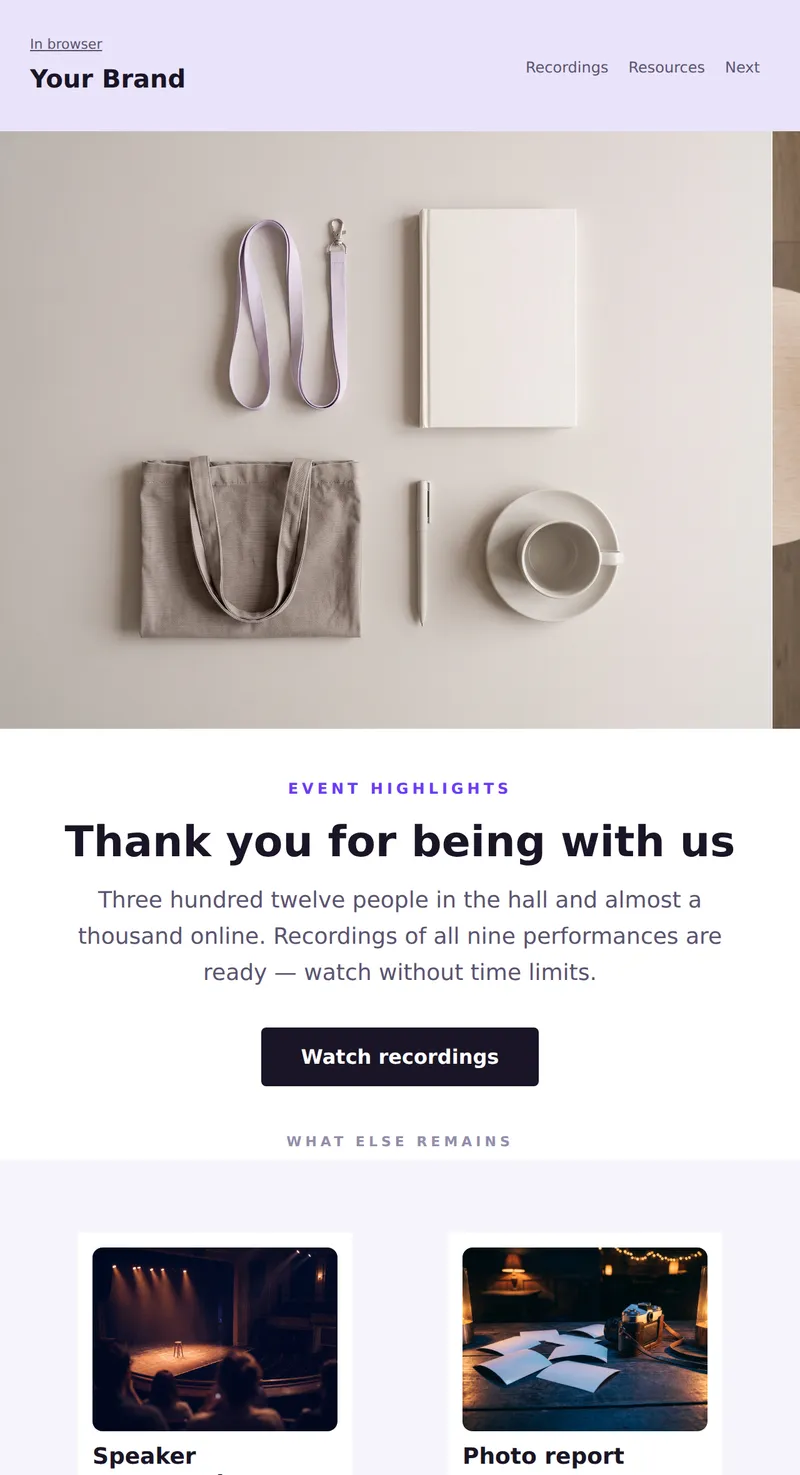
Event recap: gratitude to participants, links to recordings and resources, top-rated performances.
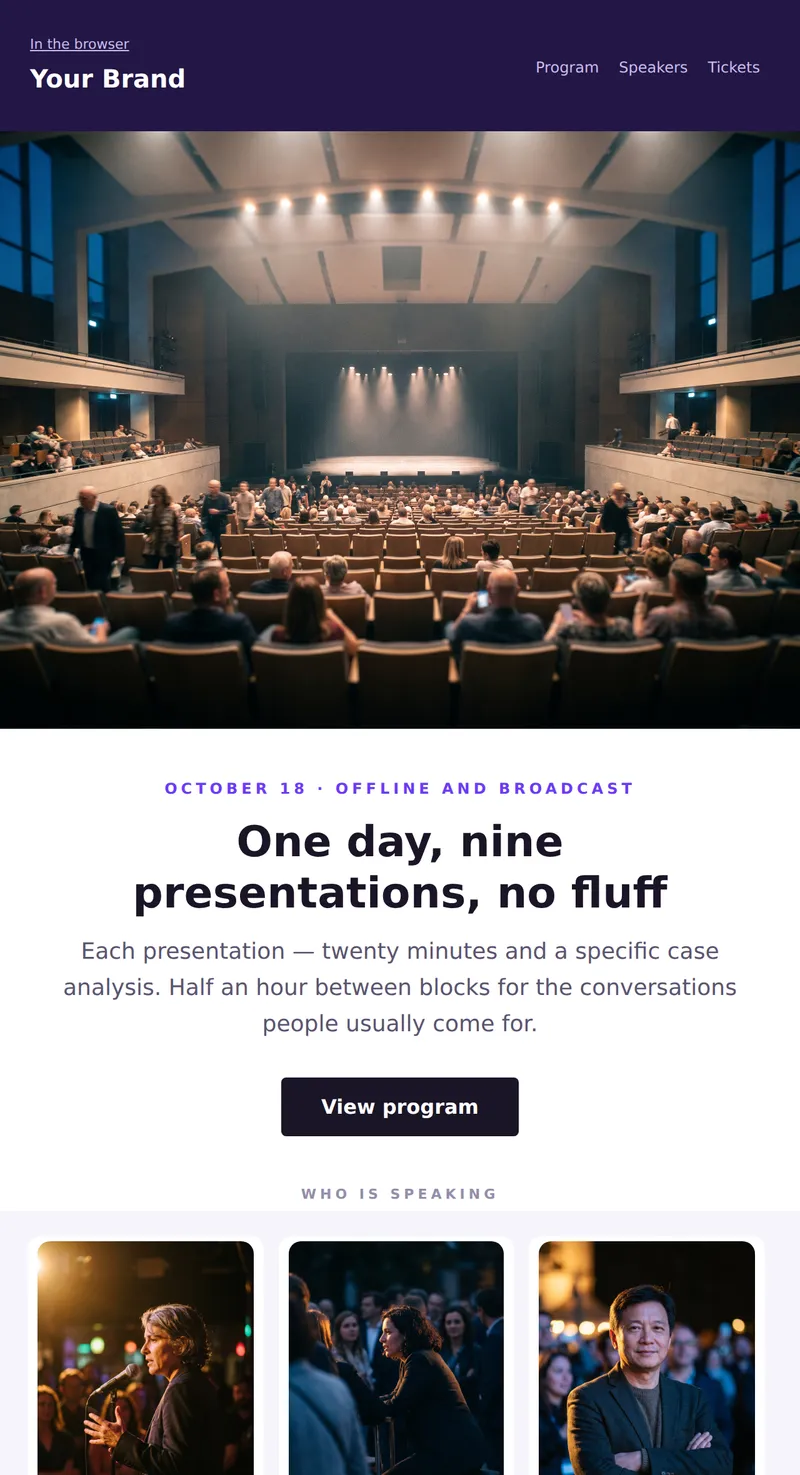
Event announcement: hall shot, date and format on the first screen, three speakers and registration for participation. See what will happen, when, and who will speak.
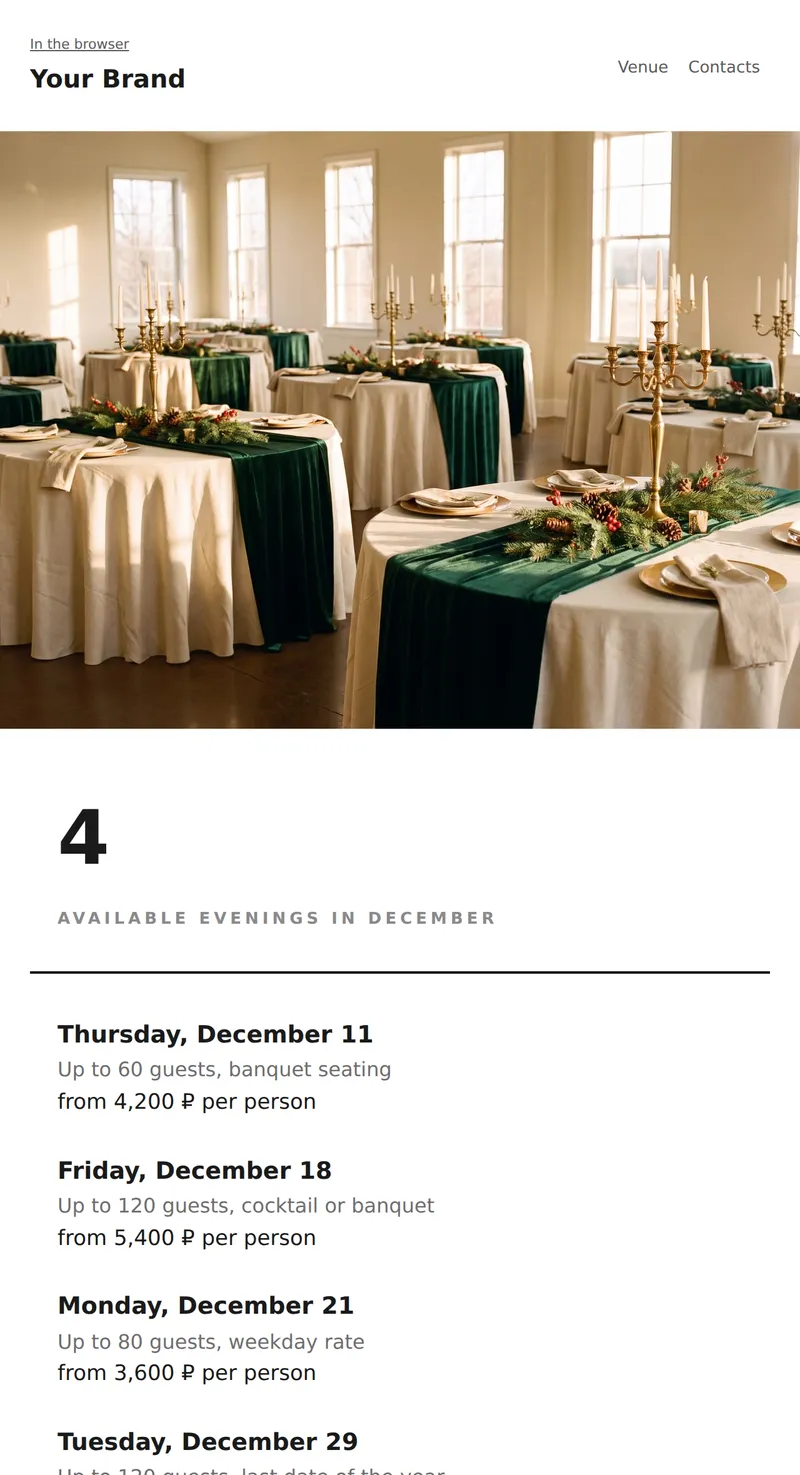
Promo for venue or organizer: minimalist email with dates, capacity, and prices. One photo at the top, then text only.
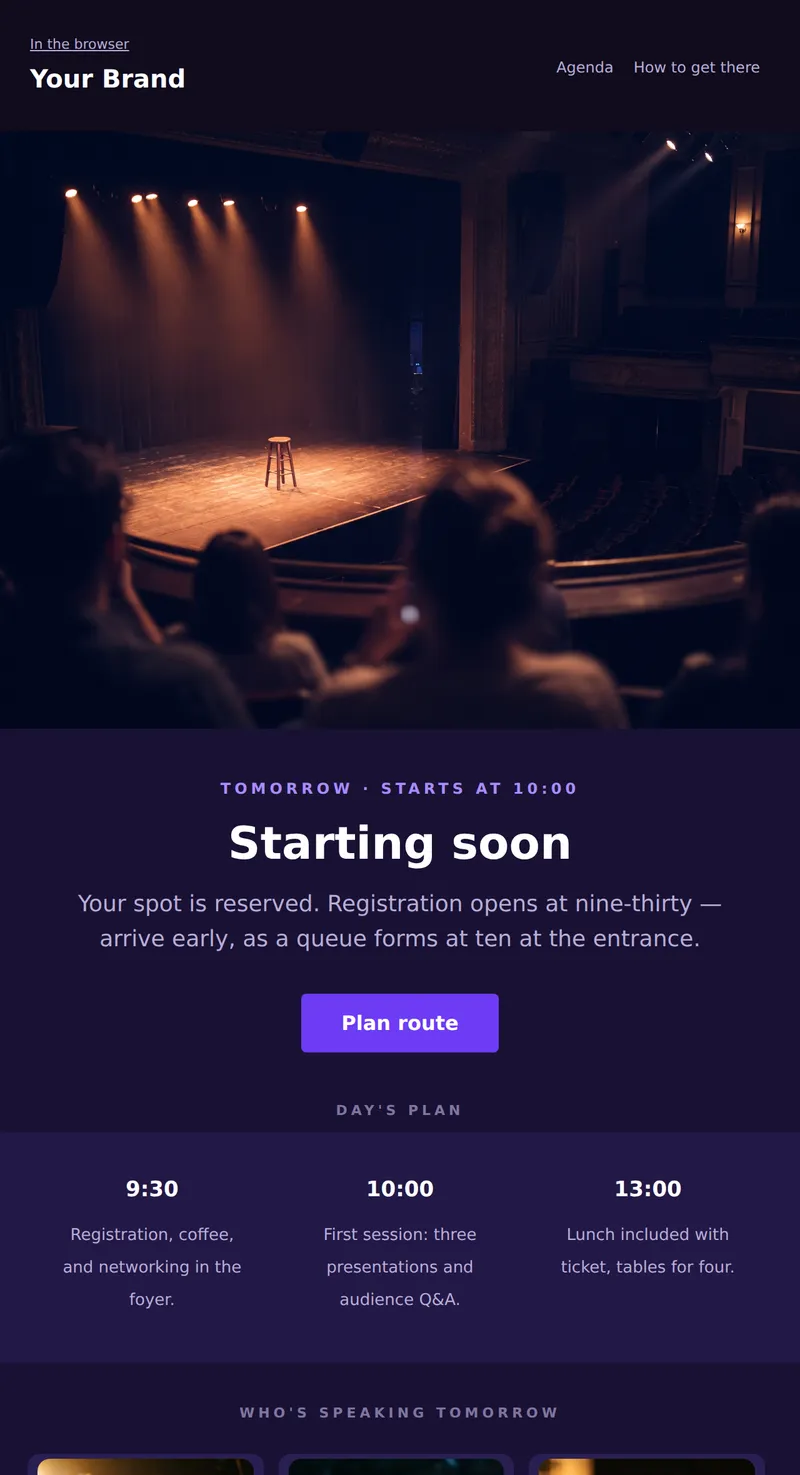
Day-before event reminder: a dark-themed email with time, address, and day's agenda. Everything you need to open in the morning before heading out.
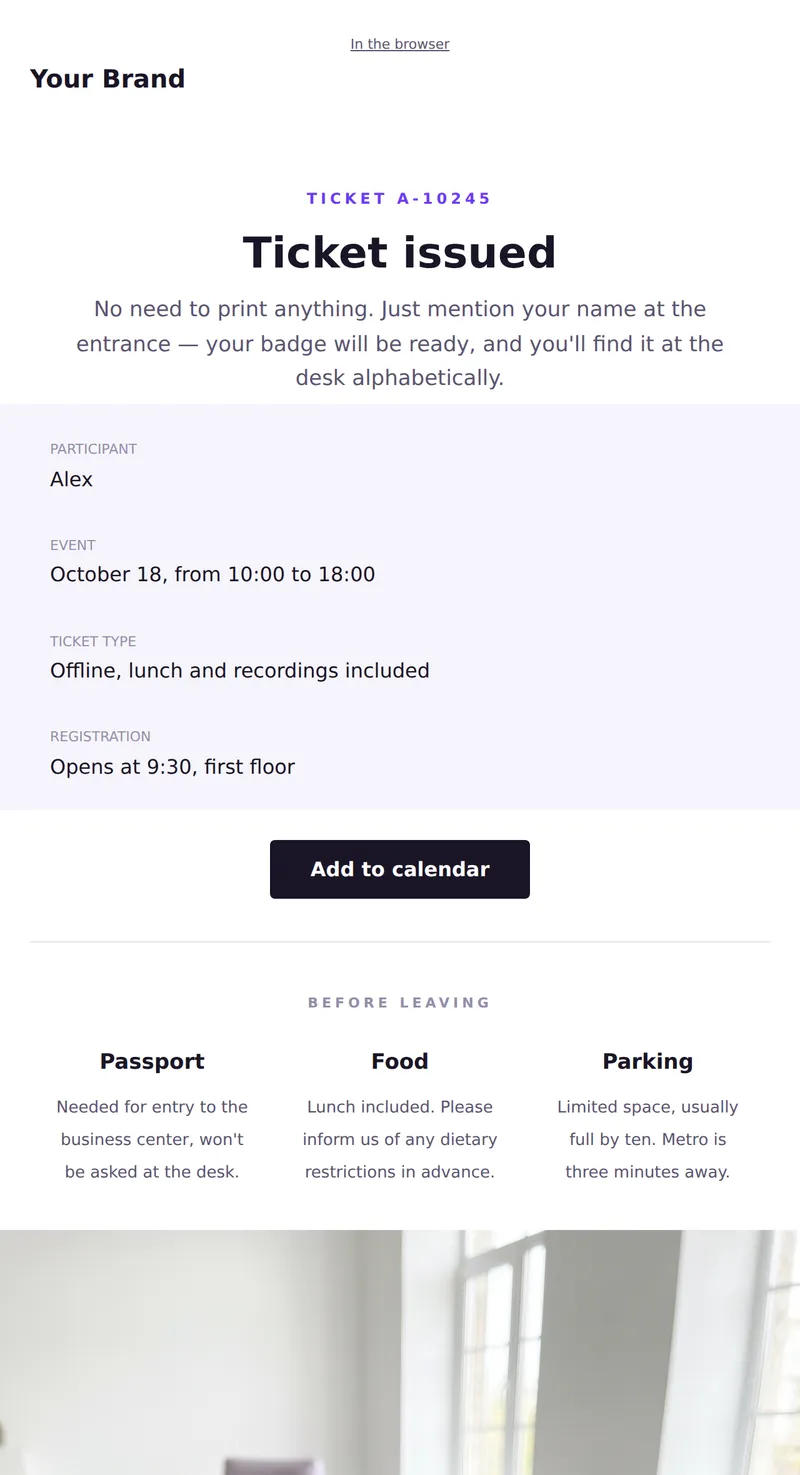
Event ticket: participant name, ticket type, date, and address. Service letter to show at the entrance.
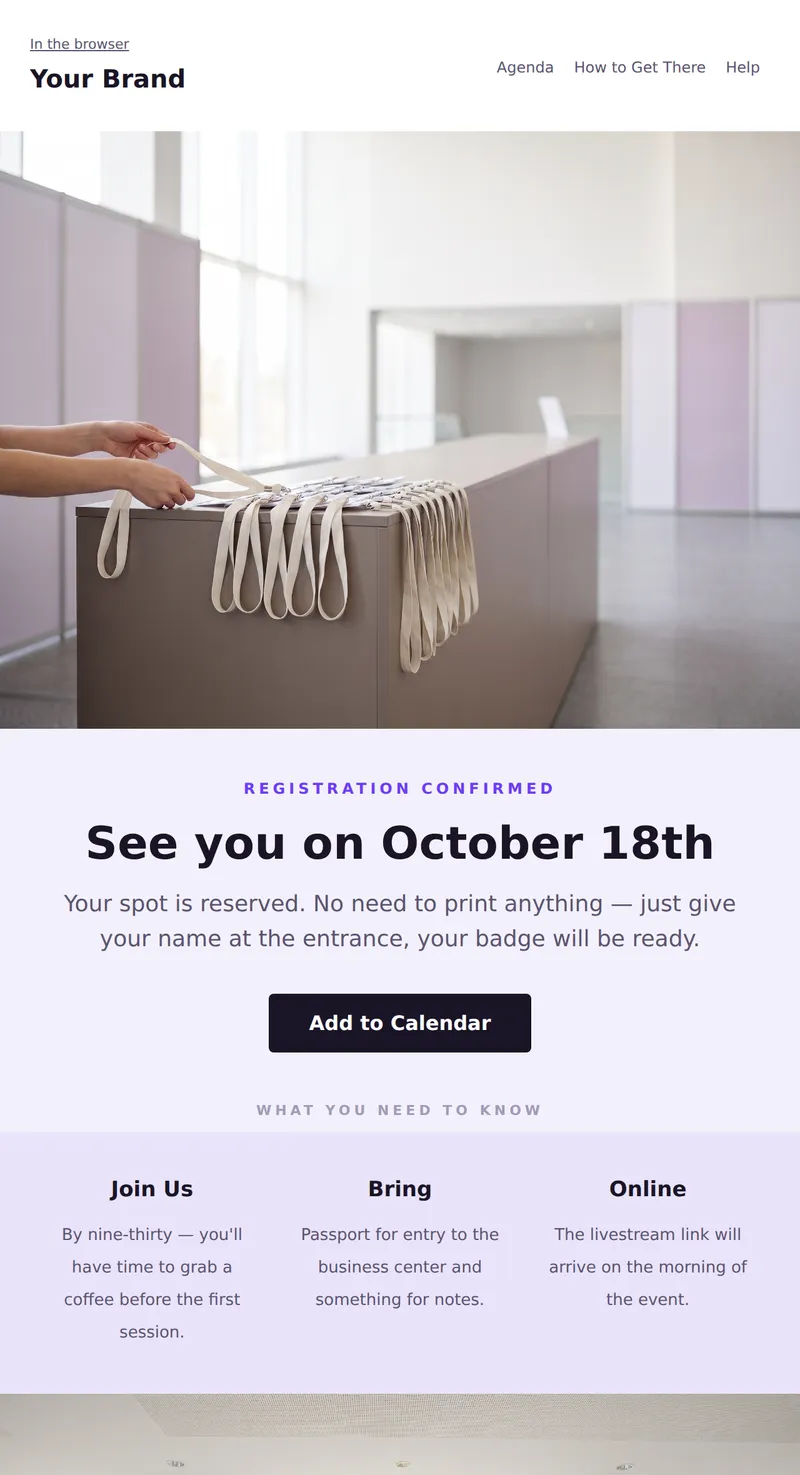
Registration confirmation with instructions: what to bring, when to arrive, and how to join online. Everything you need to know before the event day.
Why these emails matter
Effective email communication is crucial for successful events. These templates help ensure your attendees are well-informed and engaged throughout the process. From initial announcements to post-event follow-ups, having a structured approach to your emails can enhance attendee experience and improve overall event management.
How to choose a template
When selecting a template, consider the specific purpose of your email. Match the tone and design of the template with your event's branding and audience. Ensure that the chosen template aligns with the message you want to convey, whether it’s informative or promotional.
Tips
- Use clear subject lines to increase open rates.
- Personalize your emails to make attendees feel valued.
- Include call-to-action buttons for easy navigation.
- Optimize for mobile devices to reach a wider audience.
- Test different templates to see which performs best.
Frequently asked questions
How many templates are available in the Events collection?
There are six templates available in the Events collection, each designed for different event communication needs.
Can I customize these email templates?
Yes, all templates are fully customizable to fit your branding and specific messaging requirements.
Are these templates suitable for all types of events?
These templates are versatile and can be used for a variety of events, from corporate gatherings to social occasions.
Is there a cost associated with using these templates?
The templates in the Events collection are free to use, allowing you to enhance your event communications without additional costs.
