
20 templates: Abandoned cart emails
Our collection of abandoned cart email templates is designed for online retailers, service providers, and course creators. These templates help you reconnect with potential customers who have left items in their carts. Each template is crafted to encourage users to complete their purchases and enhance their experience, making it suitable for various industries.
Templates in this collection: 20
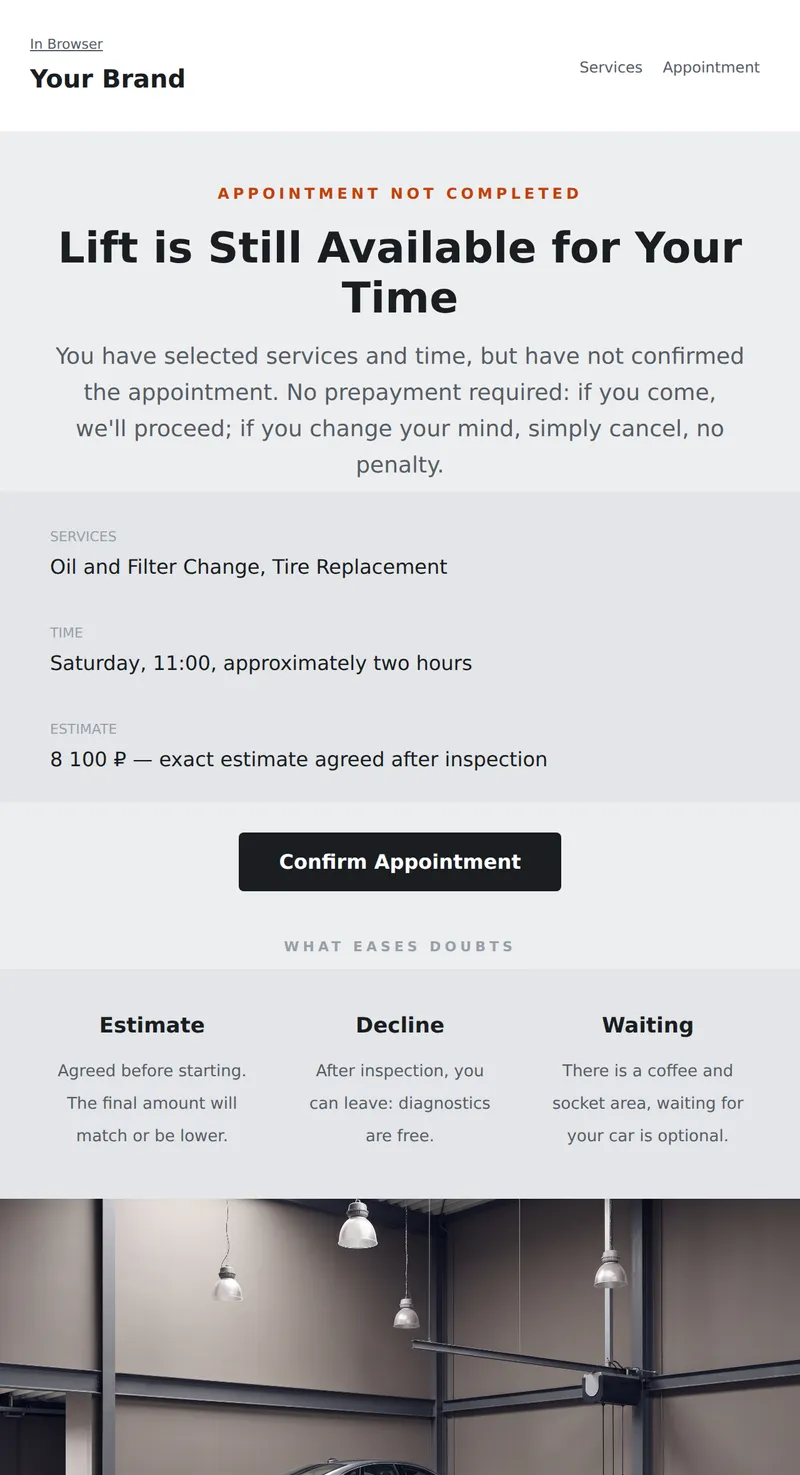
Abandoned Appointment Email: Selected Services, Time, and Reminder that the Estimate is Agreed Before Starting, No Prepayment Required.
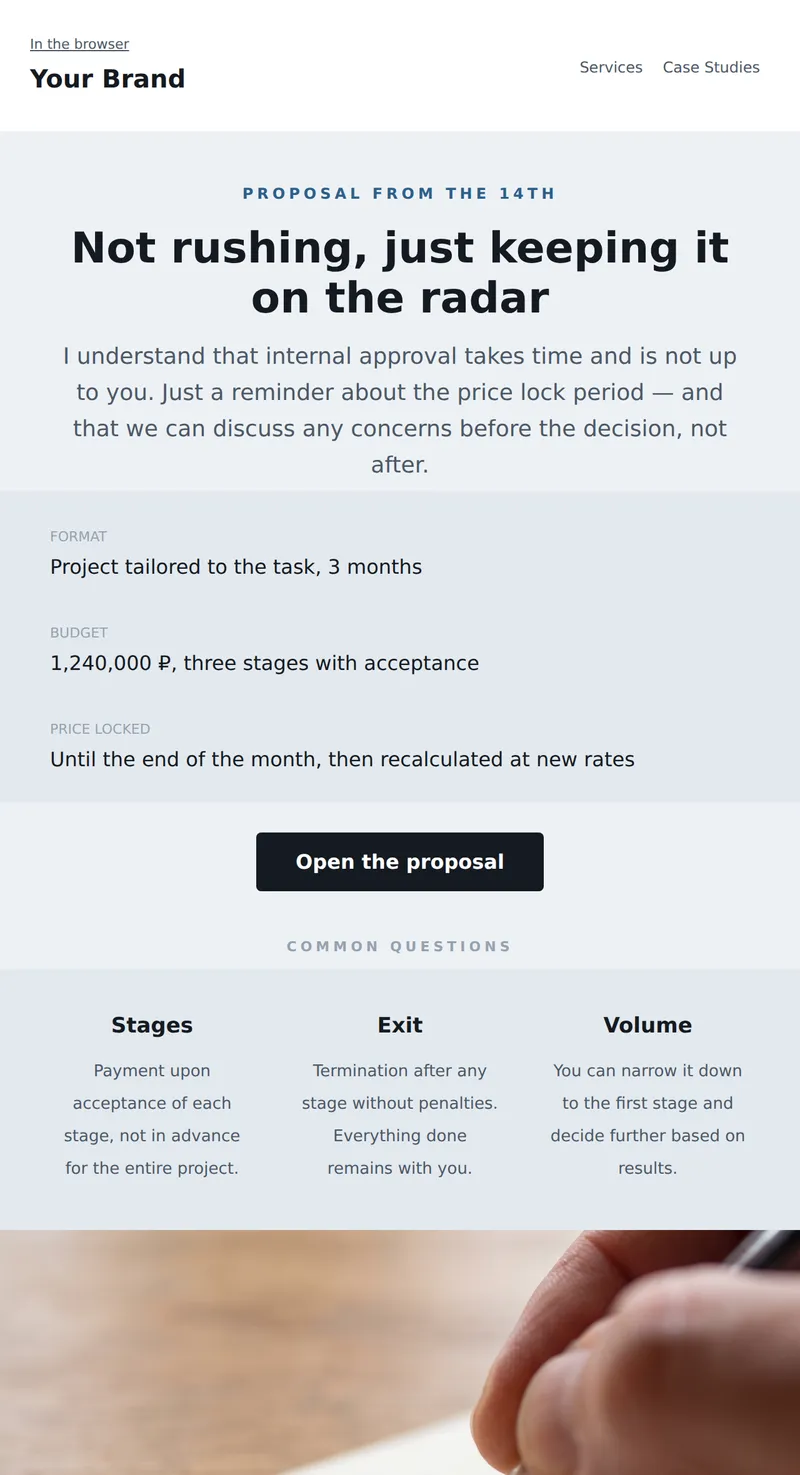
Email about a stalled commercial proposal: what was offered, until what date the price holds, and an offer to discuss without obligations.
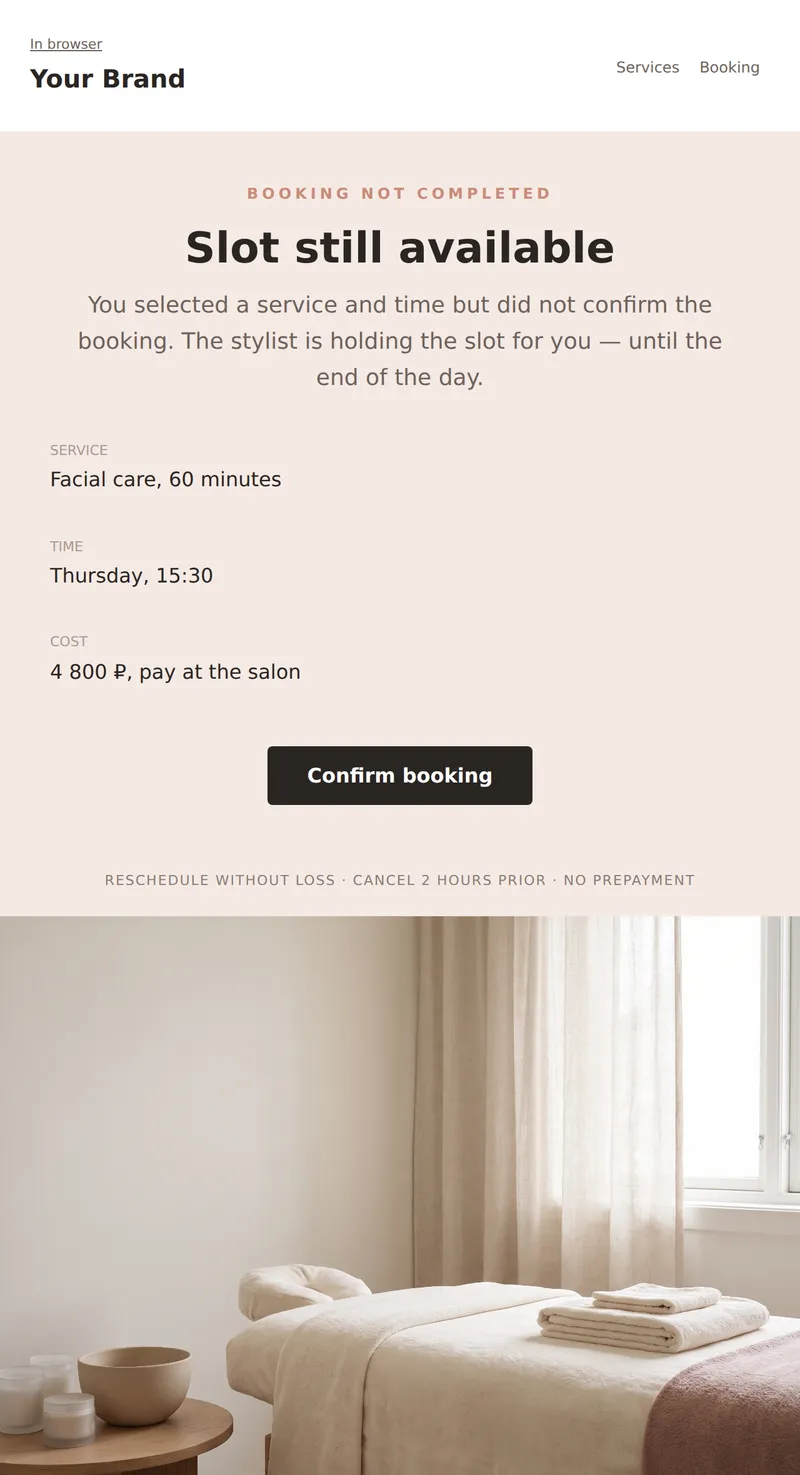
Reminder of unfinished booking: selected service, time still available, and one step to confirmation. No pressure — just removing the last obstacle.
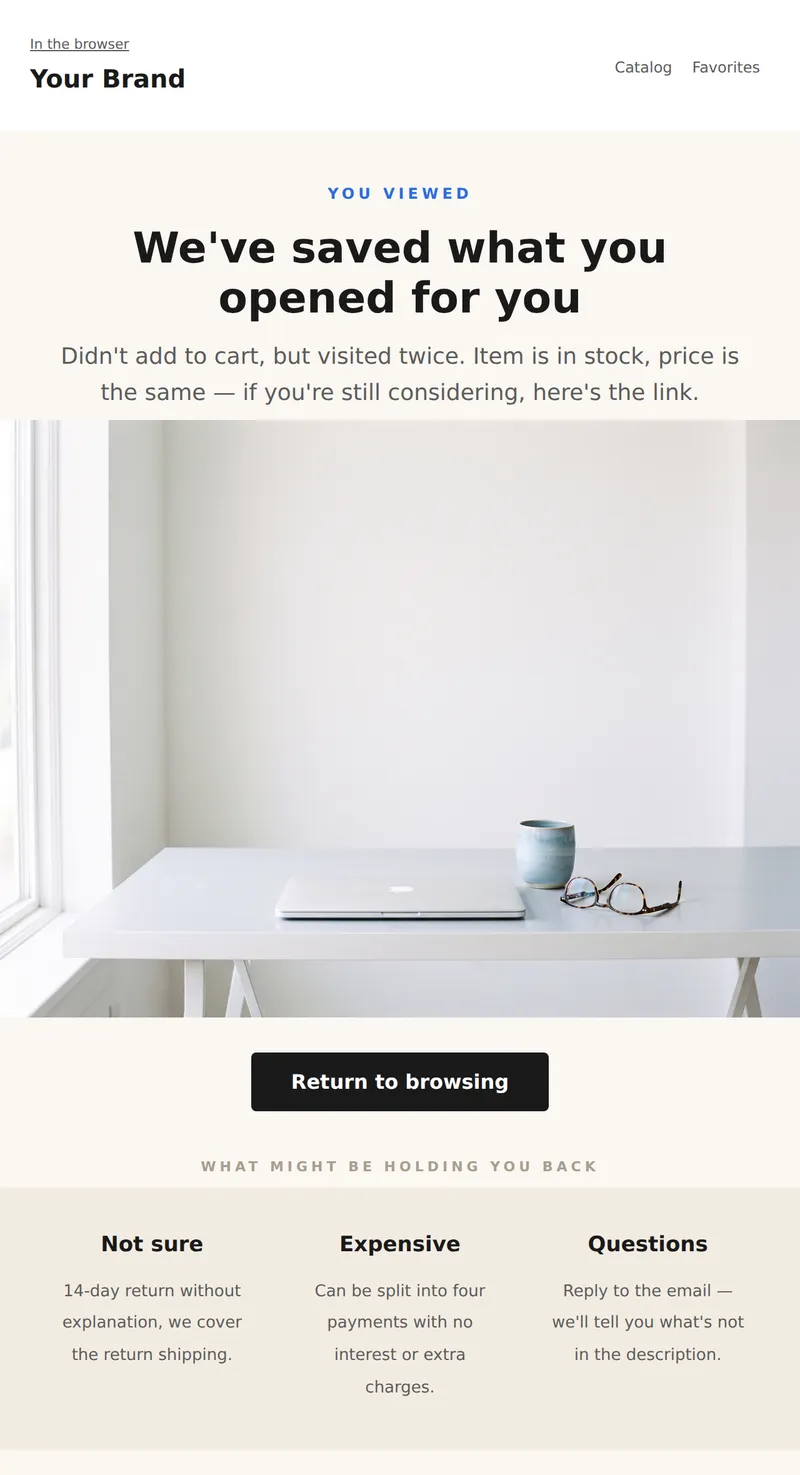
Reminder of the viewed item: what you looked at, is it in stock, and one way to return. Gentle tone without pressure.
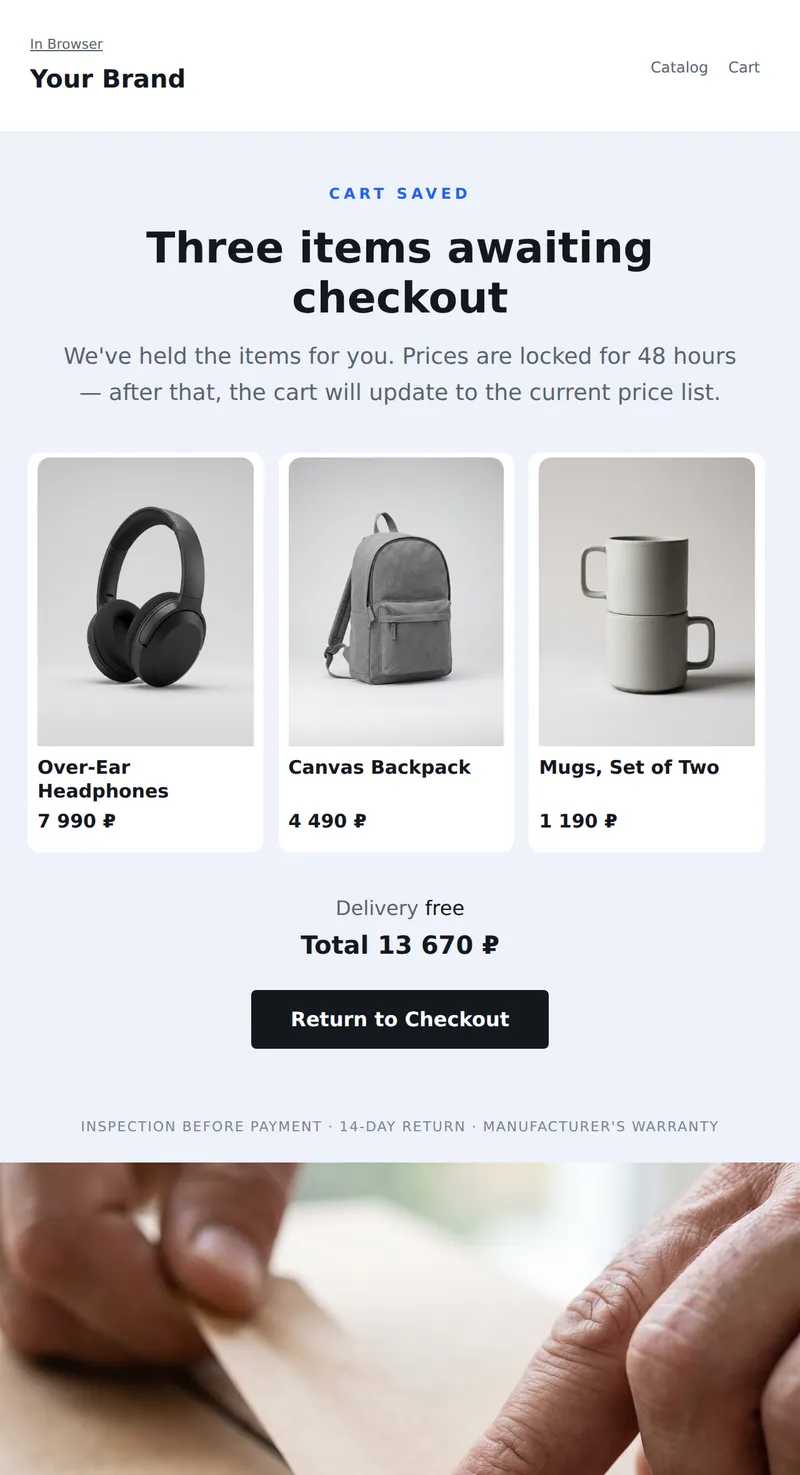
Abandoned Cart Email: Cart Contents with Prices, Honest Answer to the Buyer's Main Concern, and a Call to Return to Checkout.
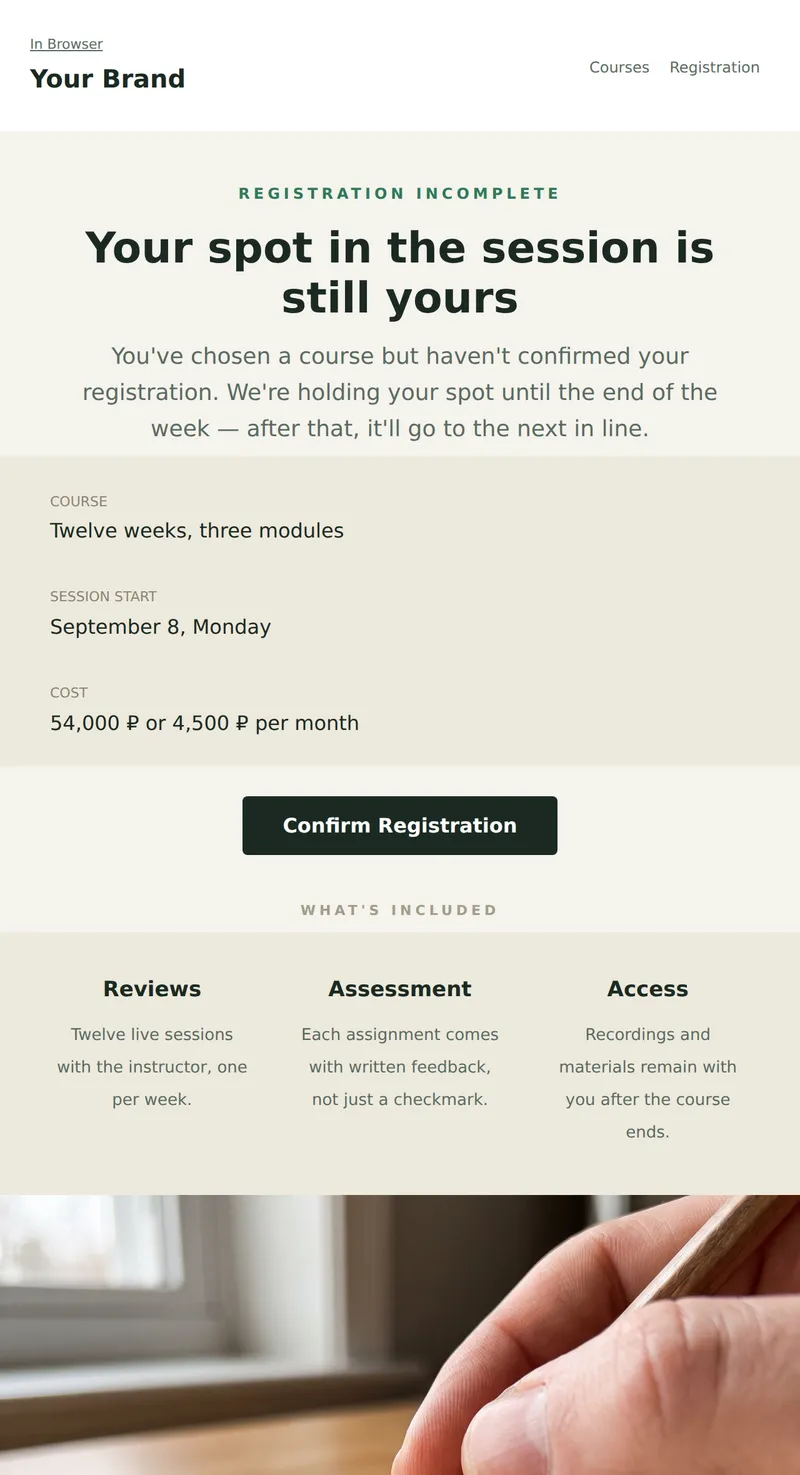
Reminder of Incomplete Course Registration: Selected Session, What's Included, and Remaining Spots. One Step to Confirmation.
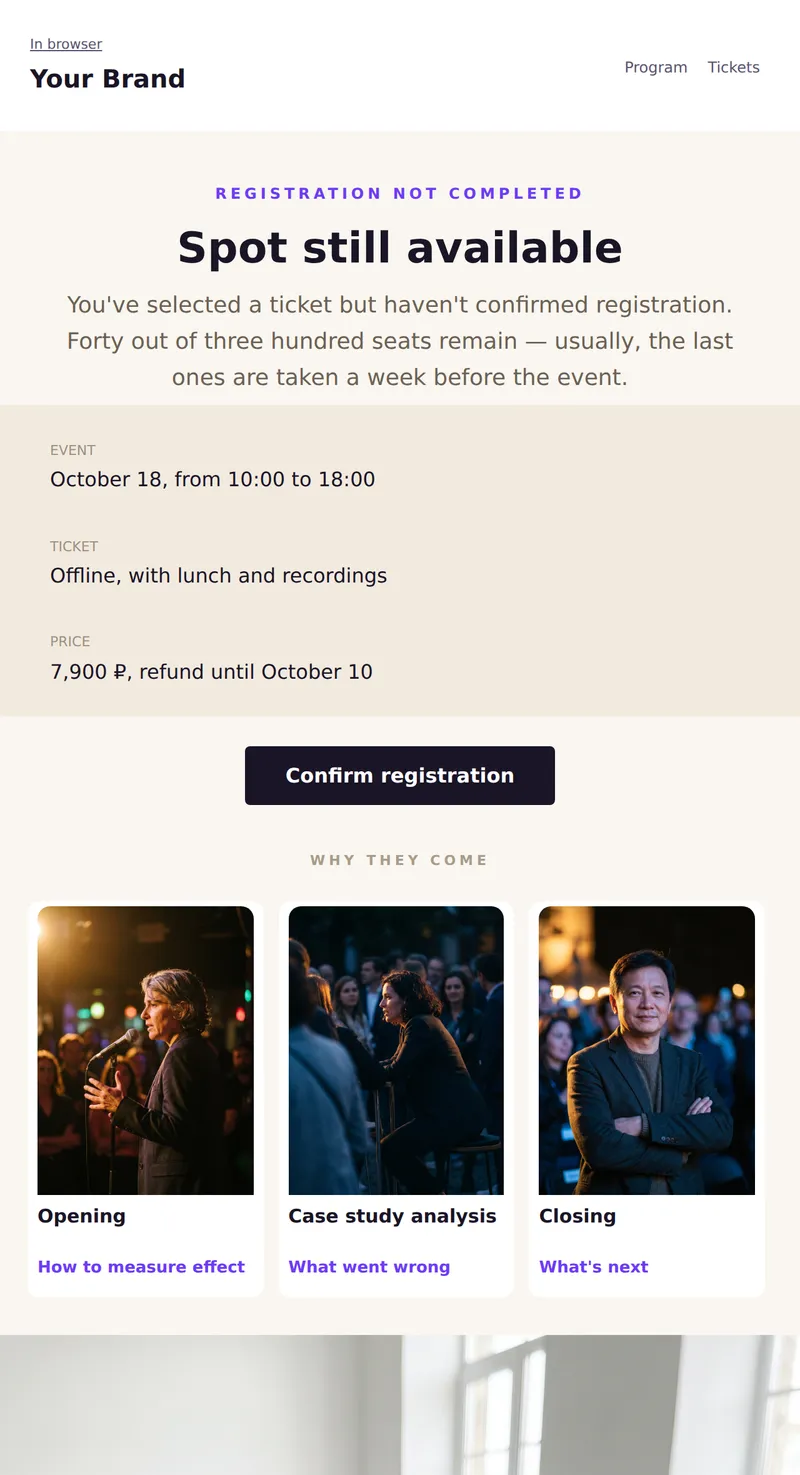
Incomplete registration: selected ticket, remaining spots, and one step to confirmation. No artificial timers.
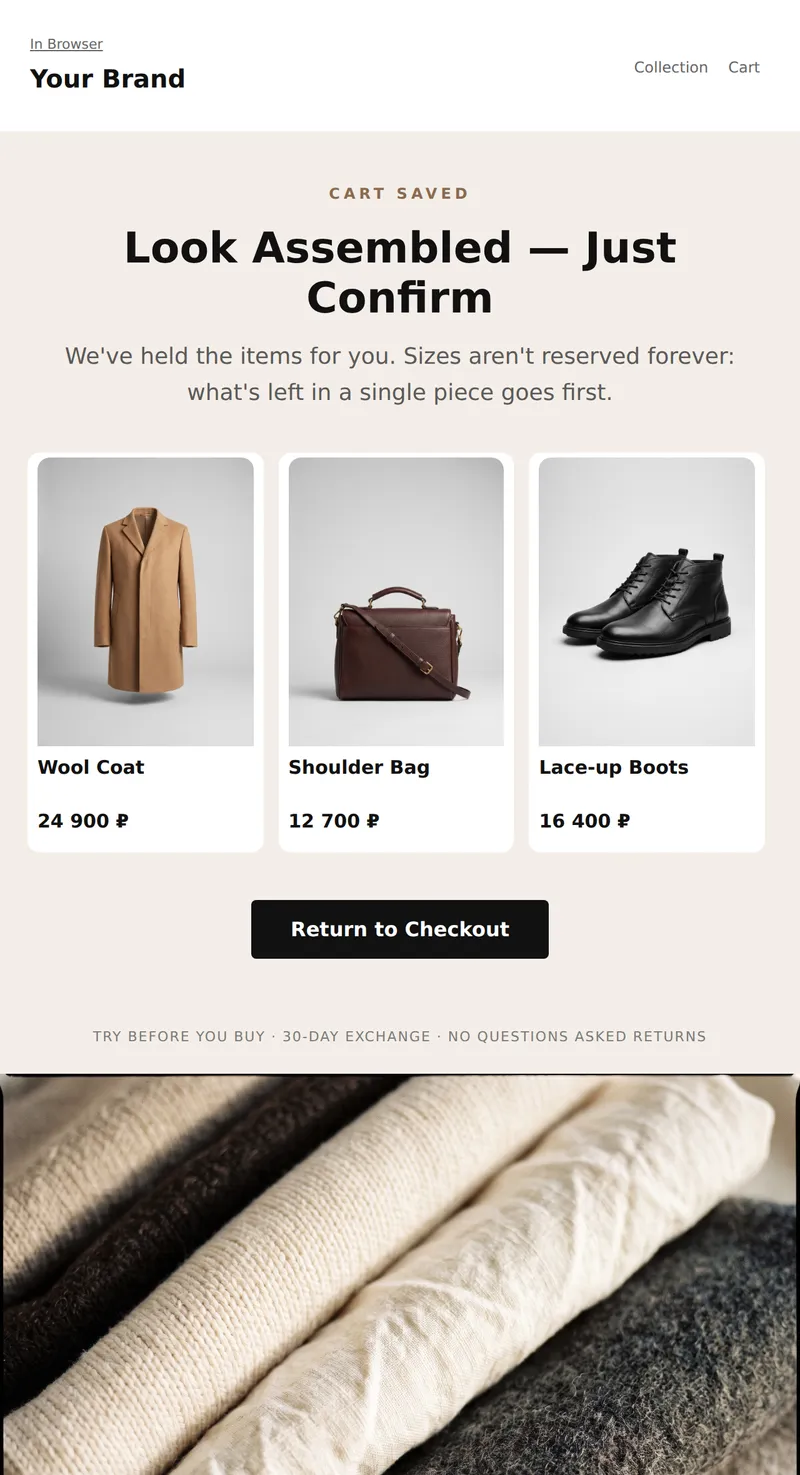
Abandoned Cart Email: Instantly see what's left, how much it costs, and that sizes aren't reserved forever. One call to return to checkout.
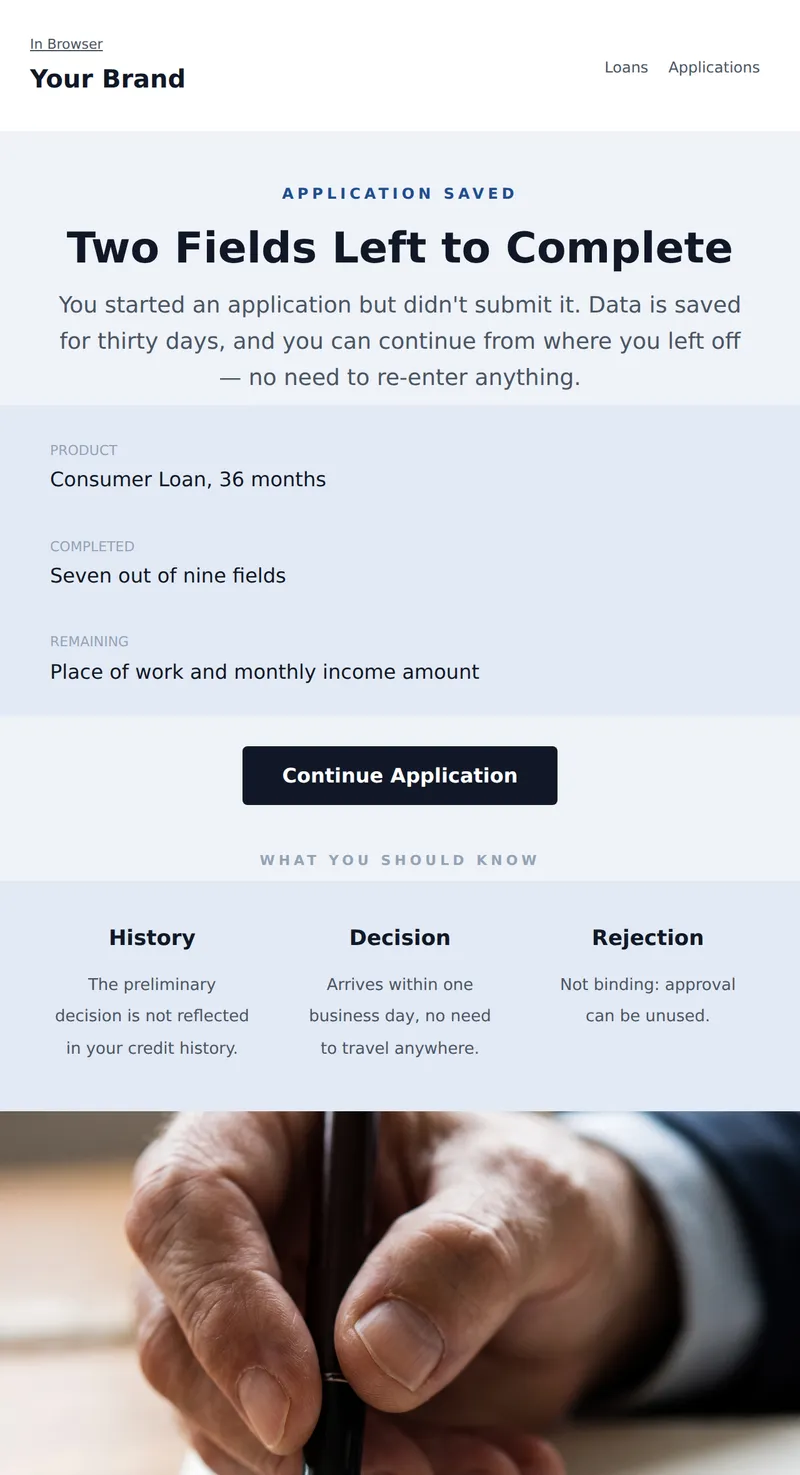
Abandoned Application Email: what's already filled out, how much is left, and that the preliminary decision does not affect your credit history.
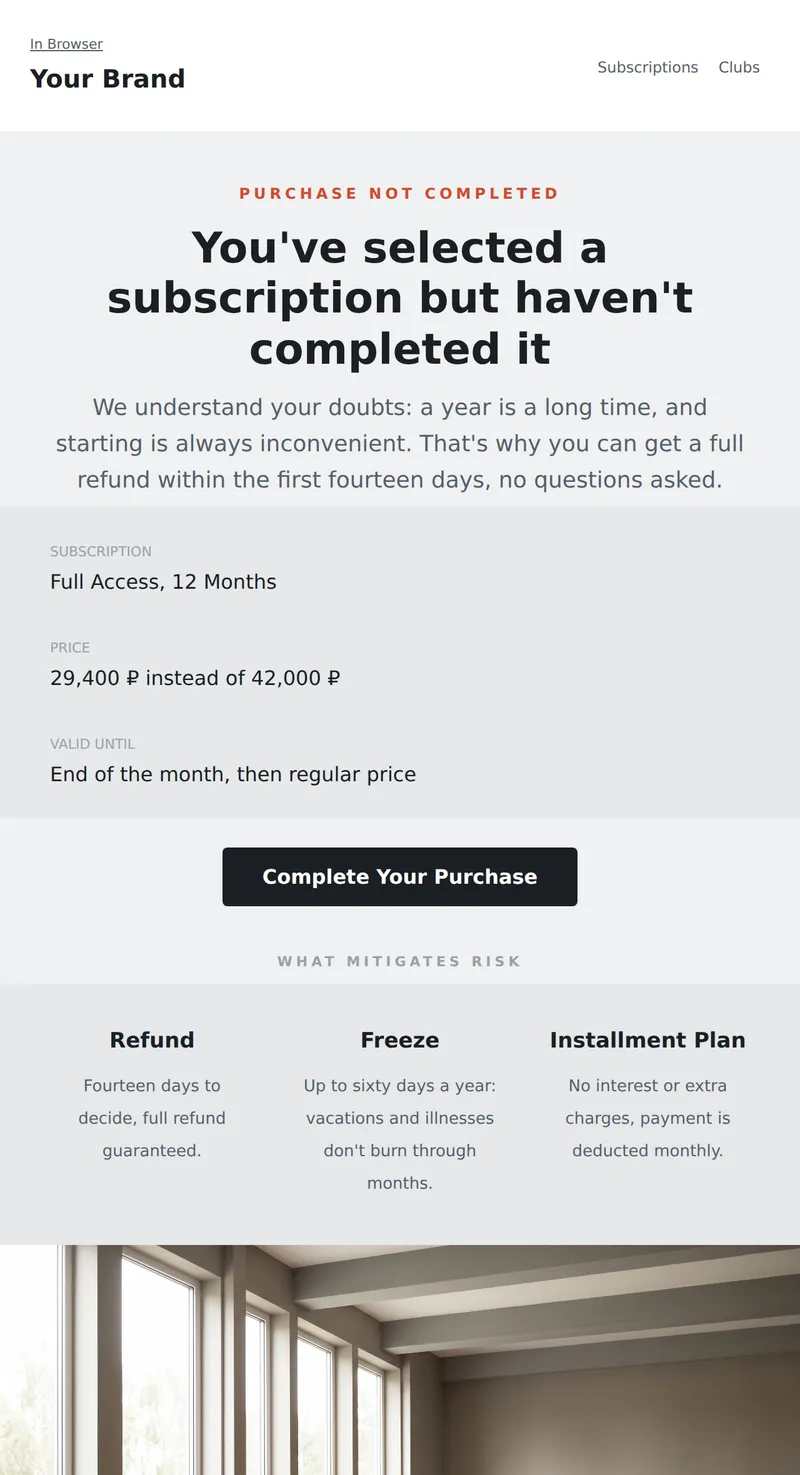
Abandoned Cart Email: Your selected subscription, price held until the end of the month, and a money-back guarantee within the first two weeks.
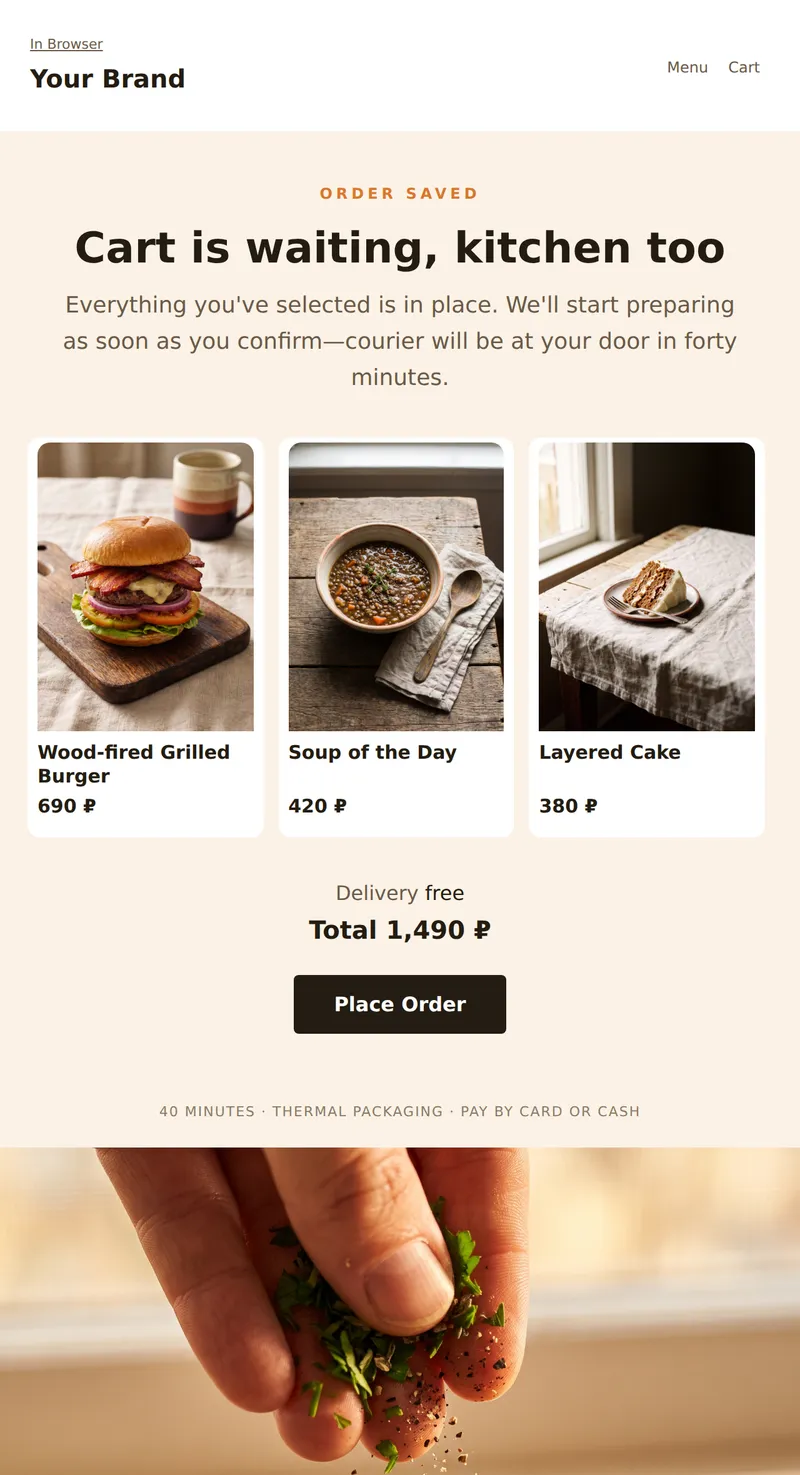
Abandoned Order Email: Cart contents with prices, delivery time, and a single call to action to complete. No pressure with a timer—just what the person already chose.
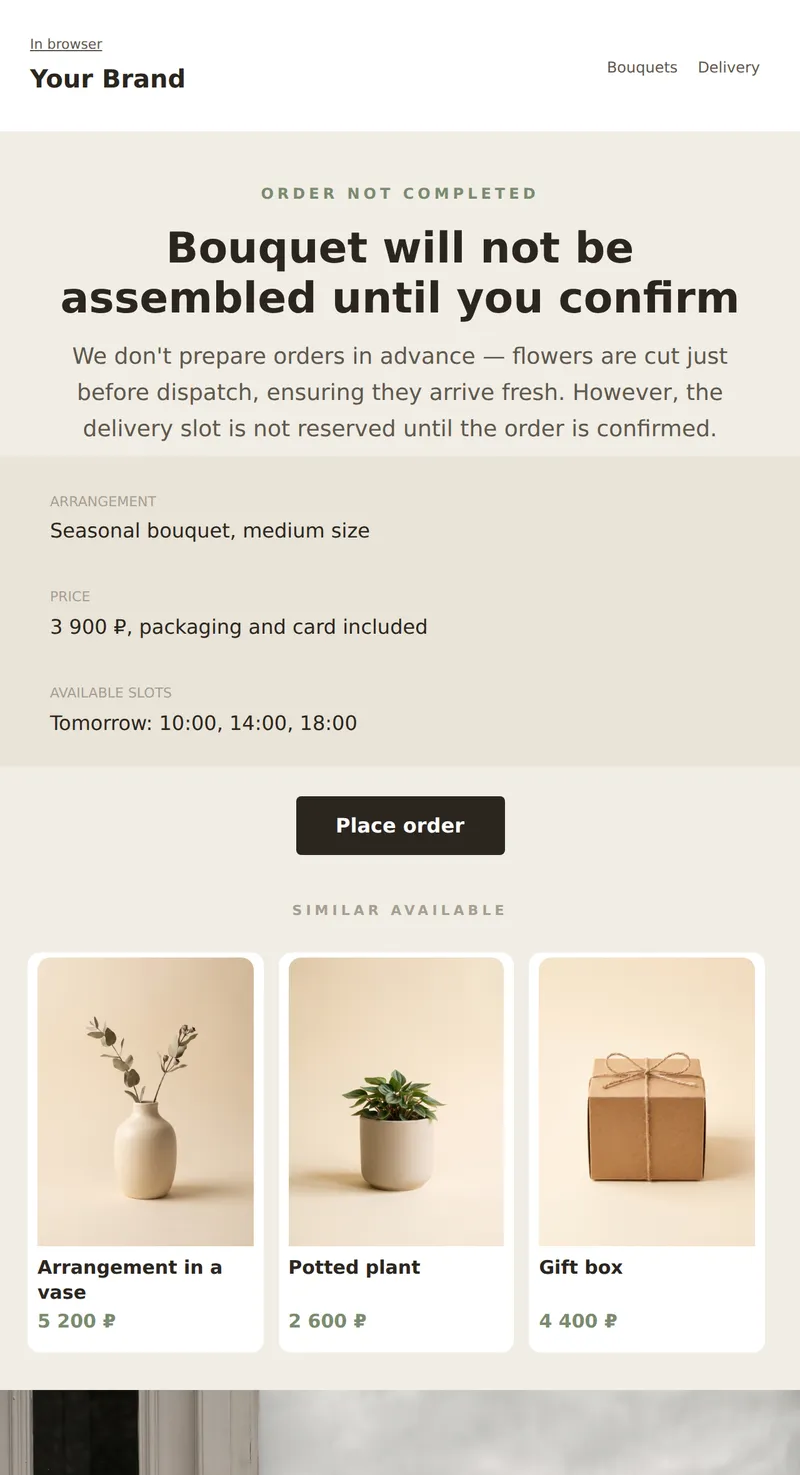
Abandoned order email: selected arrangement, available delivery slots, and a reminder that flowers are arranged before dispatch.
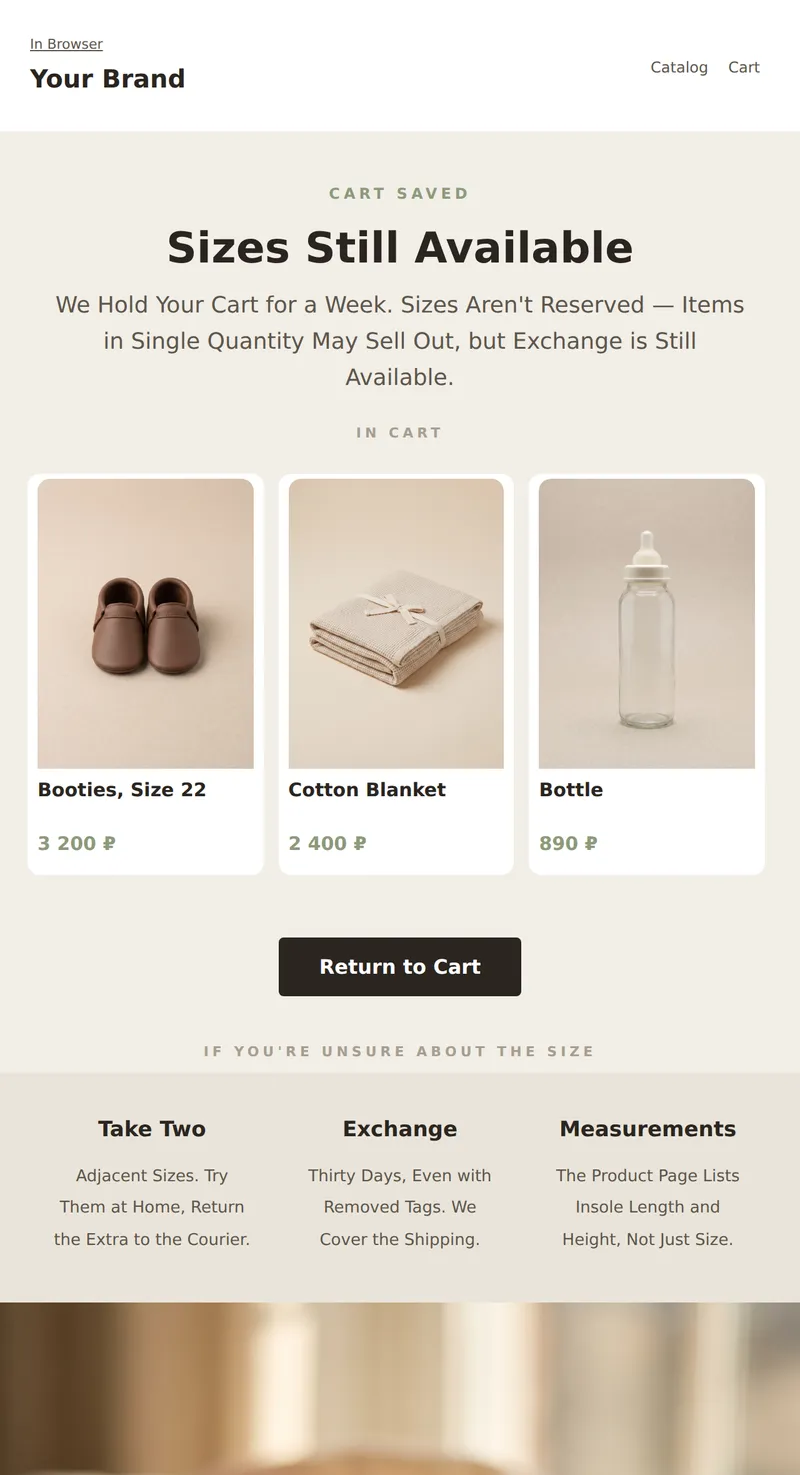
Abandoned Cart Email: What's Left, Size Exchange, and Reminder that Popular Sizes Sell Out First.
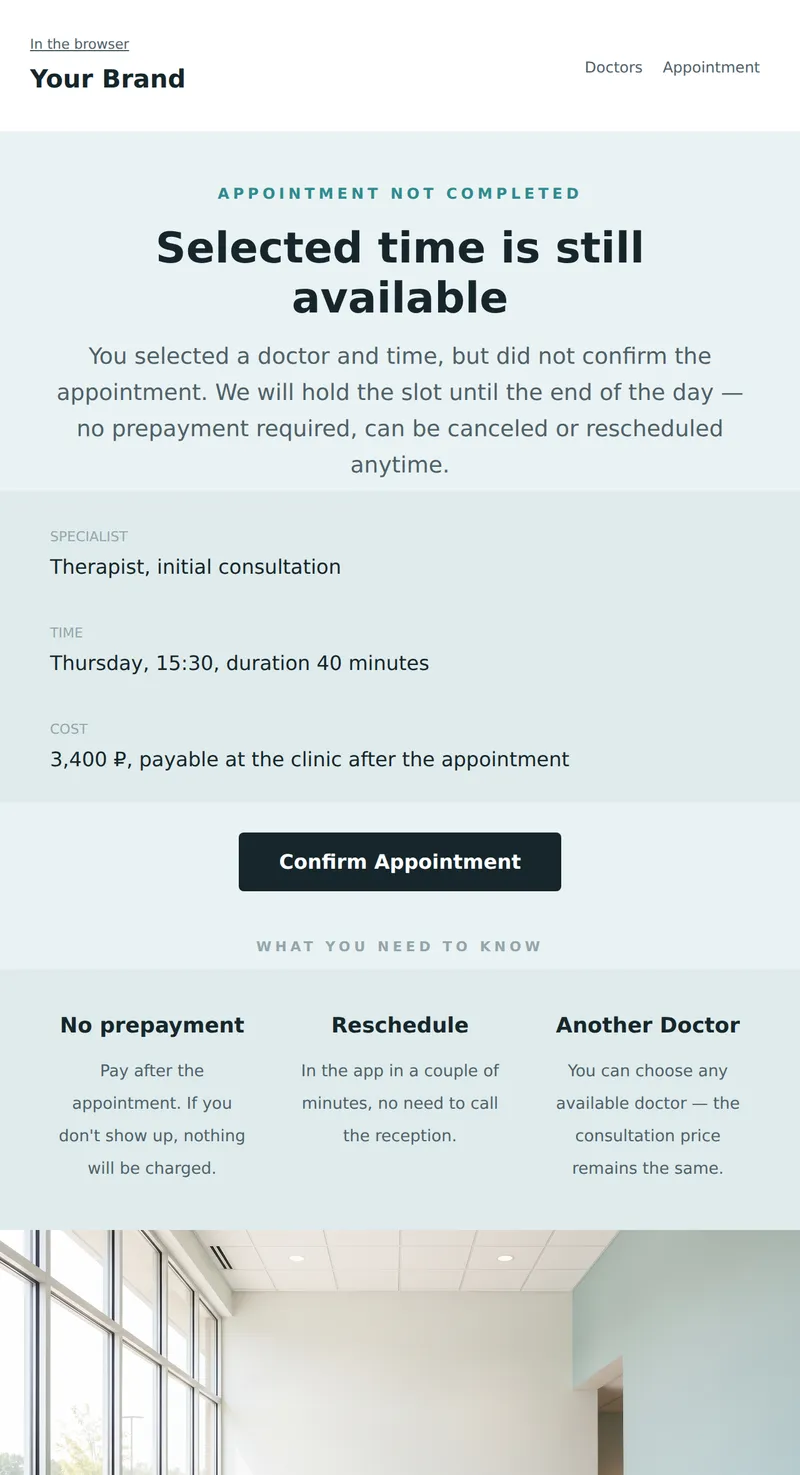
Abandoned Appointment Email: selected doctor and time, no prepayment required, and can be rescheduled anytime.
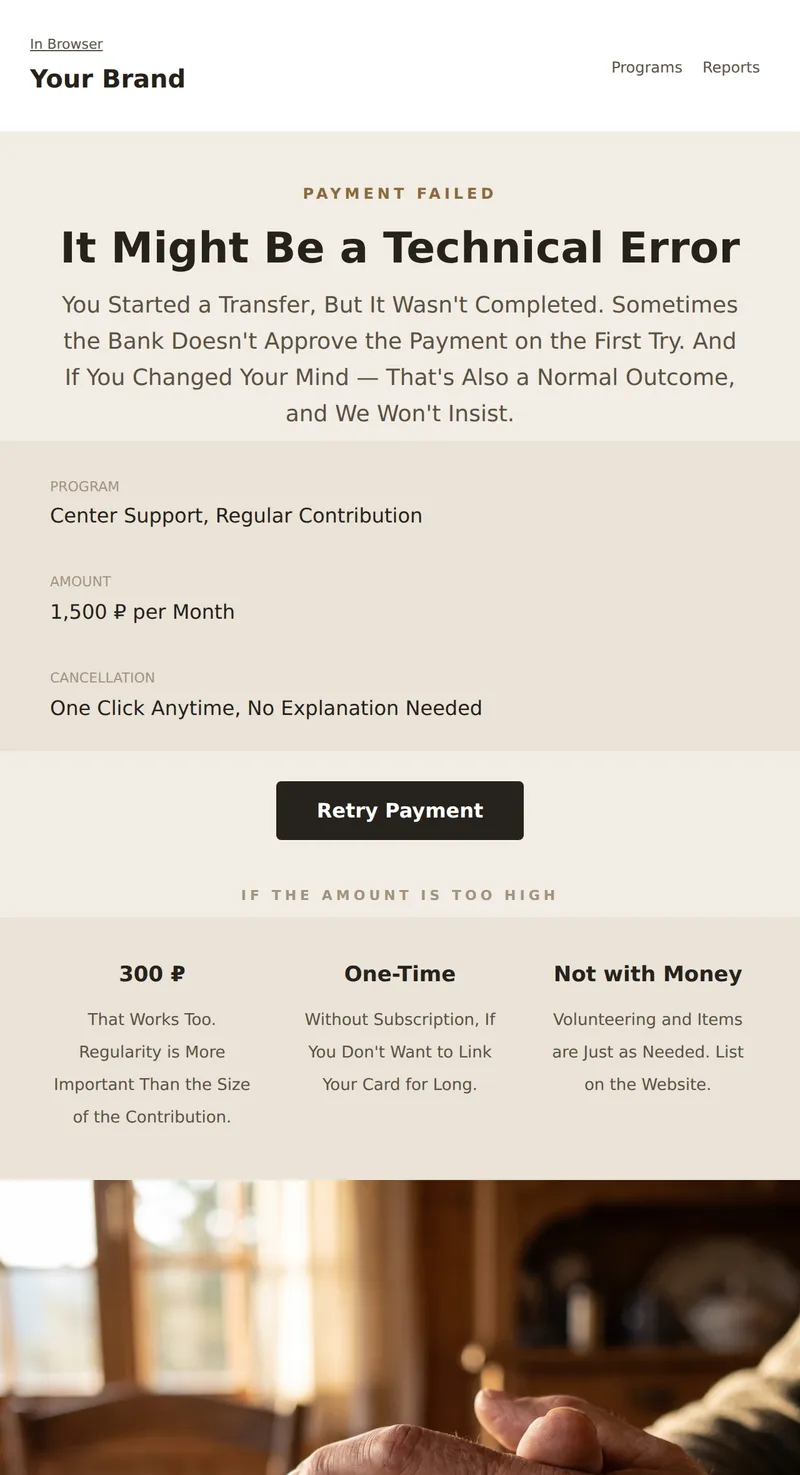
Email about Interrupted Payment: No Blame or Persuasion, Explaining that the Contribution Can Be Reduced or Canceled Anytime.
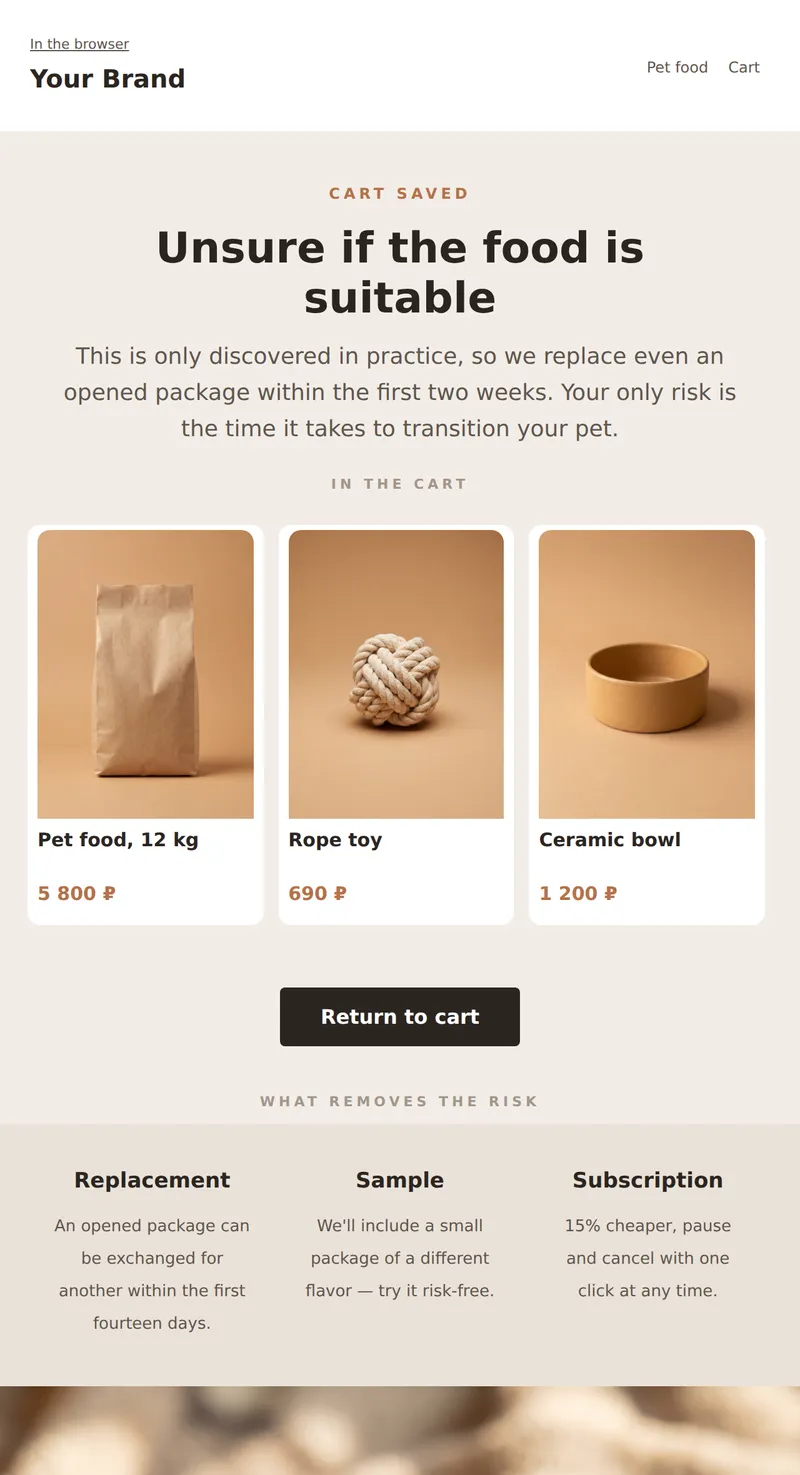
Abandoned cart email: what's left, replacement of opened package, and offer to subscribe instead of a one-time purchase.
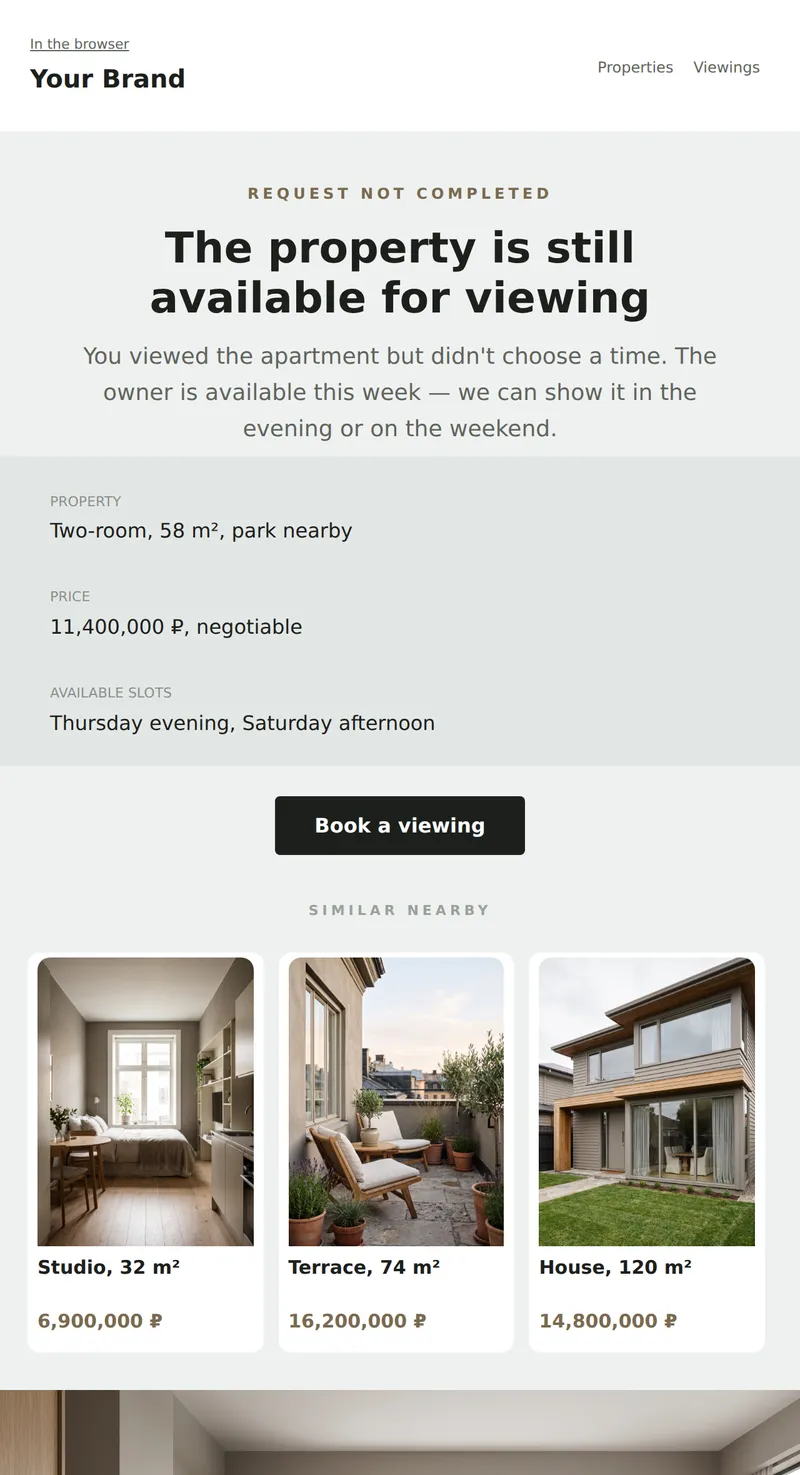
Unfinished viewing request: property you viewed, available slots, and one step to booking. No pressure with deadlines.
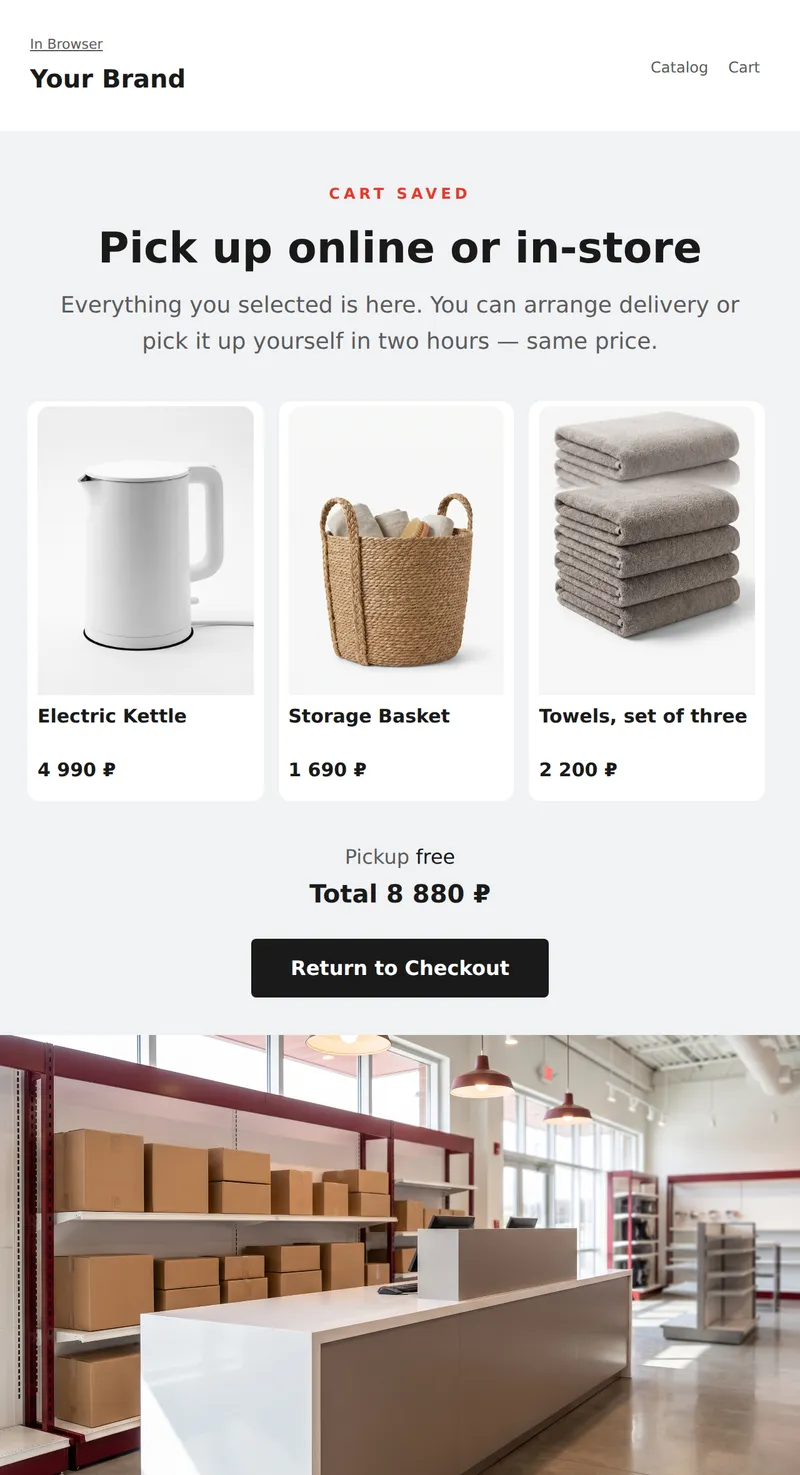
Abandoned Cart Reminder: Order summary, choose between delivery and pickup in two hours, and one step to checkout.
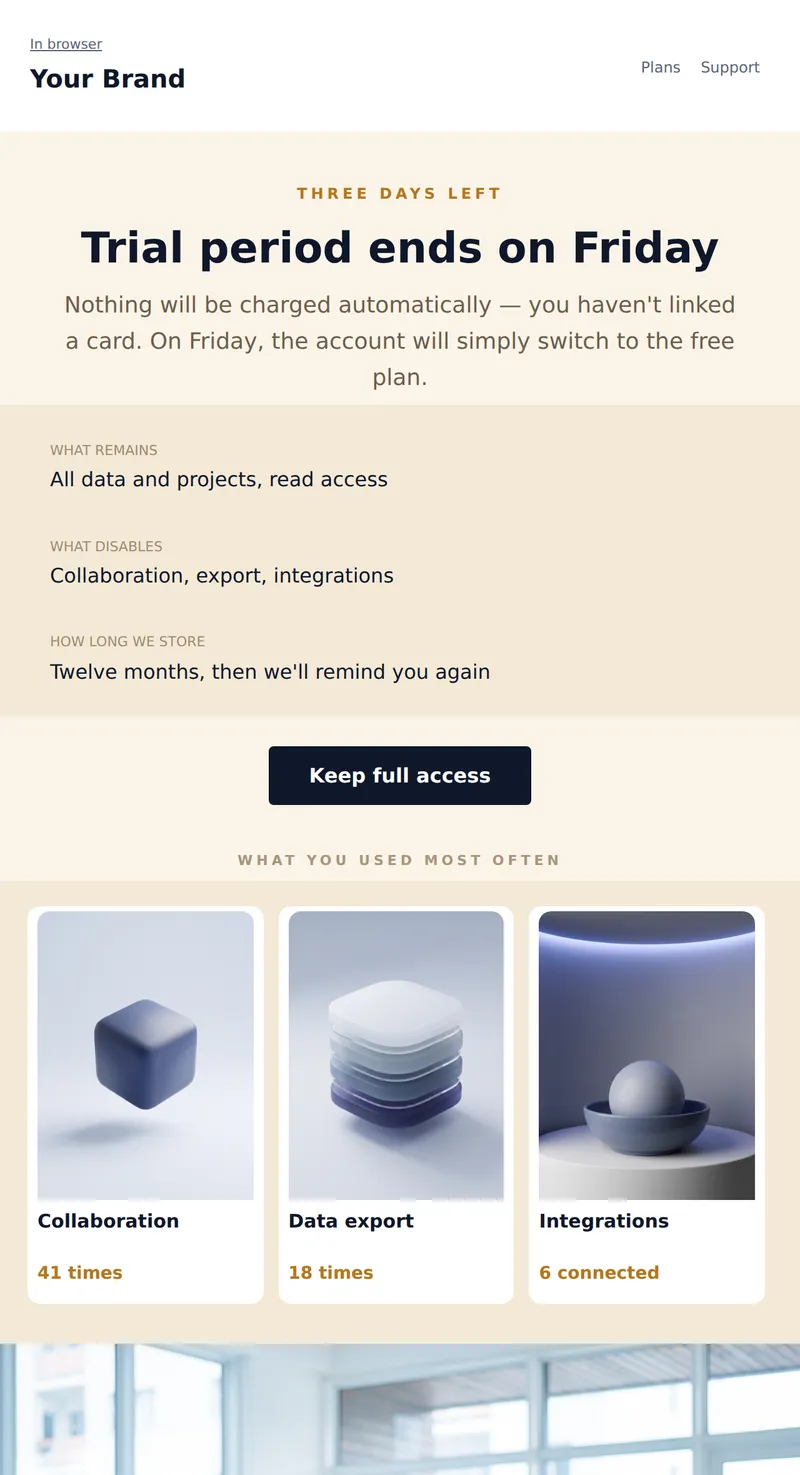
End of Trial Email: How much time is left, what happens next, and what will happen to your data. Honestly, what you lose on the free plan.
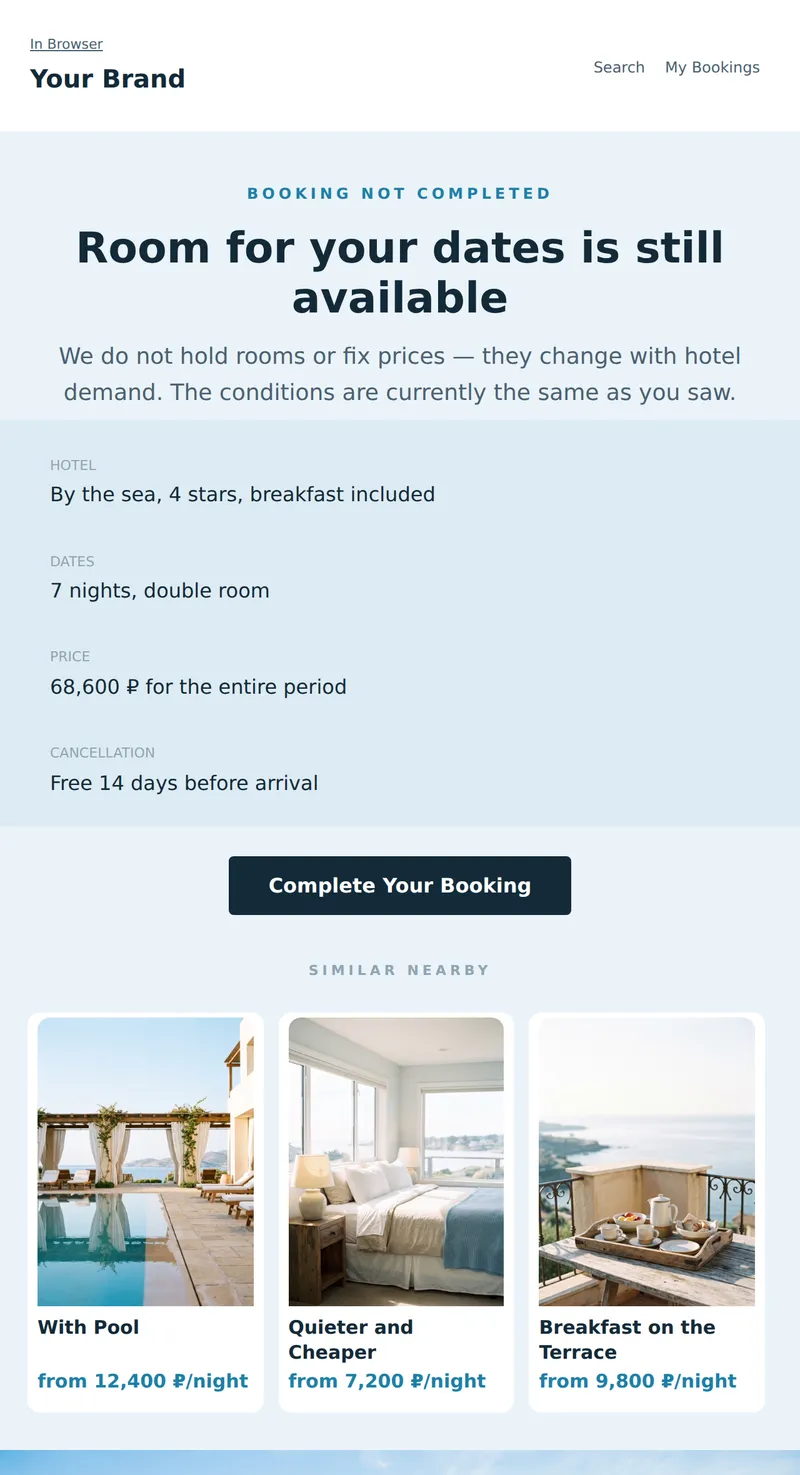
Abandoned Booking Email: selected hotel, dates, note that the price is not fixed, and free cancellation terms.
Why these emails matter
Abandoned cart emails are essential for recovering potentially lost sales. They remind customers of their interest and provide an opportunity to address any hesitations. By sending a well-crafted email, you can increase engagement and drive conversions, ultimately boosting your revenue and customer satisfaction.
How to choose a template
When selecting an abandoned cart email template, consider your target audience and the type of products or services you offer. Look for templates that reflect your brand voice and can be easily customized to include personalized elements.
Tips
- Use engaging subject lines to capture attention.
- Include images of the abandoned items for visual appeal.
- Offer a discount or incentive to encourage completion.
- Personalize the email with the customer's name and details.
- Send the email within a few hours of cart abandonment.
Frequently asked questions
How many templates are in this collection?
This collection features 10 abandoned cart email templates tailored for various industries.
Can I customize these templates?
Yes, each template is designed for easy customization to fit your brand's voice and style.
Are these templates mobile-friendly?
All templates are optimized for mobile devices to ensure a seamless user experience.
Do these templates include images?
Templates can include images, and we recommend adding visuals of the abandoned items to enhance engagement.
