
33 templates: Transactional emails
Our collection of transactional email templates is tailored for businesses that need effective communication with their customers. With 23 templates available, you can find options suitable for e-commerce, services, and educational platforms. These templates streamline your messaging and enhance customer experience, ensuring clarity and professionalism.
Templates in this collection: 33
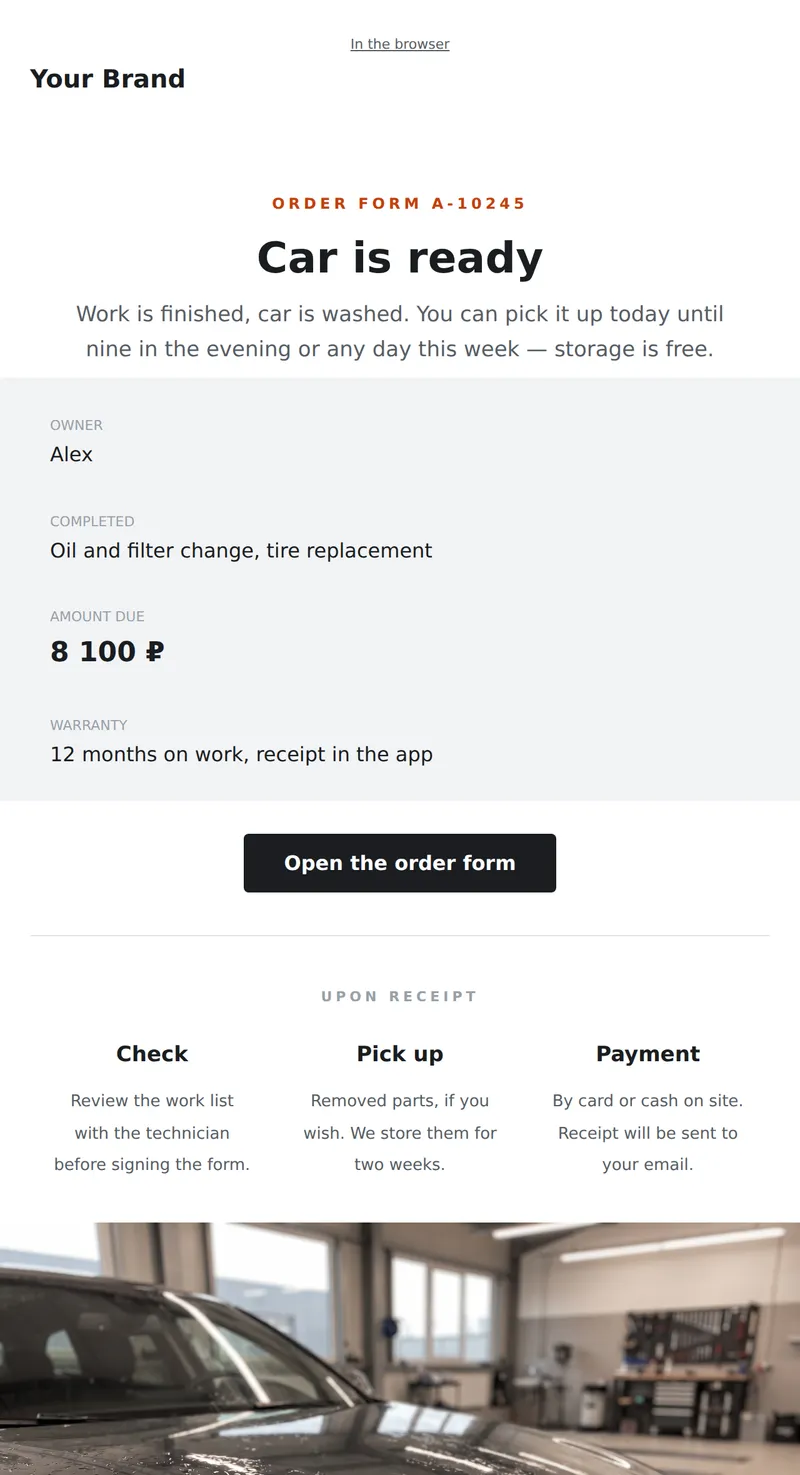
Official readiness letter: completed work, total amount, storage period, and warranty. The letter shown at pickup.
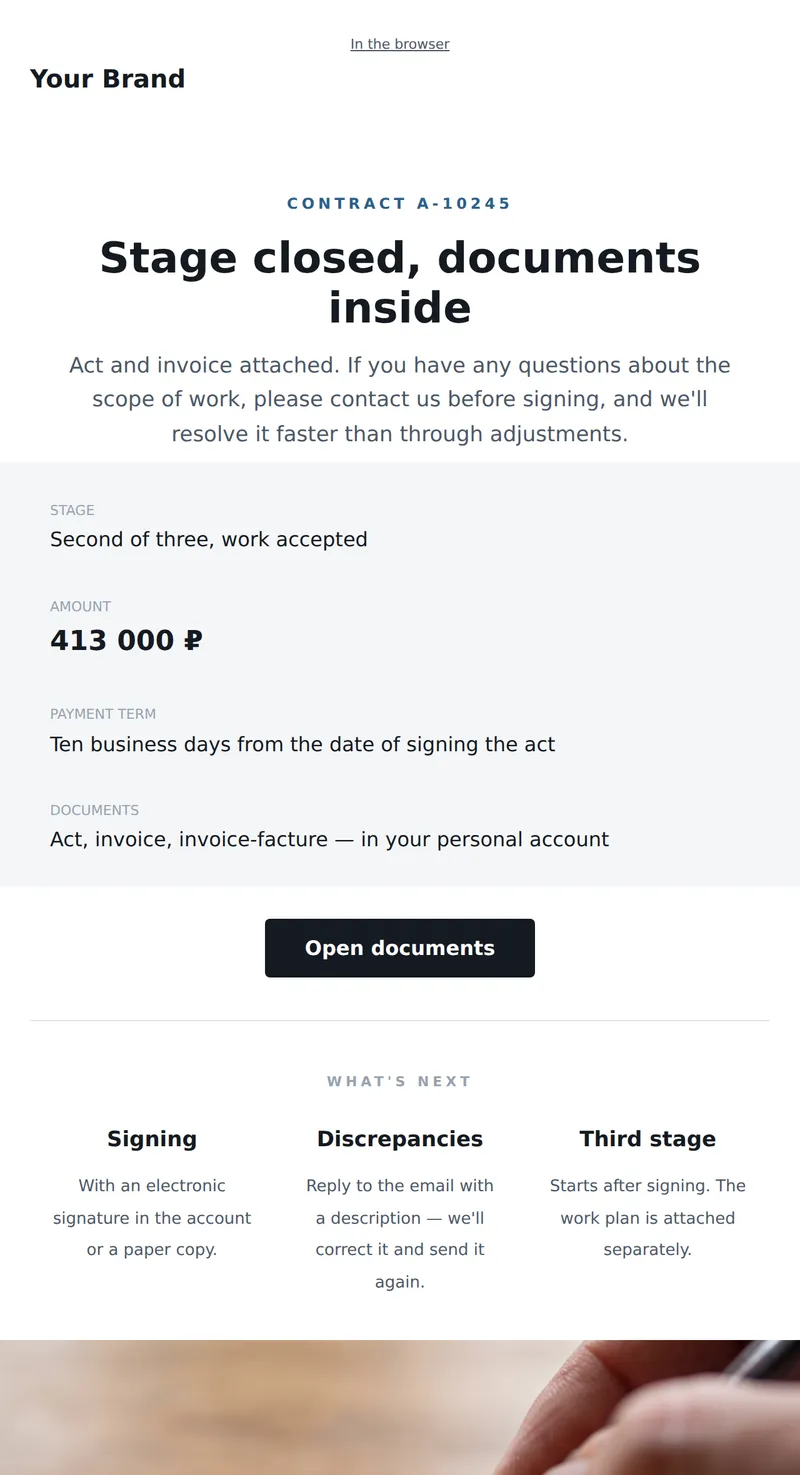
Official letter with closing documents: act, invoice, signing deadlines, and what to do in case of discrepancies.
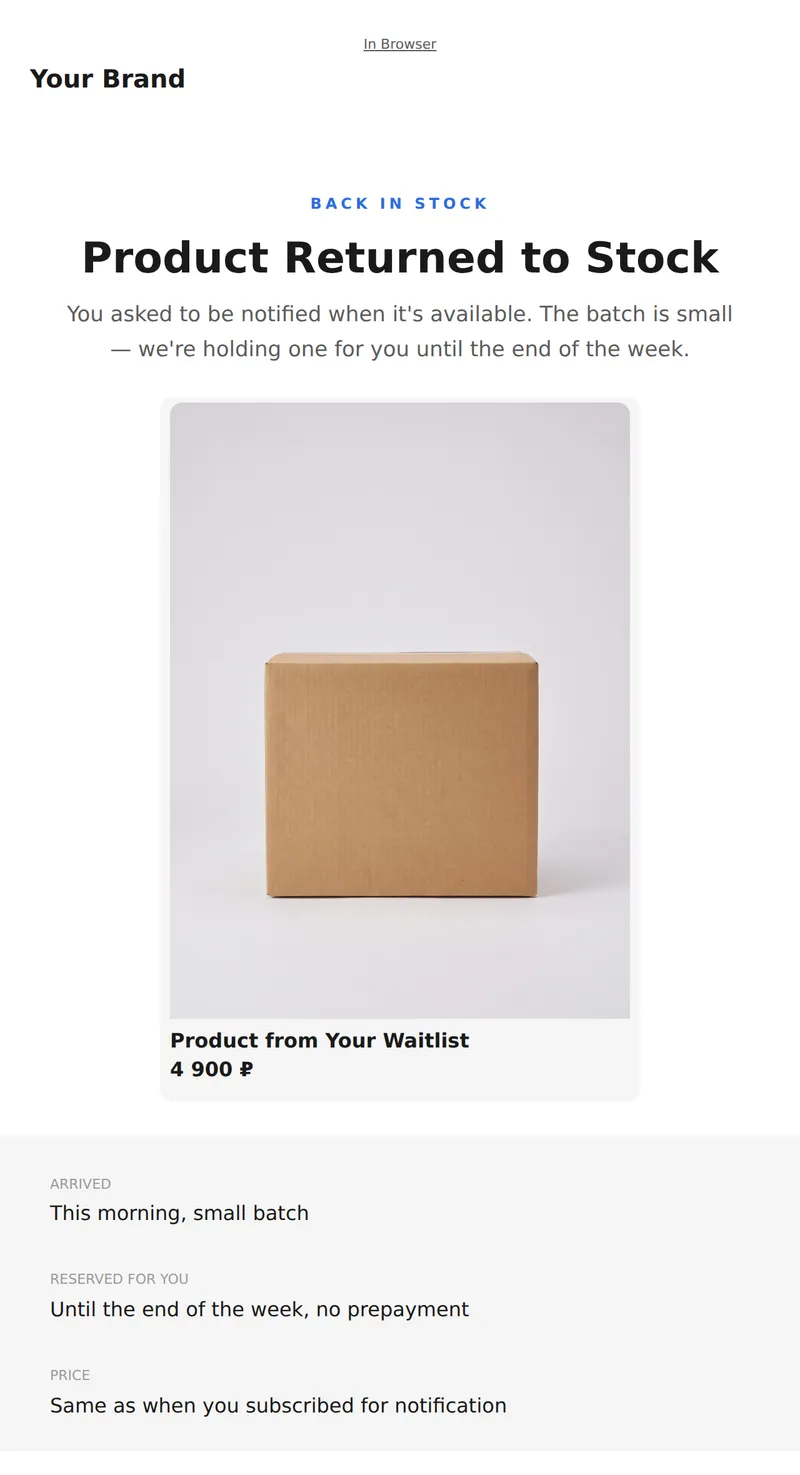
Restock Notification: What's Back, How Much is Left, and How Long We Hold for the Subscriber.
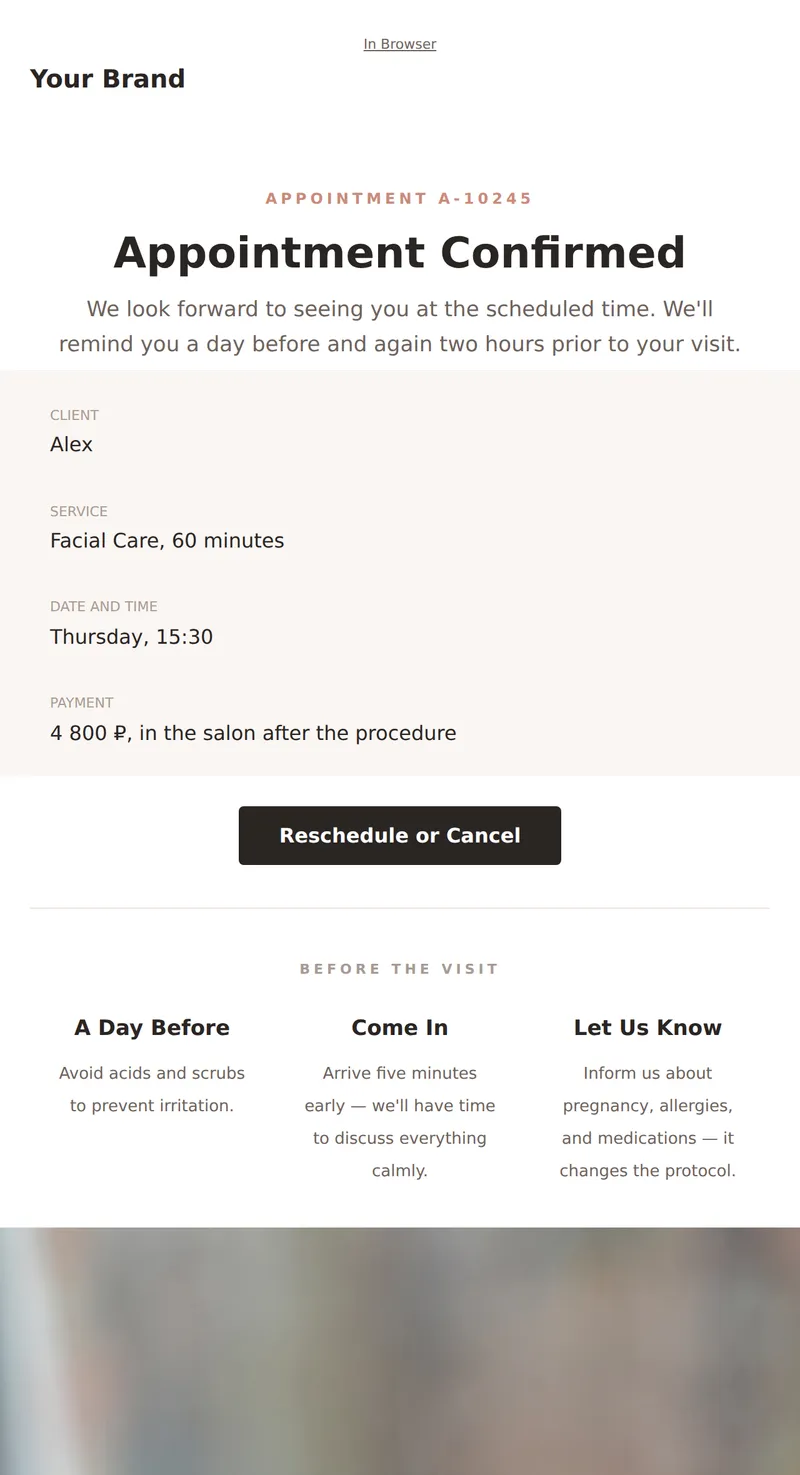
Appointment confirmation: service, specialist, date and address, reschedule button, and visit reminder. A service email to keep until your appointment.
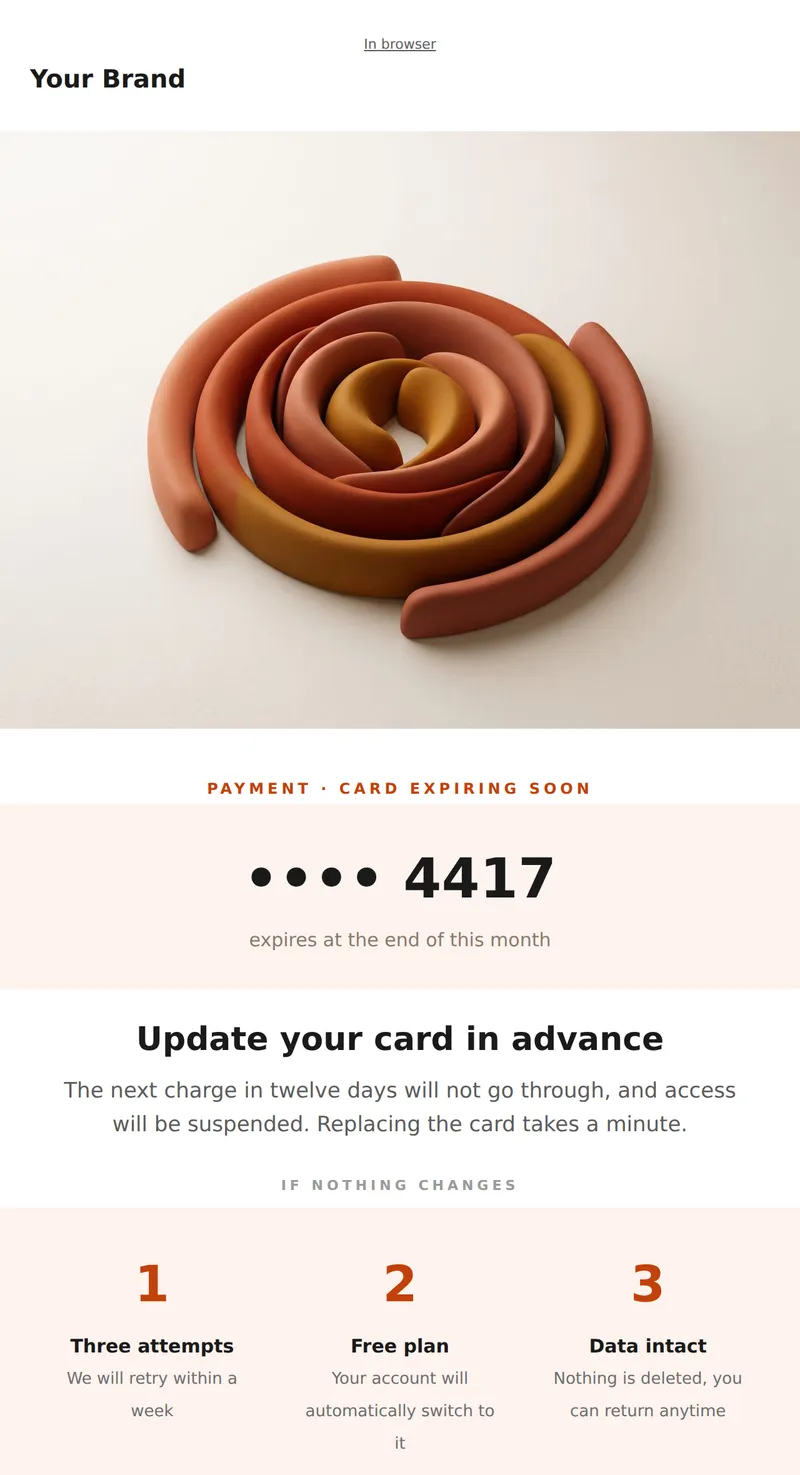
Card expiration warning: which card, when is the next charge, and what happens if you don't update.
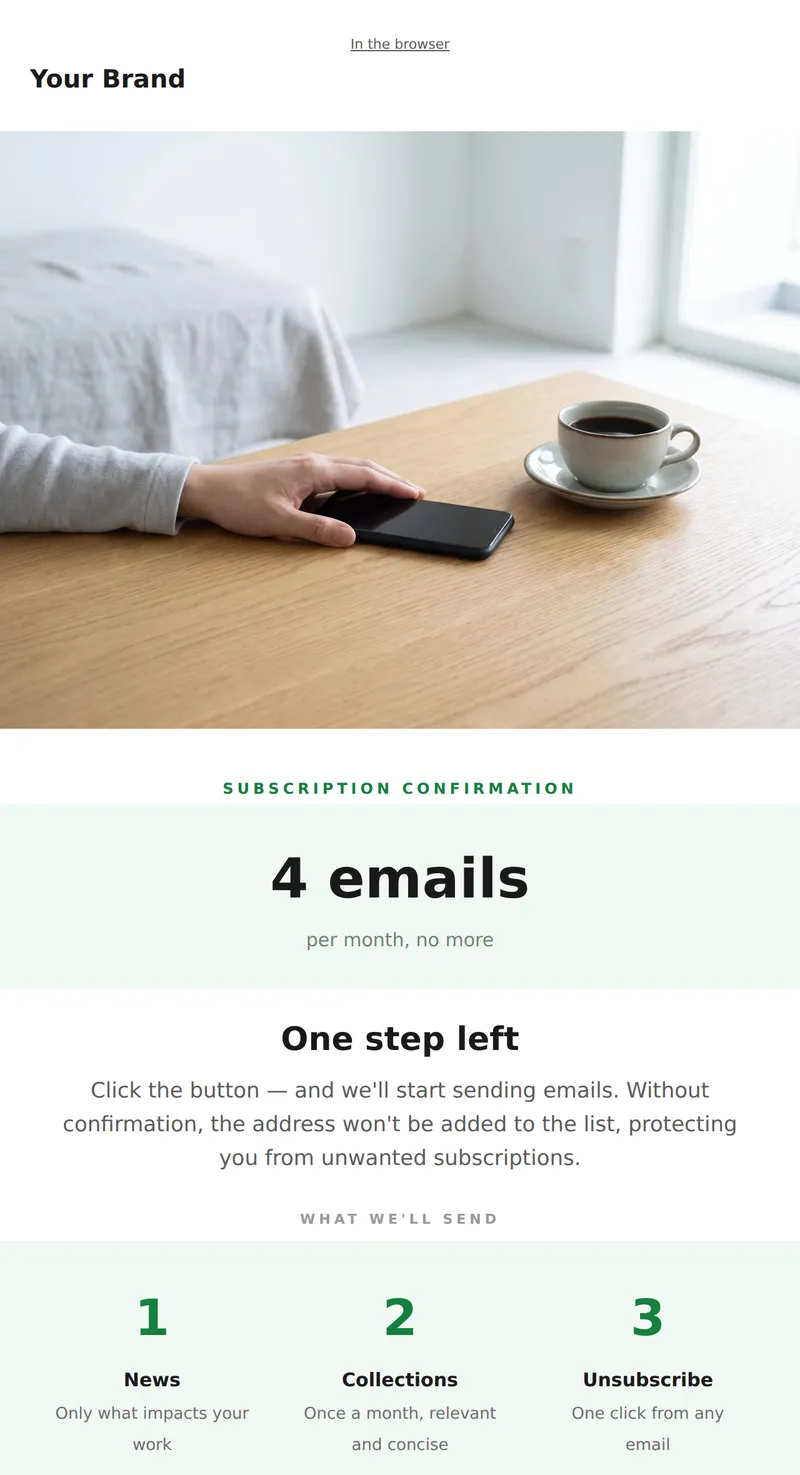
Double opt-in subscription: what we'll send, how often, and how to unsubscribe.
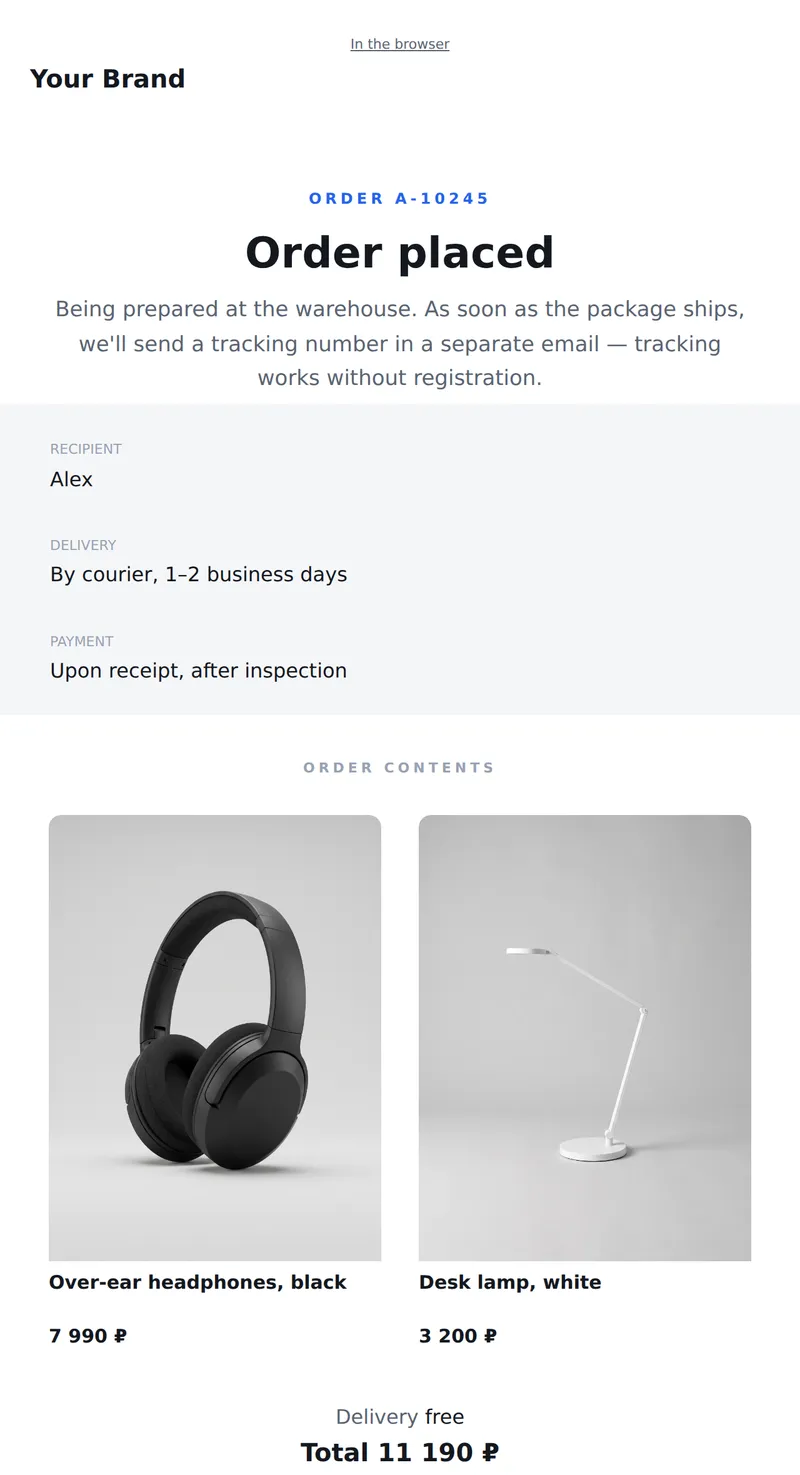
Order confirmation: number, contents, delivery time, and tracking button. Minimalist design without ads — an email to keep until the package arrives.
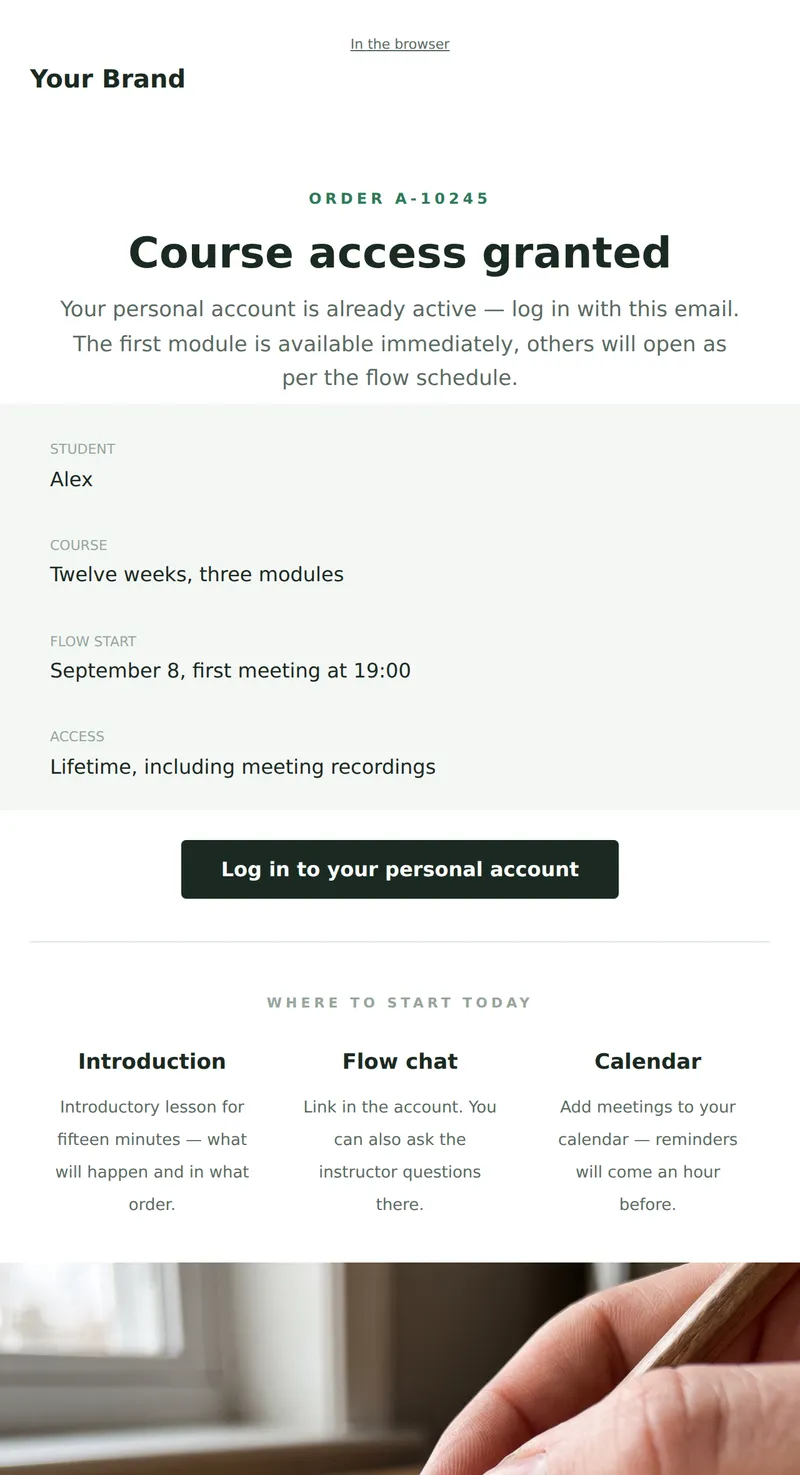
Course Access Opening: What's Available, Start Date, Where to Find Materials, and How to Begin on Day One. A service email to keep.
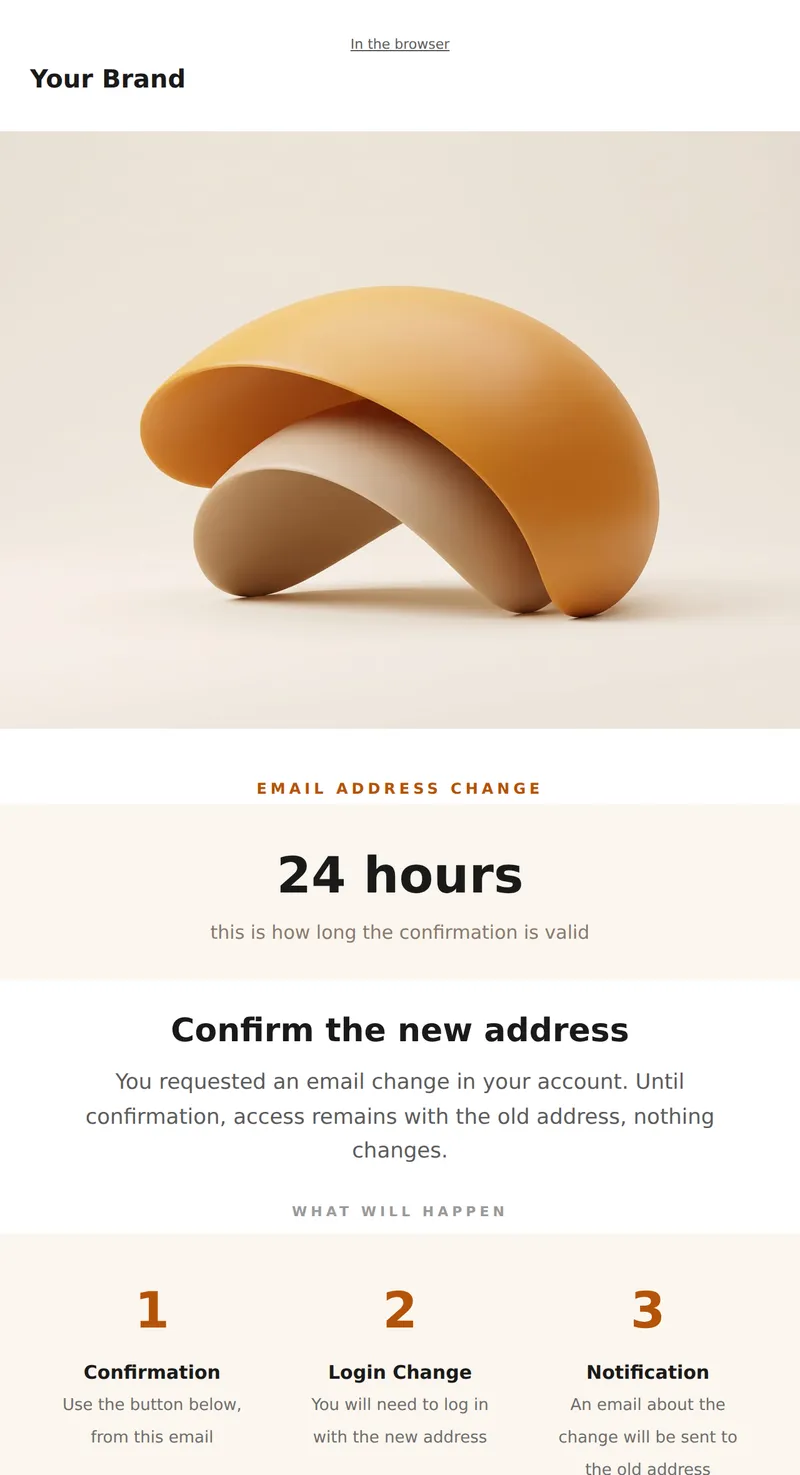
Email Address Change Confirmation: which address is changing, and until when the link is valid.
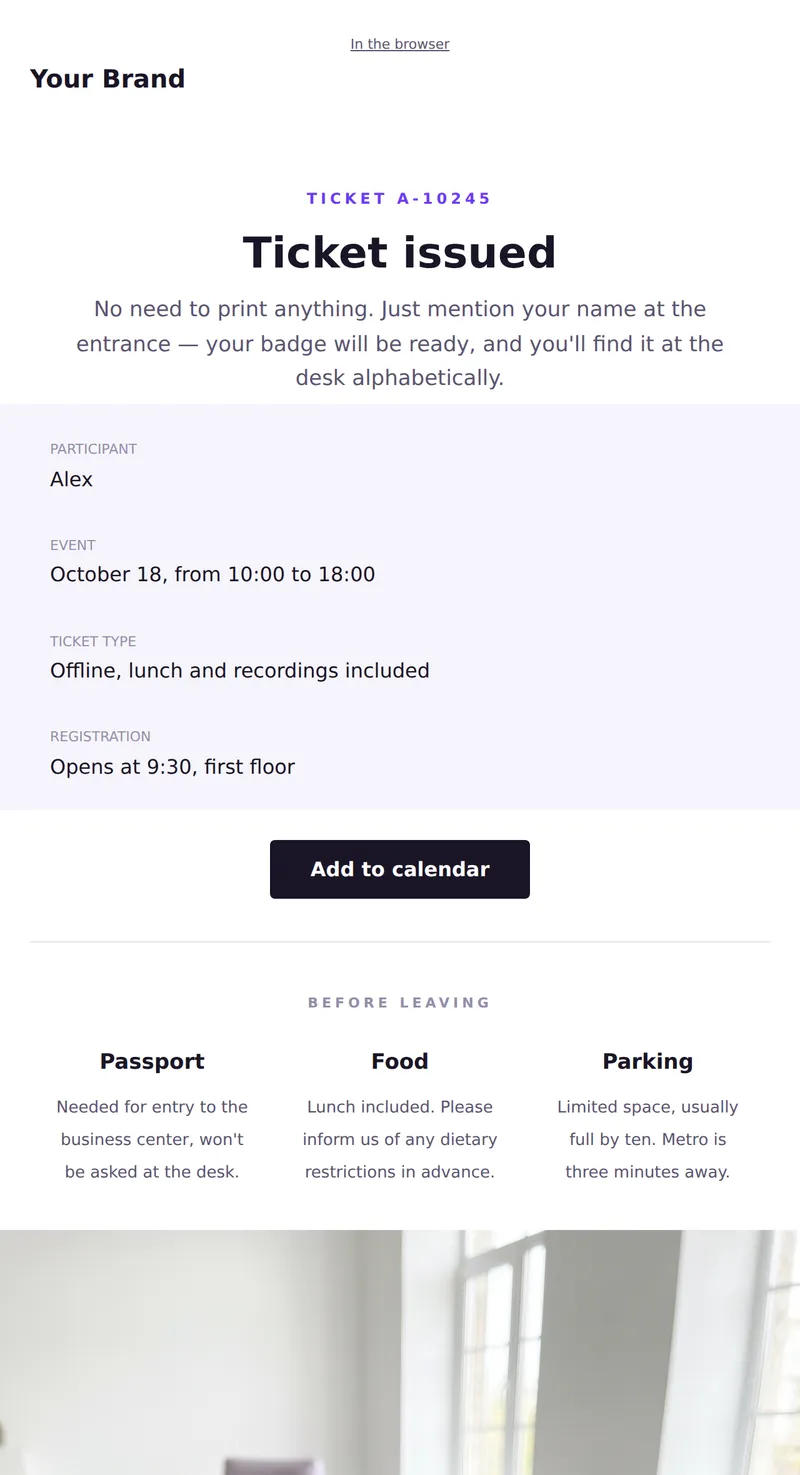
Event ticket: participant name, ticket type, date, and address. Service letter to show at the entrance.
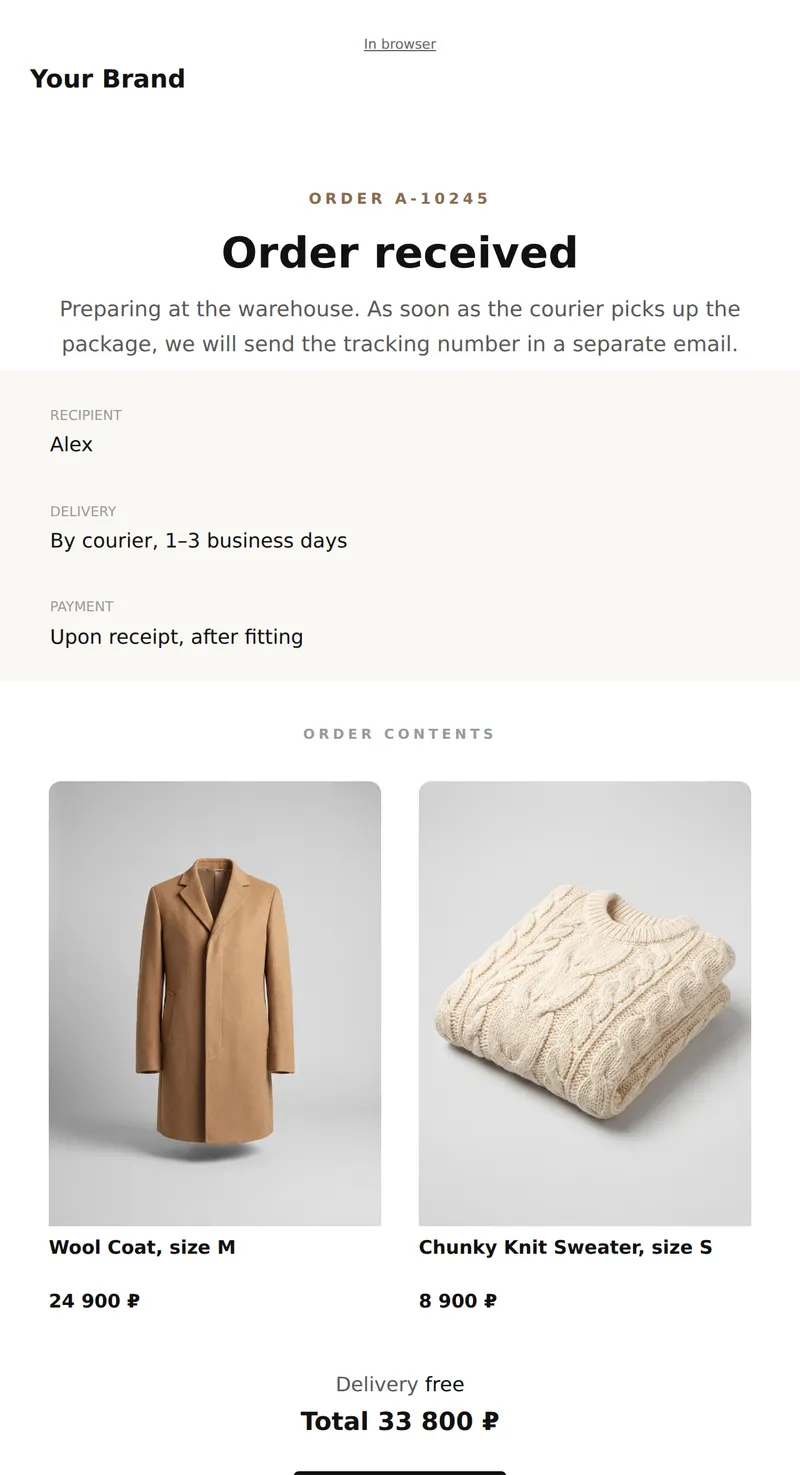
Order confirmation: number, contents, delivery times, and tracking button. Simple layout without ads — an email worth saving.
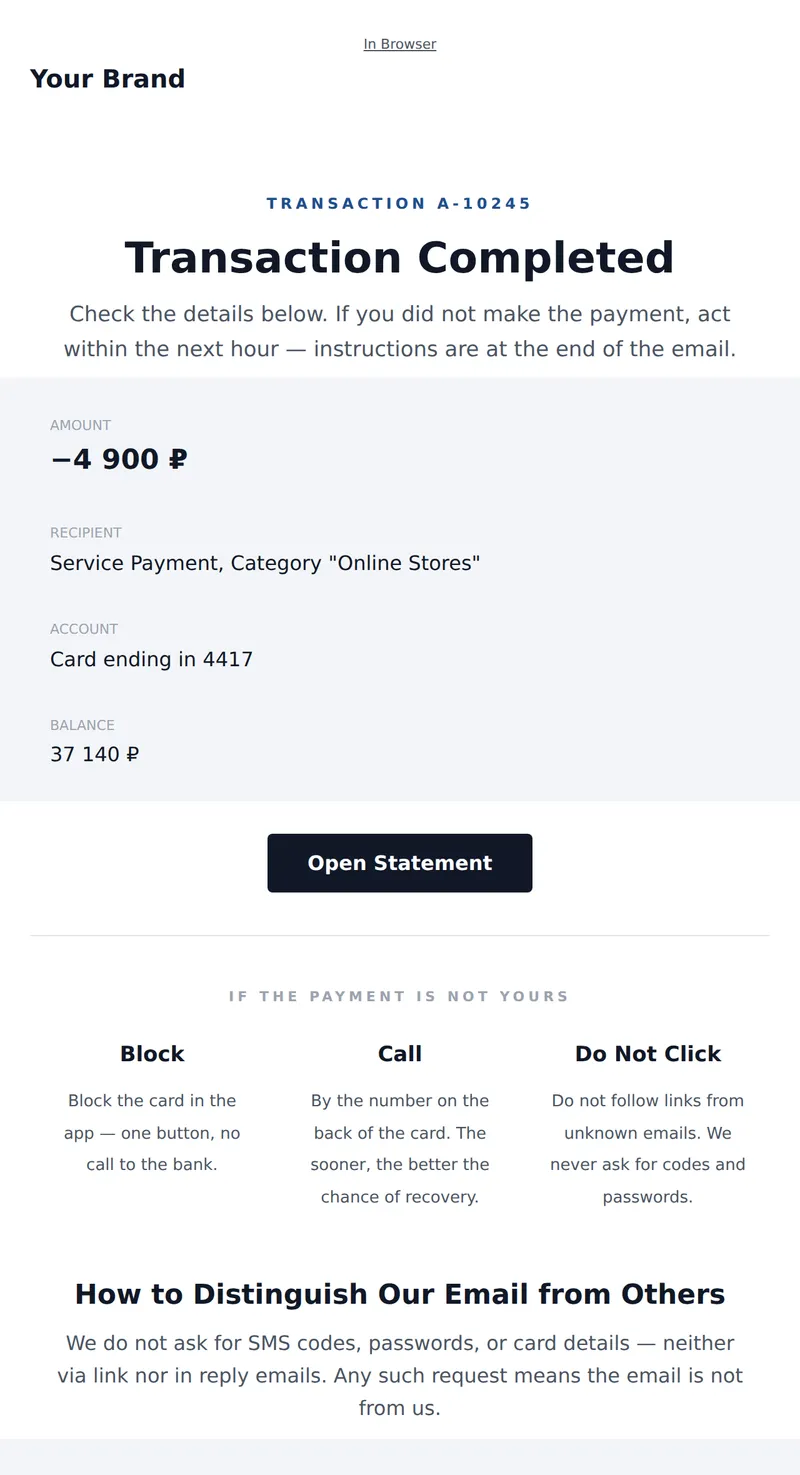
Official account transaction letter: amount, recipient, balance, and what to do if the payment is not yours. Plain layout without ads.
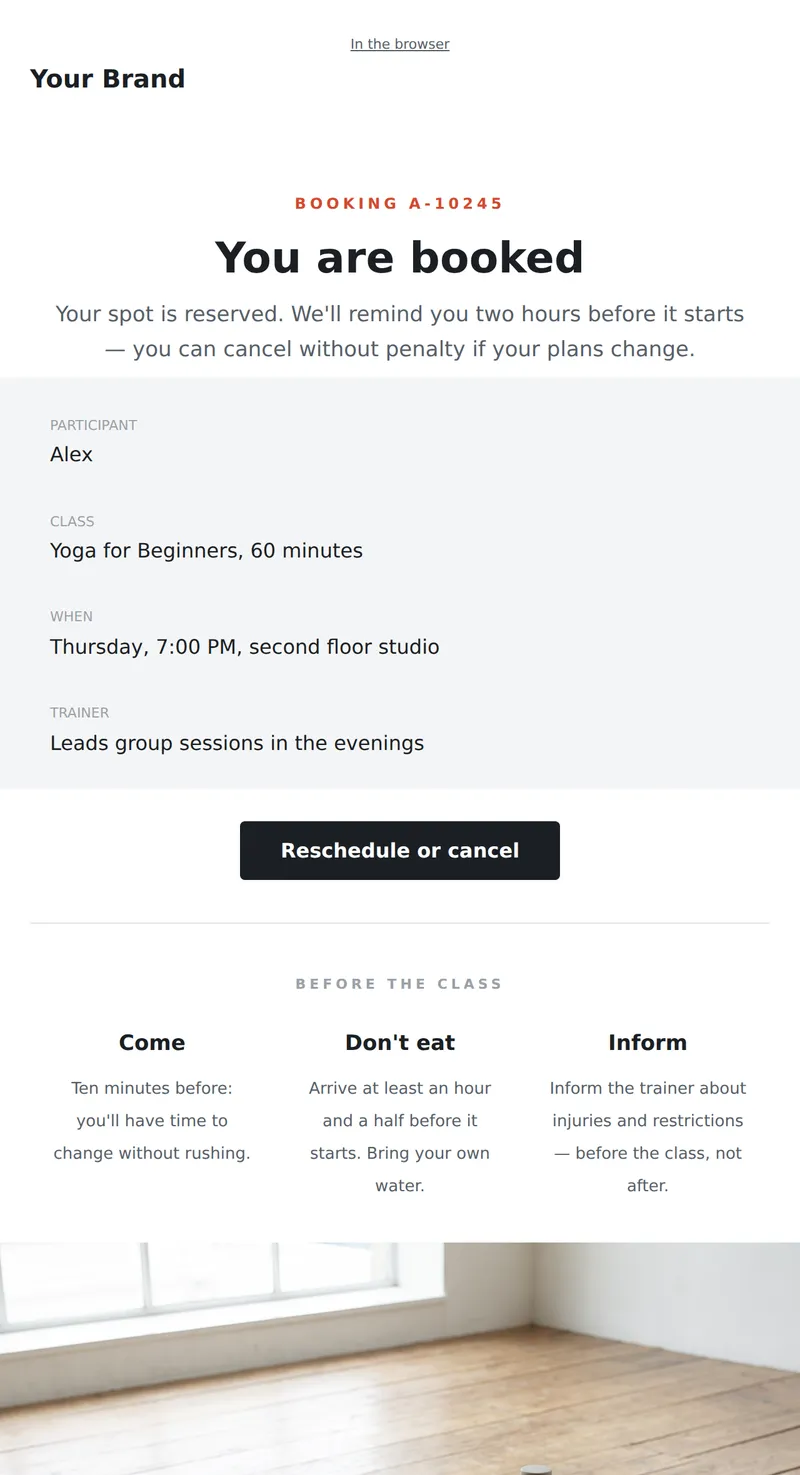
Service email about booking: class, time, trainer, and what to bring. Plus cancellation policy without penalty.
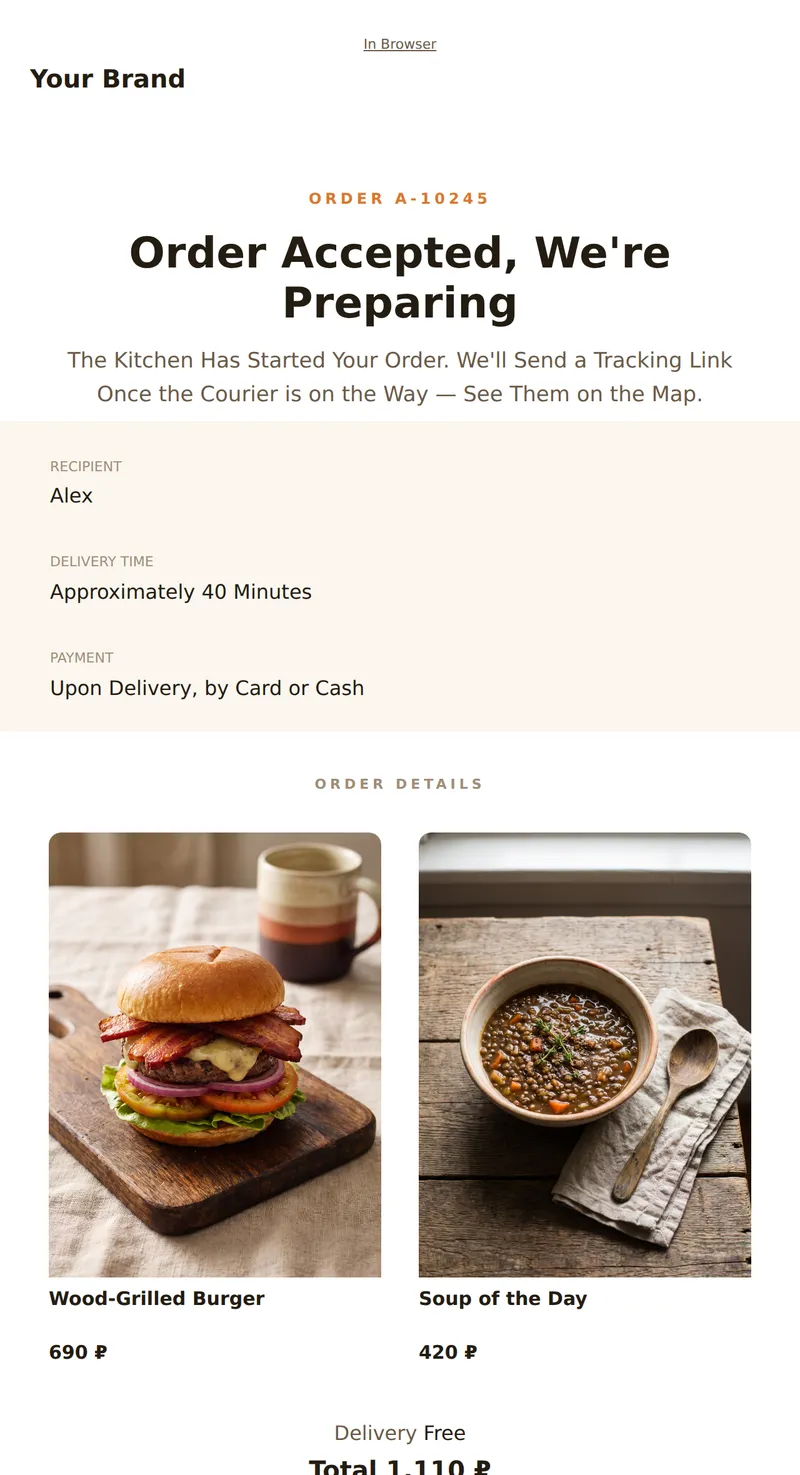
Order Confirmation: Number, Details, Delivery Time, and Courier Tracking Button. Minimalist Design Without Ads.
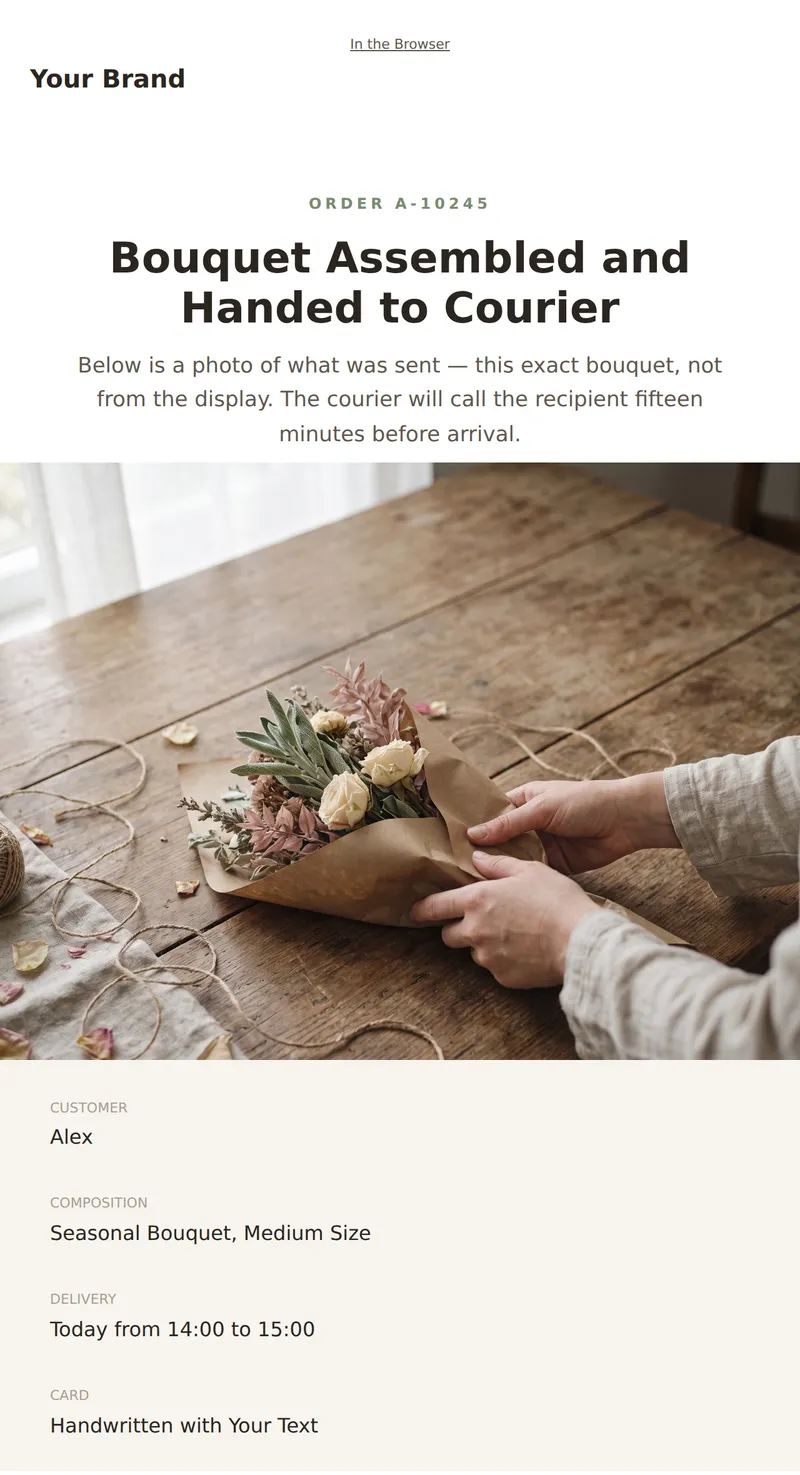
Service Email About Delivery: Bouquet Photo, Delivery Time, Card Text, and What to Do If the Recipient Was Not Found.
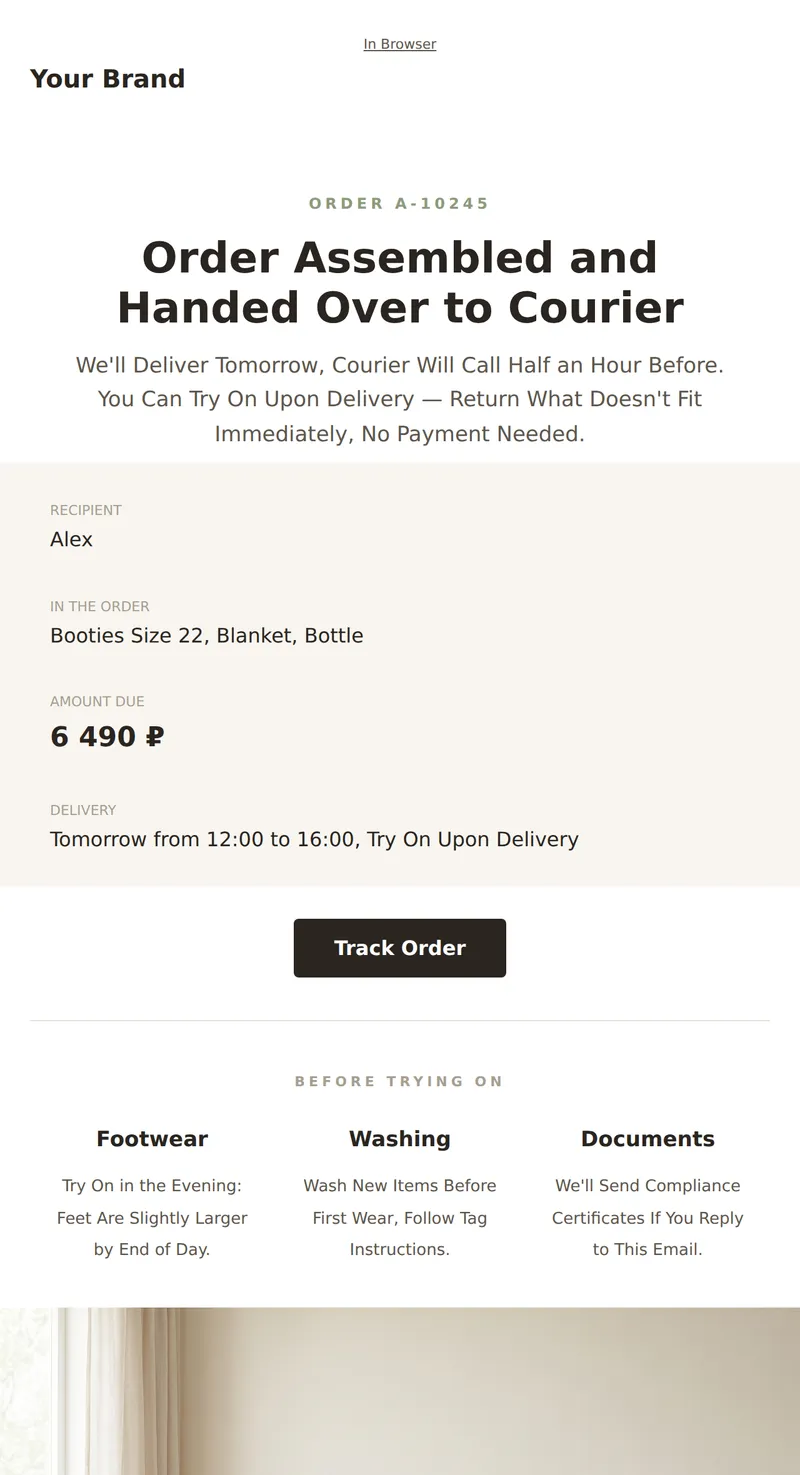
Service Letter About Your Order: Composition, Delivery, Exchange Conditions, and Reminder About Compliance Certificates.
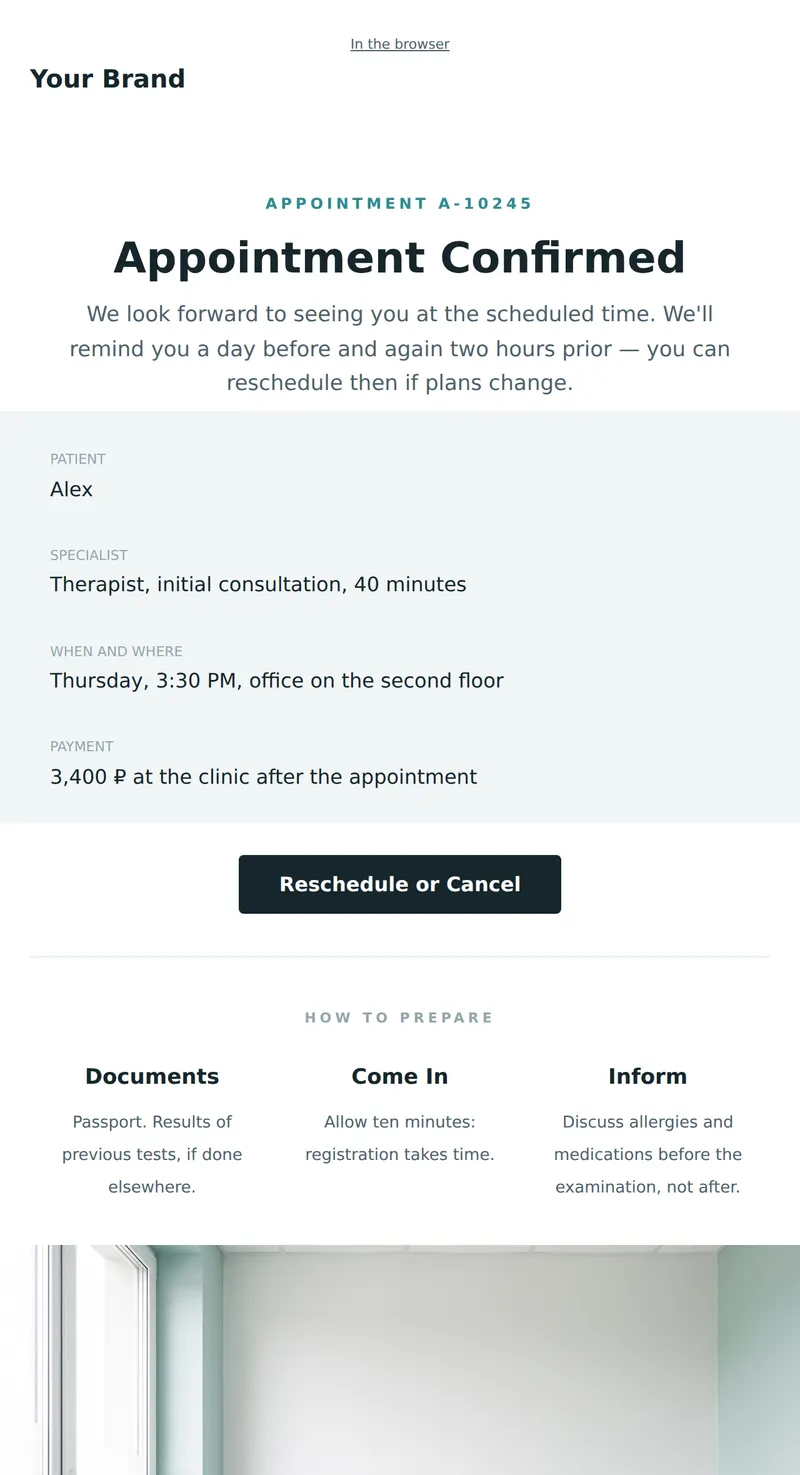
Service email about appointment: doctor, time, address, and preparation. Plus rescheduling terms.
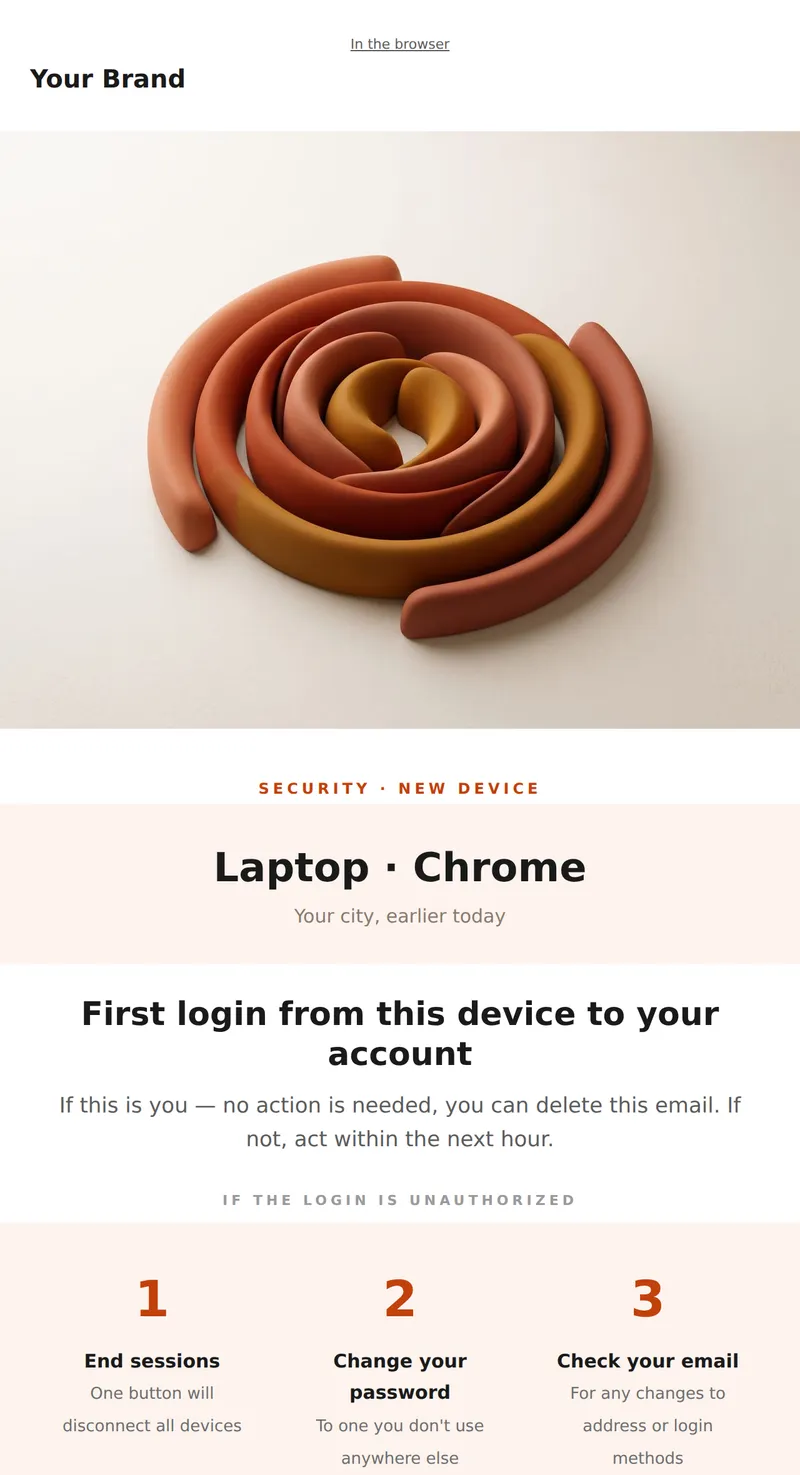
Notification of login from a new device: what device, from where, and what to do if the login is unauthorized.
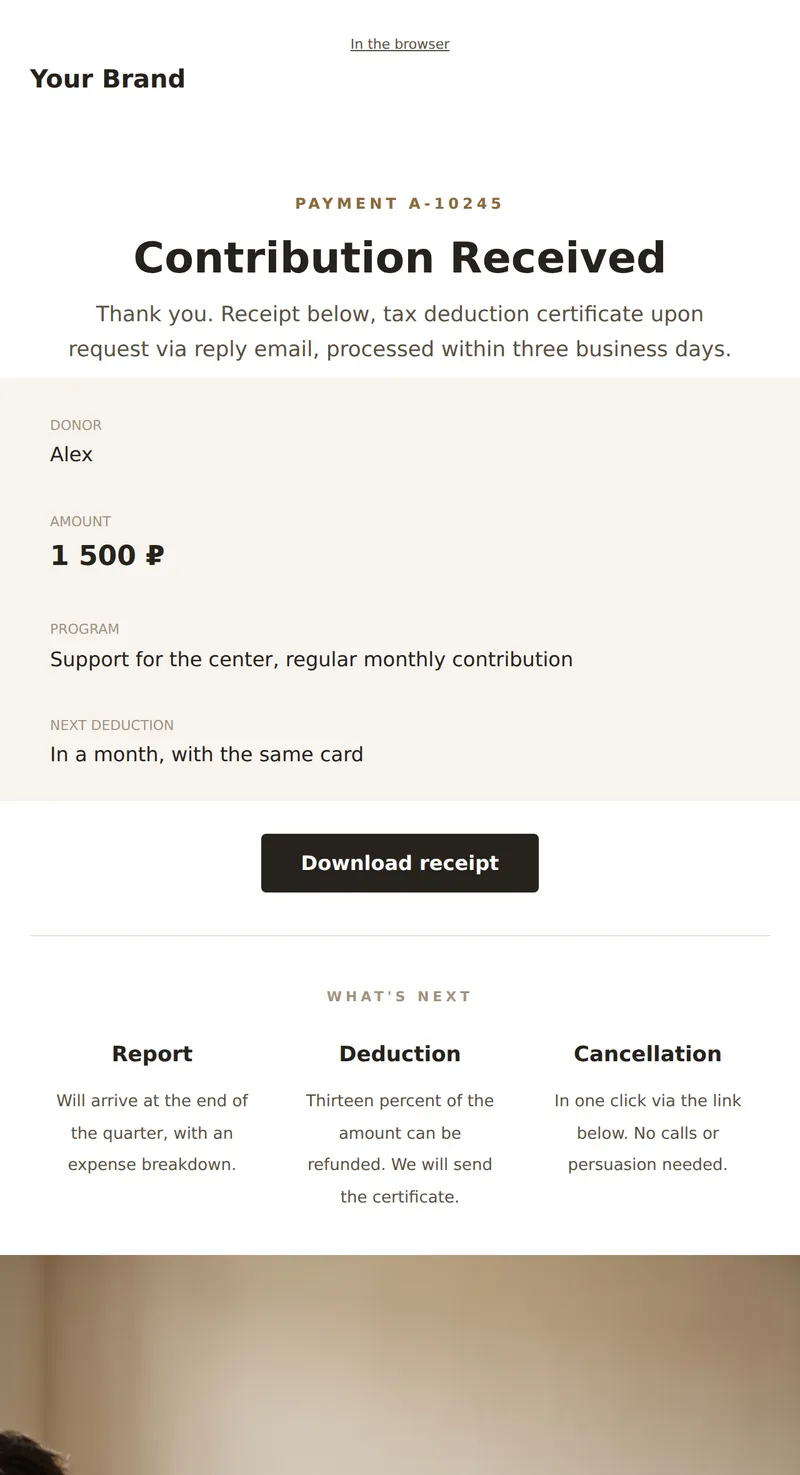
Service letter about contribution: amount, program, tax deduction document, and how to cancel a recurring payment.
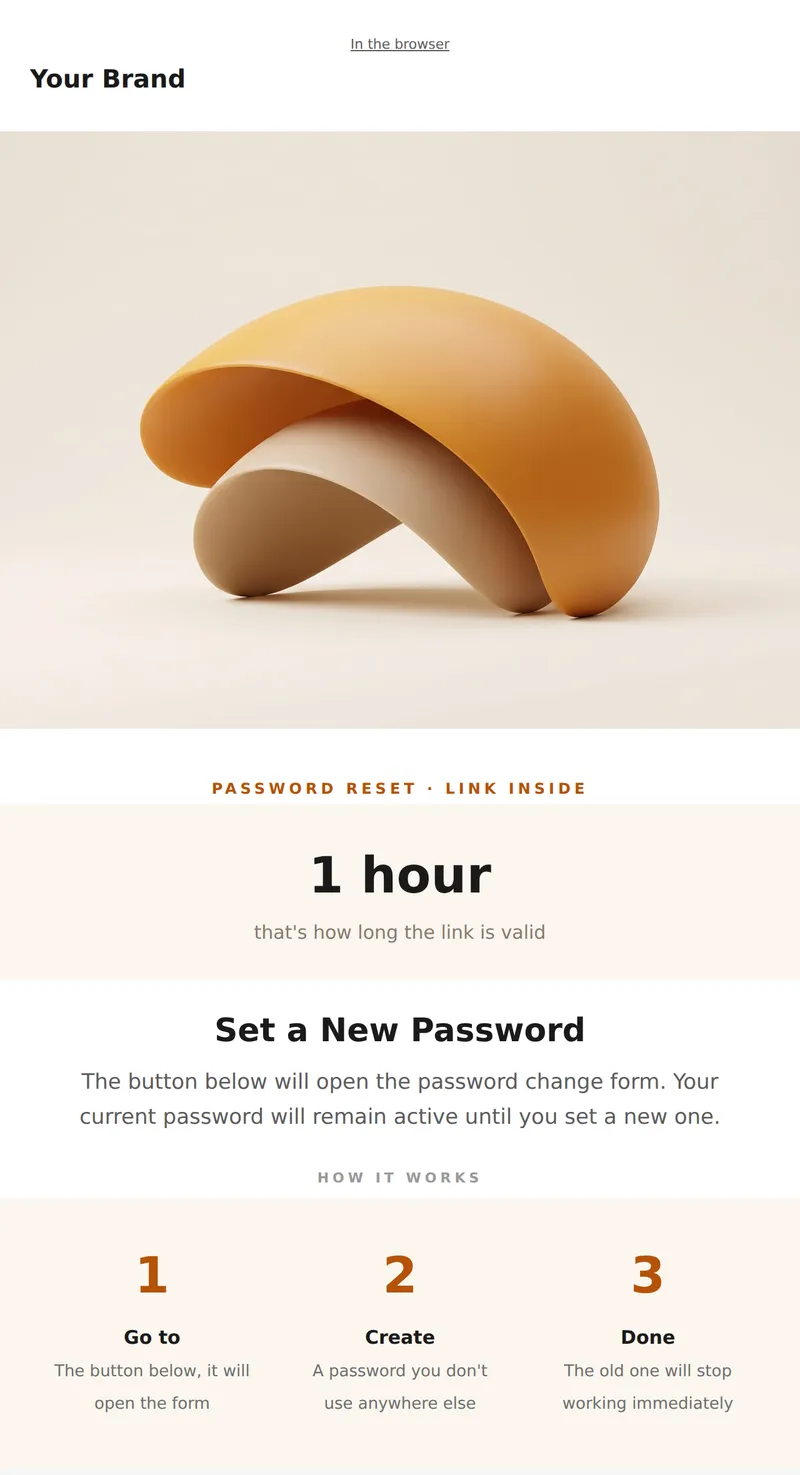
Password Reset: link to change, its expiration, and what happens to the old password.
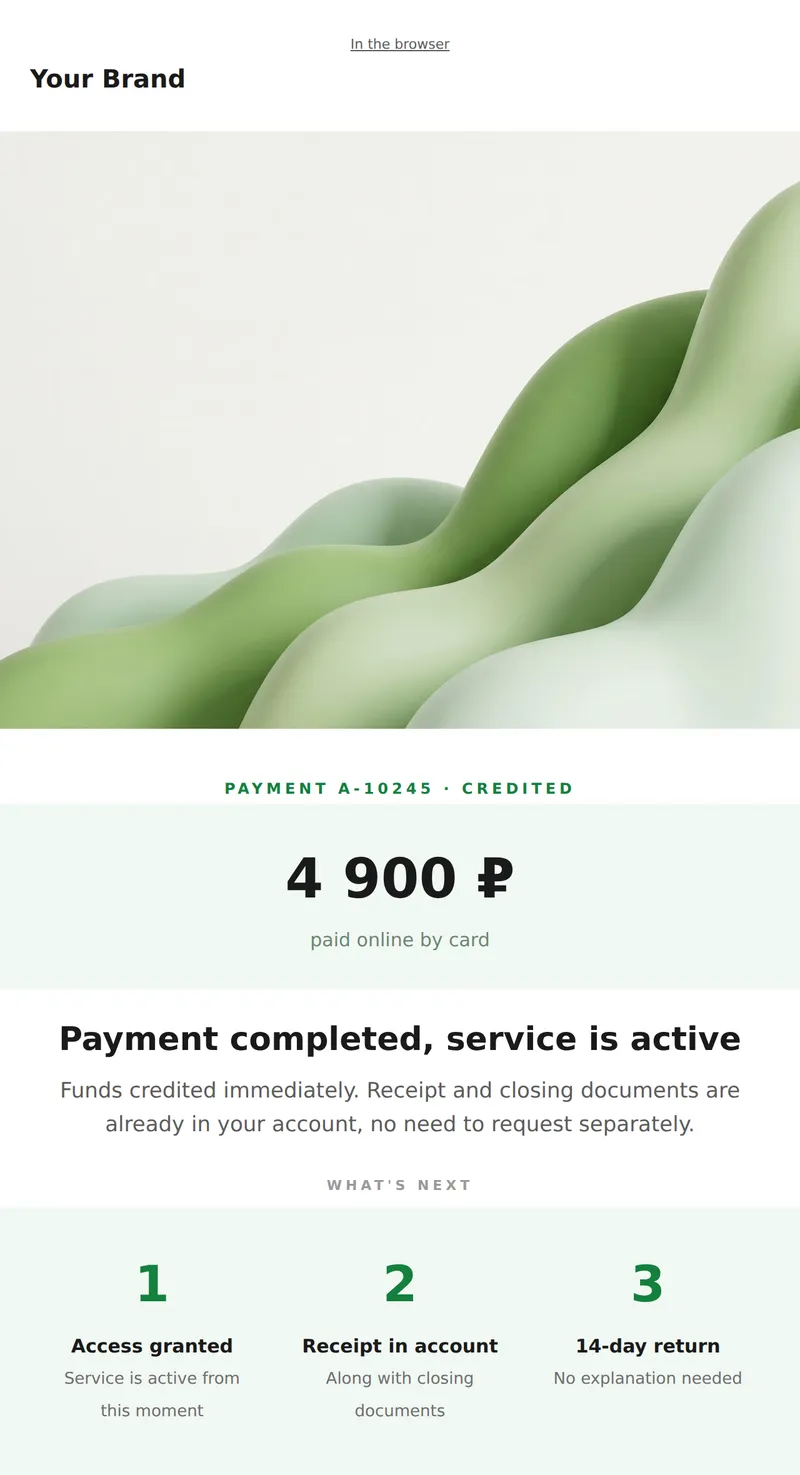
Payment receipt: payer, amount, date, and link to closing documents.
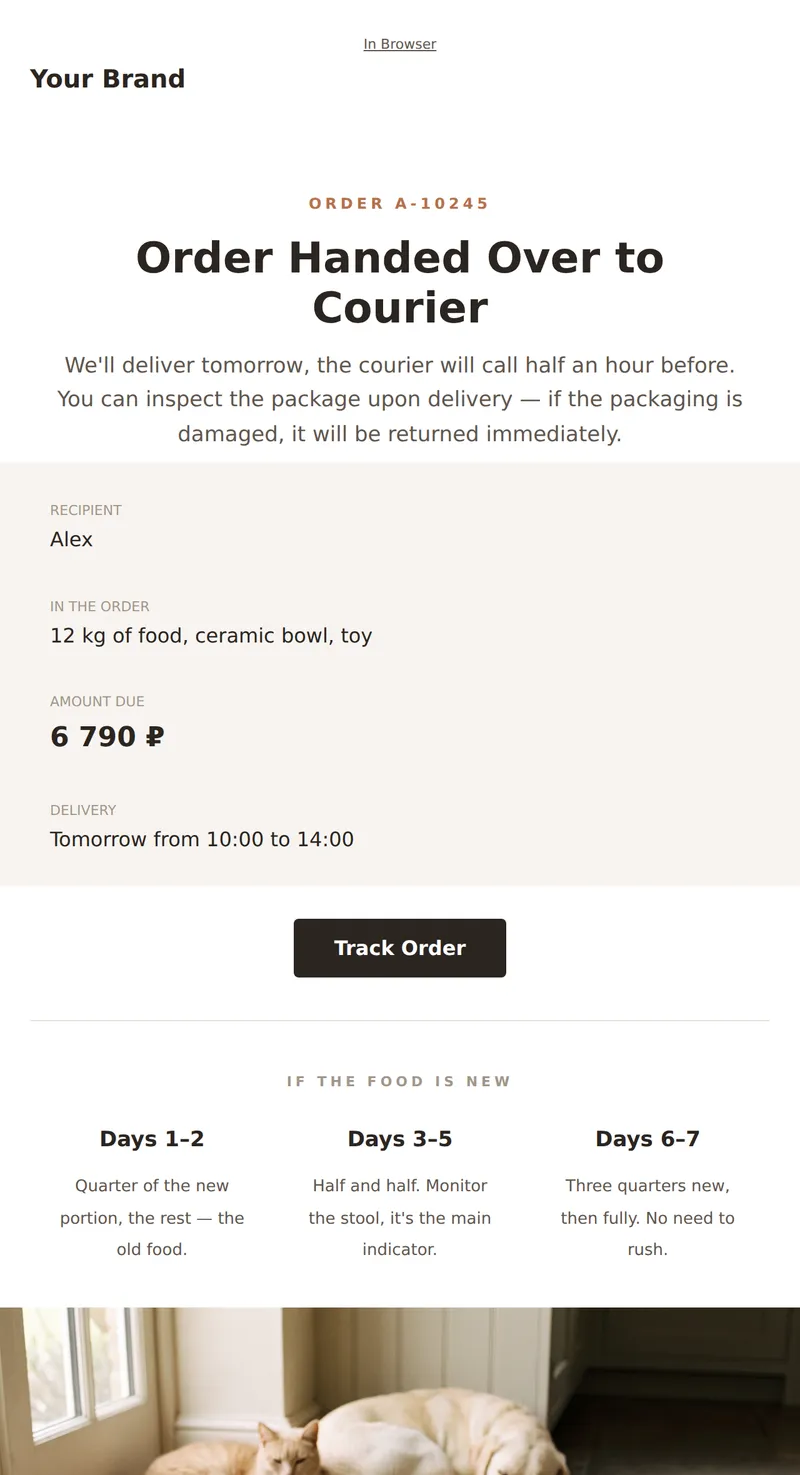
Service Email About Your Order: Contents, Delivery, Food Replacement, and Reminder for Gradual Transition for Your Pet.
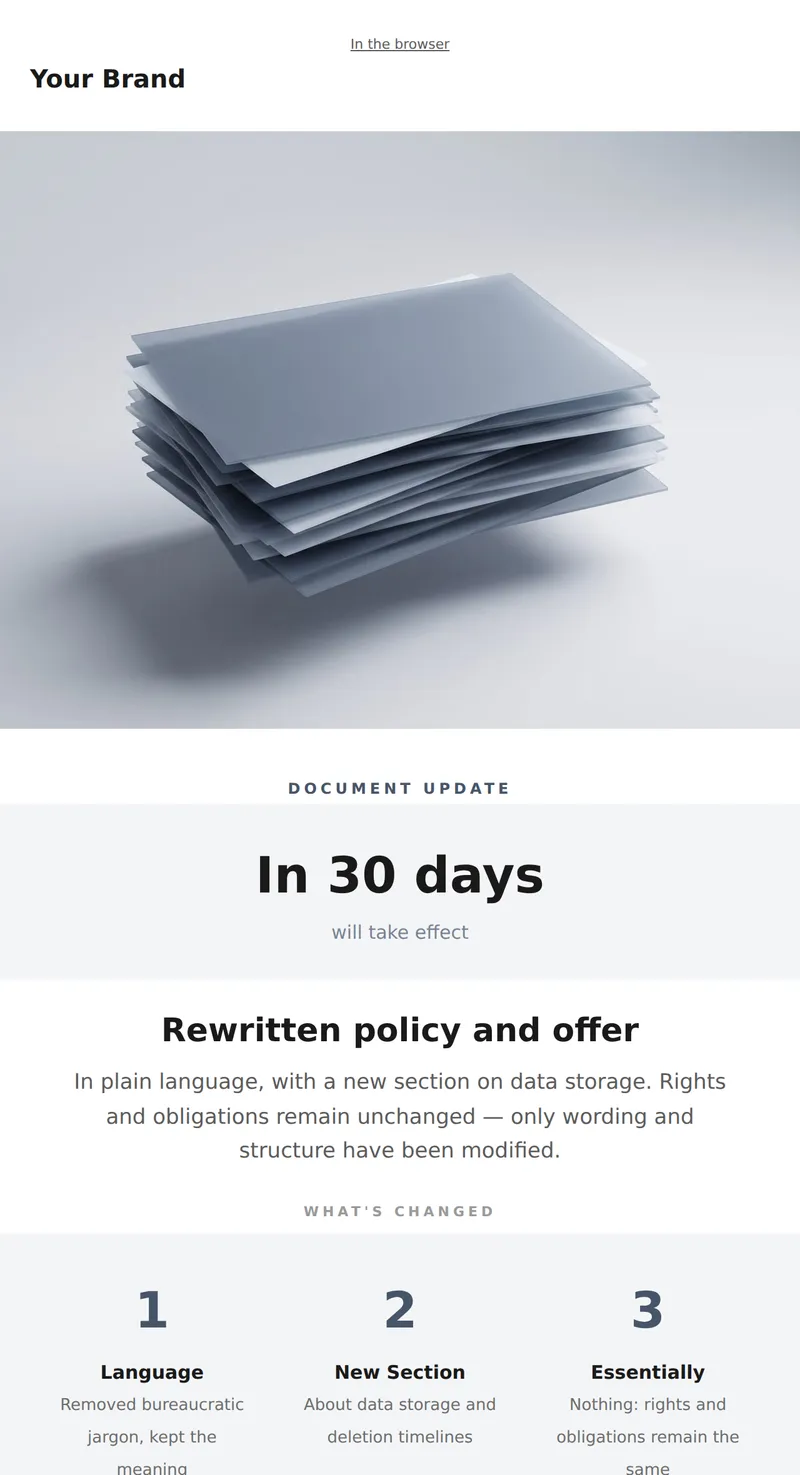
Notification of Policy and Offer Update: what was rewritten, when it takes effect.
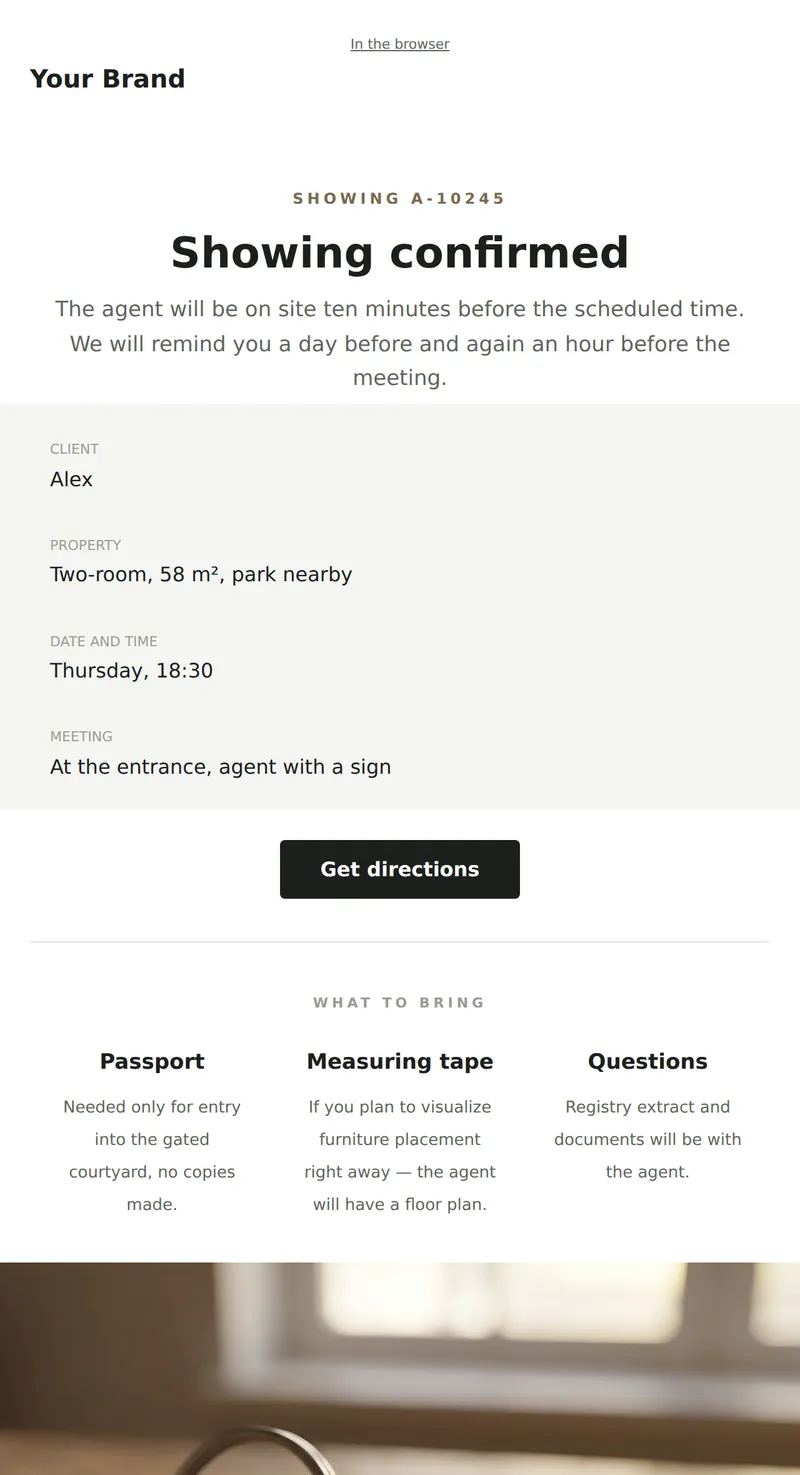
Showing confirmation: address, time, who will meet you, and what to bring. A service email to open on your way to the meeting.
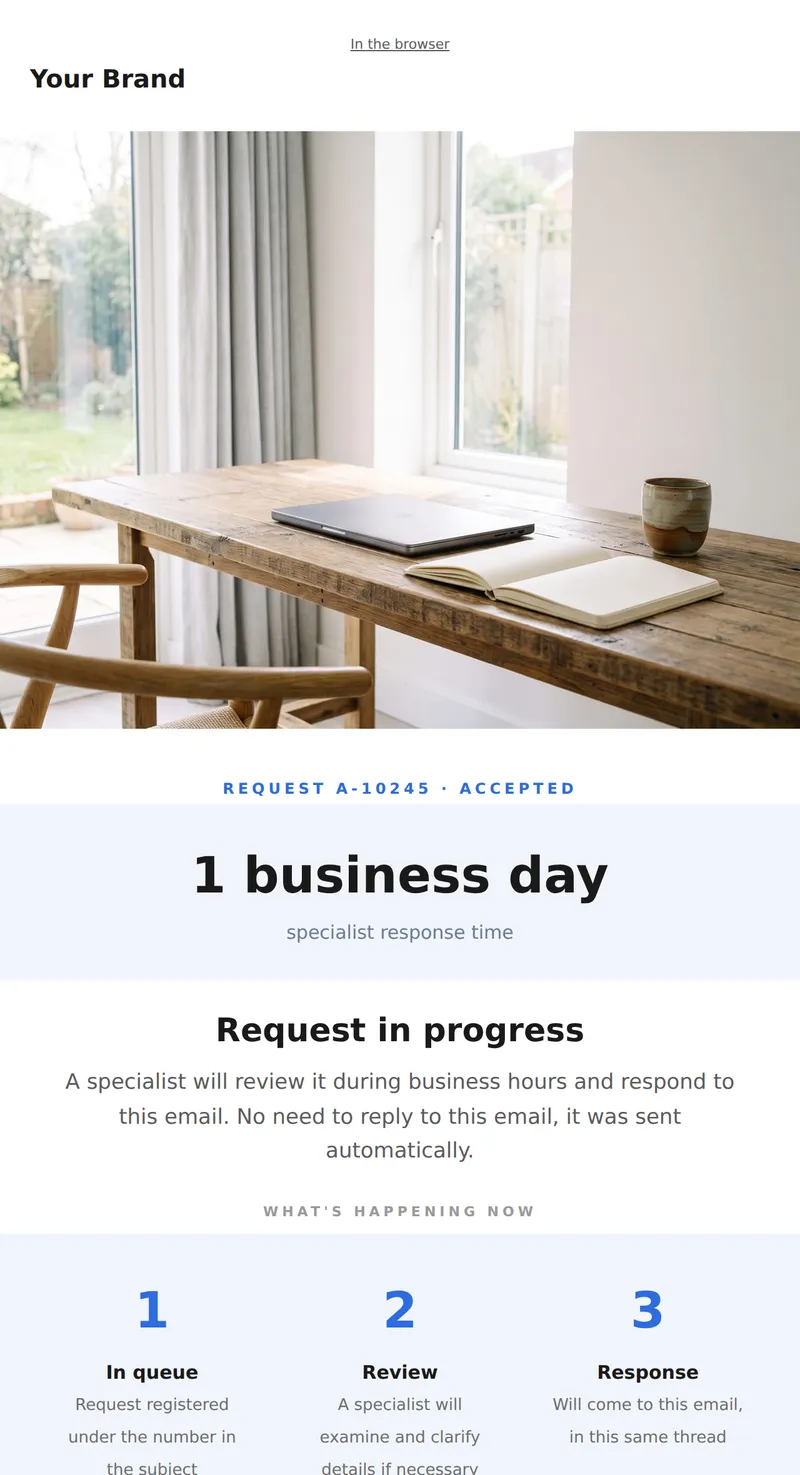
Confirmation of request receipt: number, response time, and what to do if it's urgent.
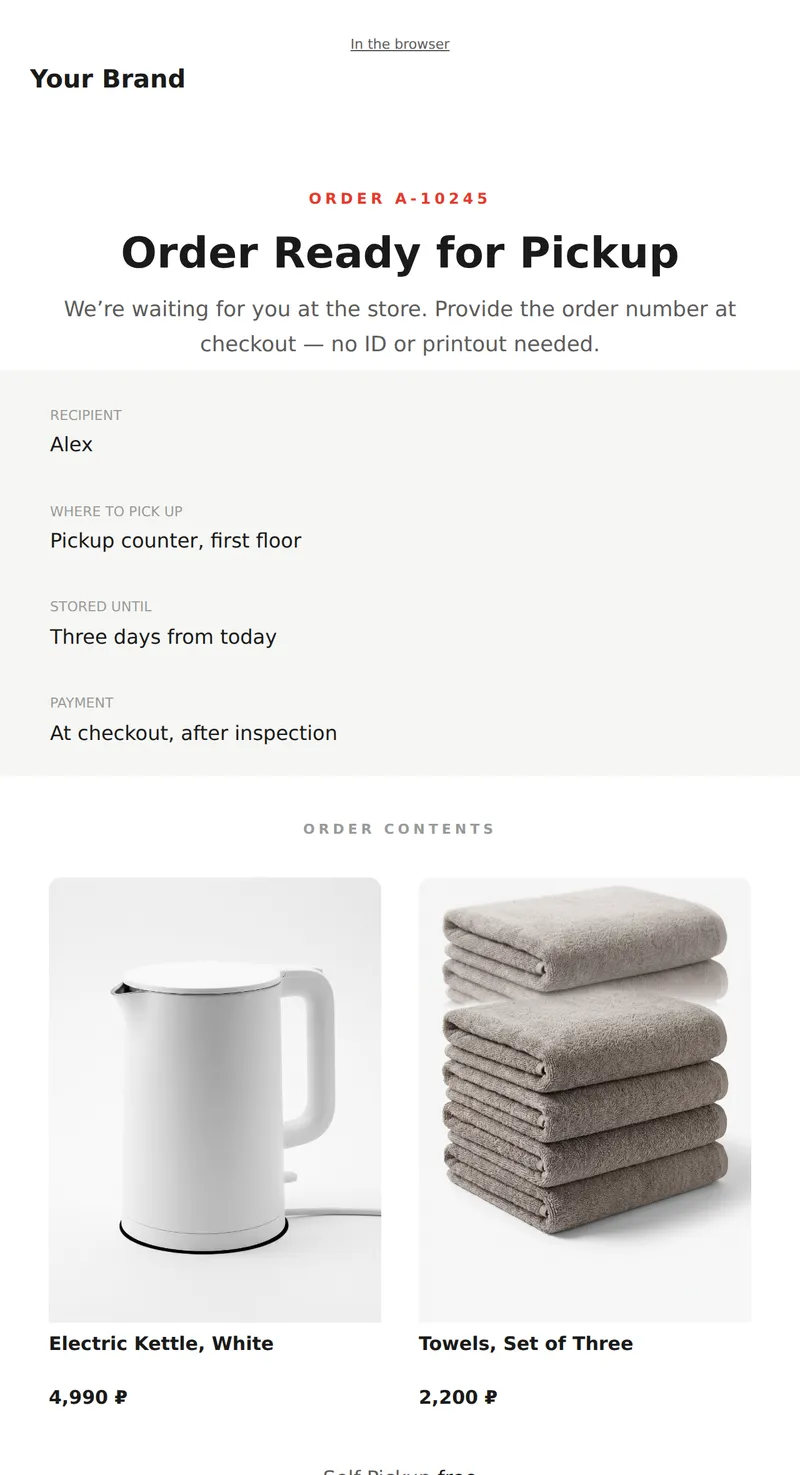
Order Pickup Notification: number, store address, storage period, and contents. Service email to show at the checkout.
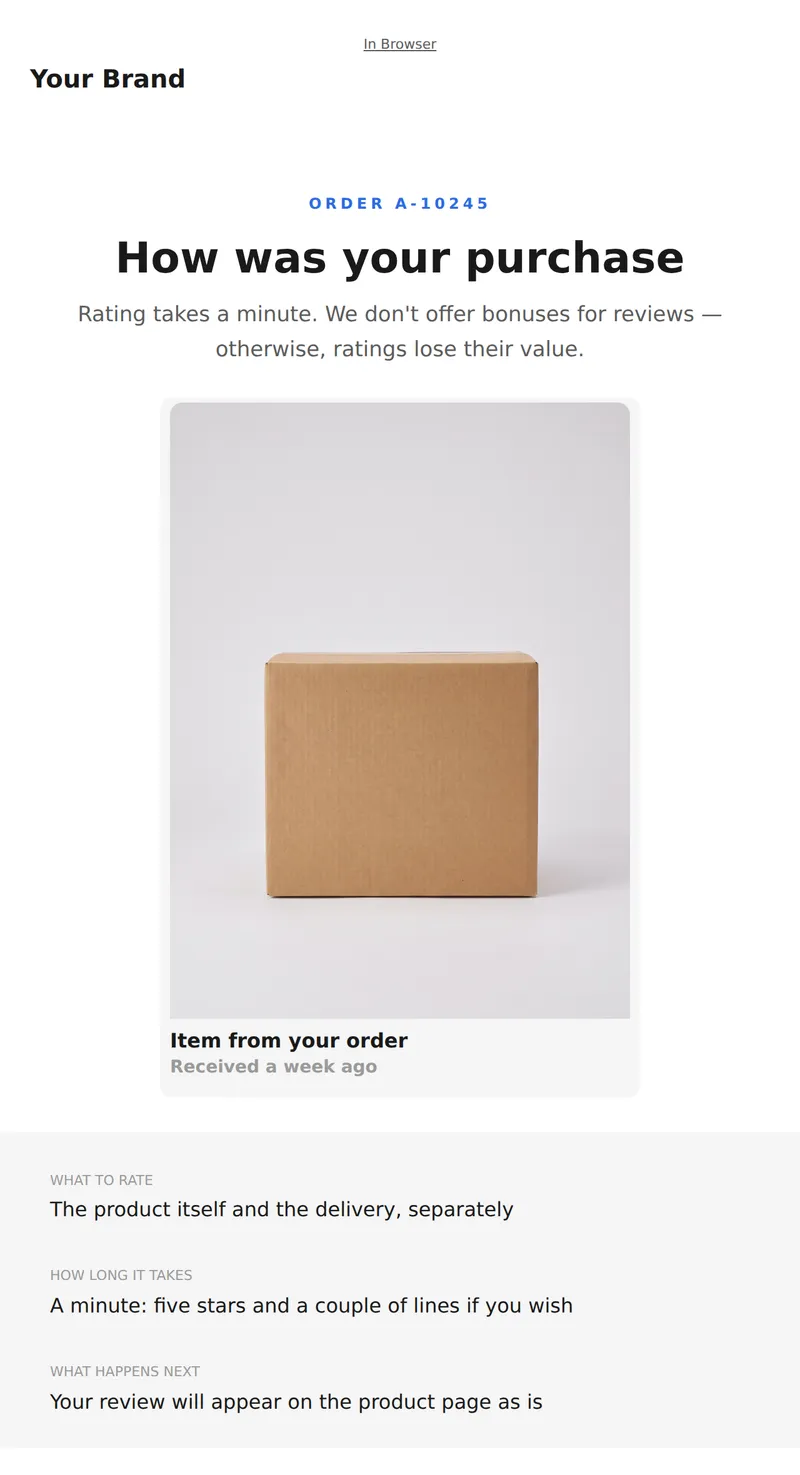
Request for Feedback: What to Rate, How Long It Takes, and What Happens with Your Rating. No Bonus Incentives.
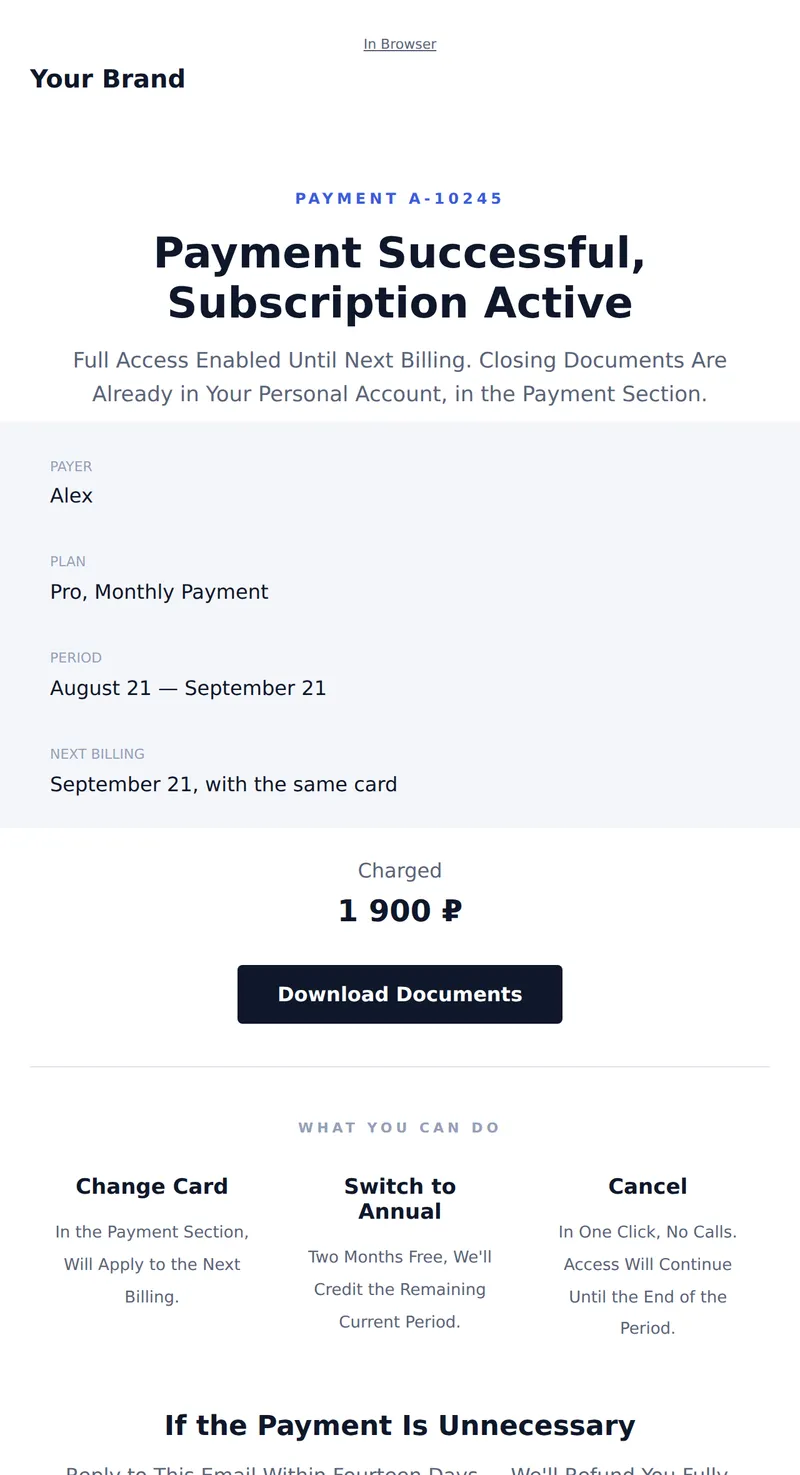
Subscription Payment Confirmation: amount, period, next billing date, and document link. Service letter for accounting.
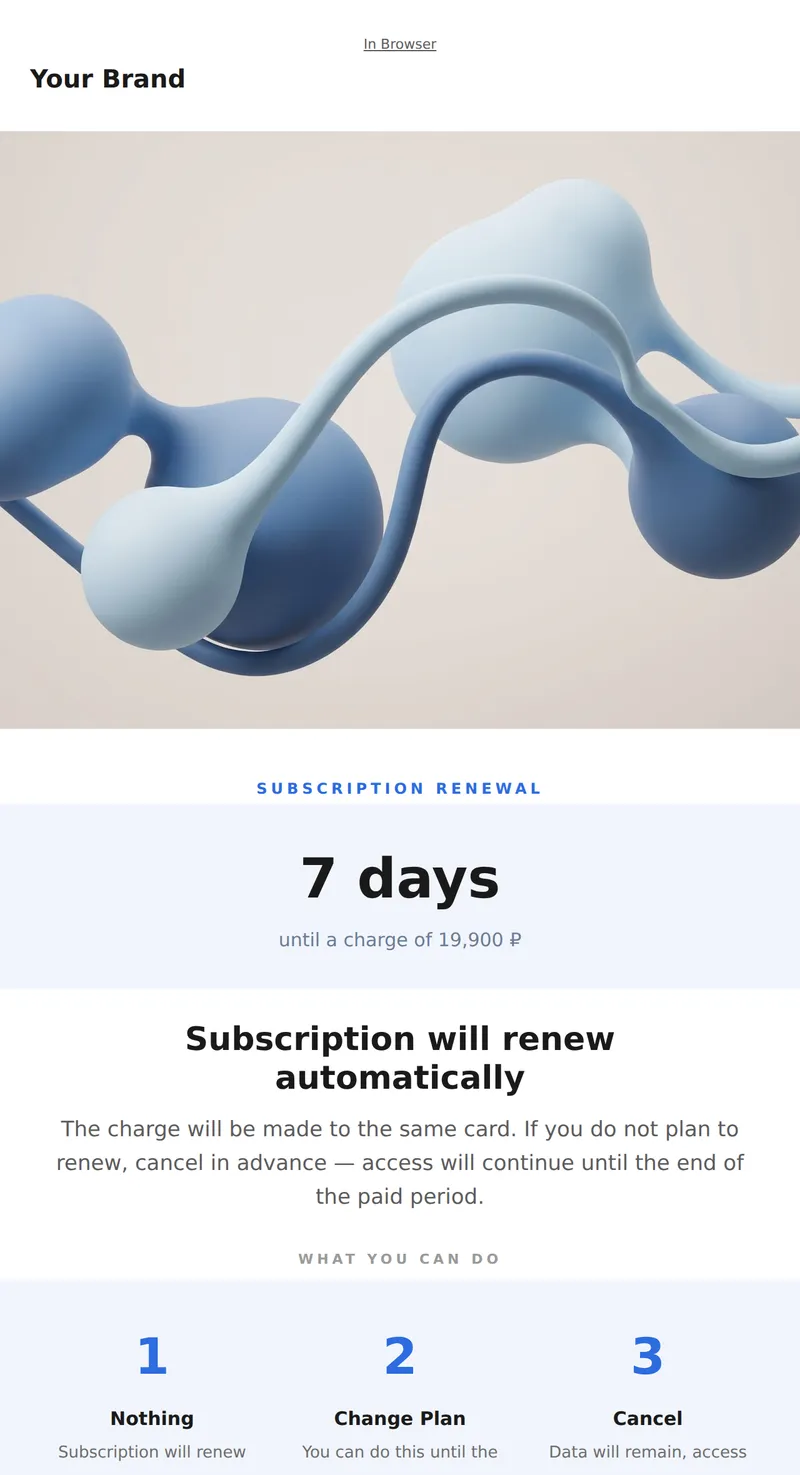
Subscription Renewal Reminder: Plan, Charge Date, Amount, and How to Cancel.
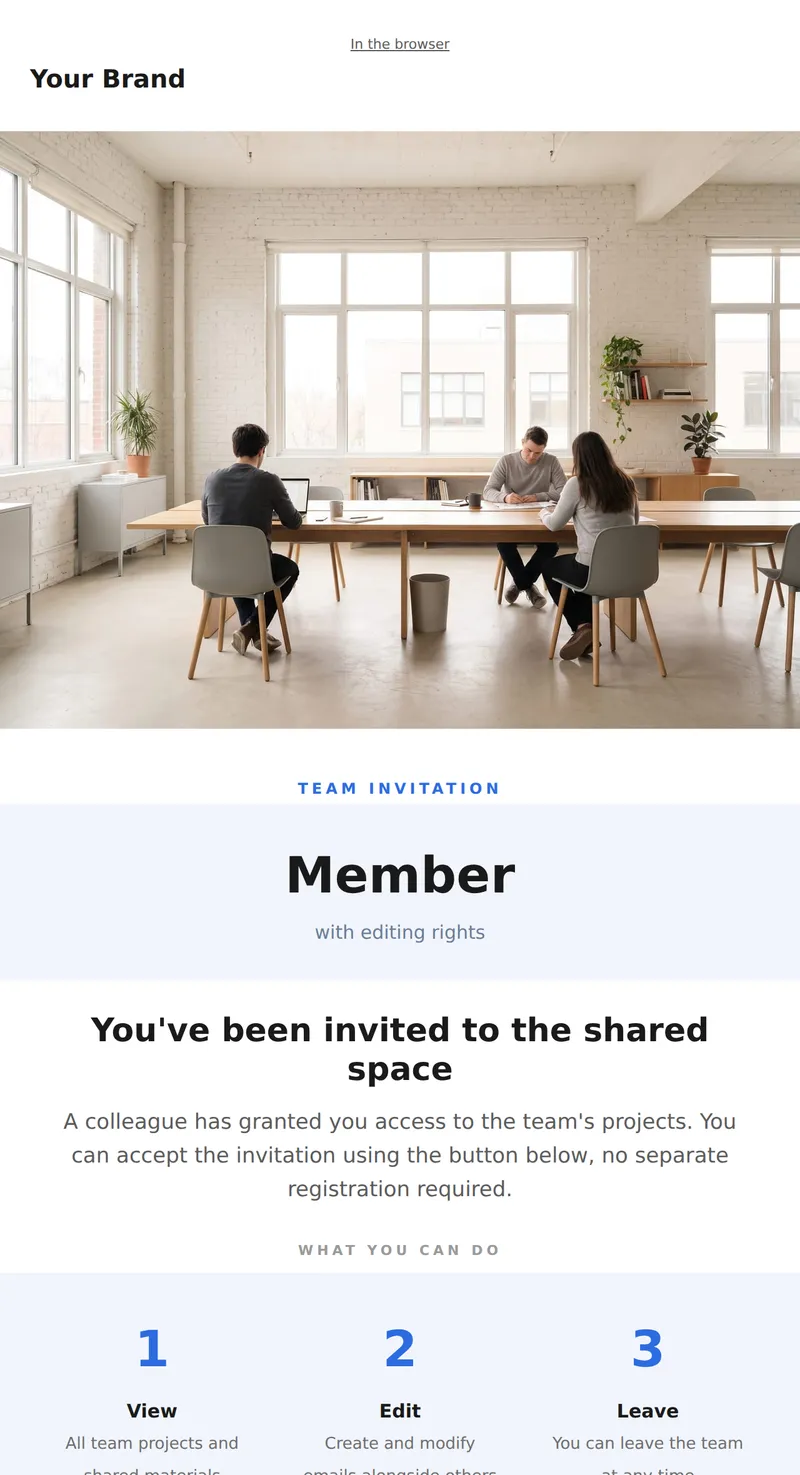
Team Invitation: who invited you, what role, and how long the link is valid.
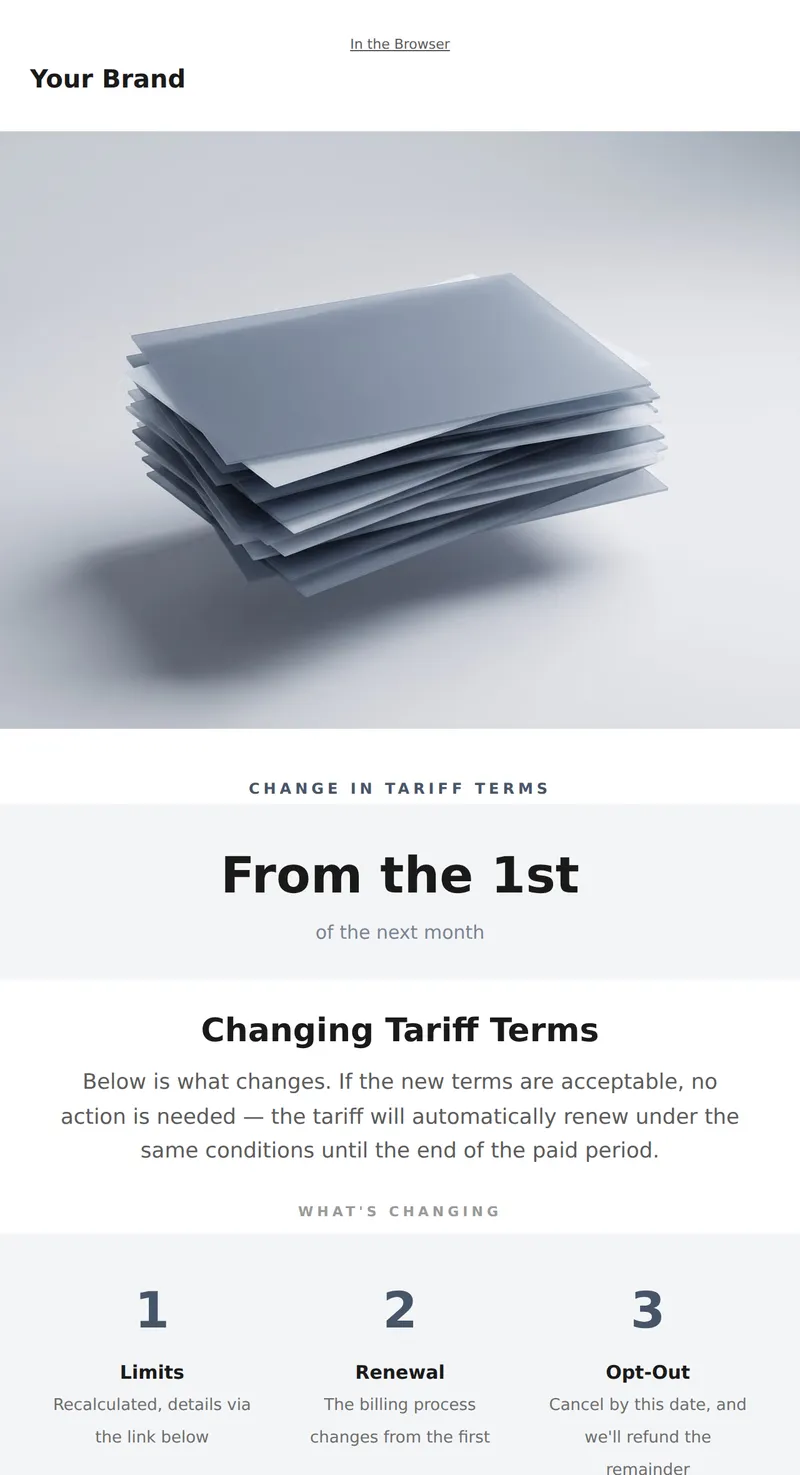
Notification of Tariff Terms Change: What's Changing, Effective Date, and How to Opt Out.
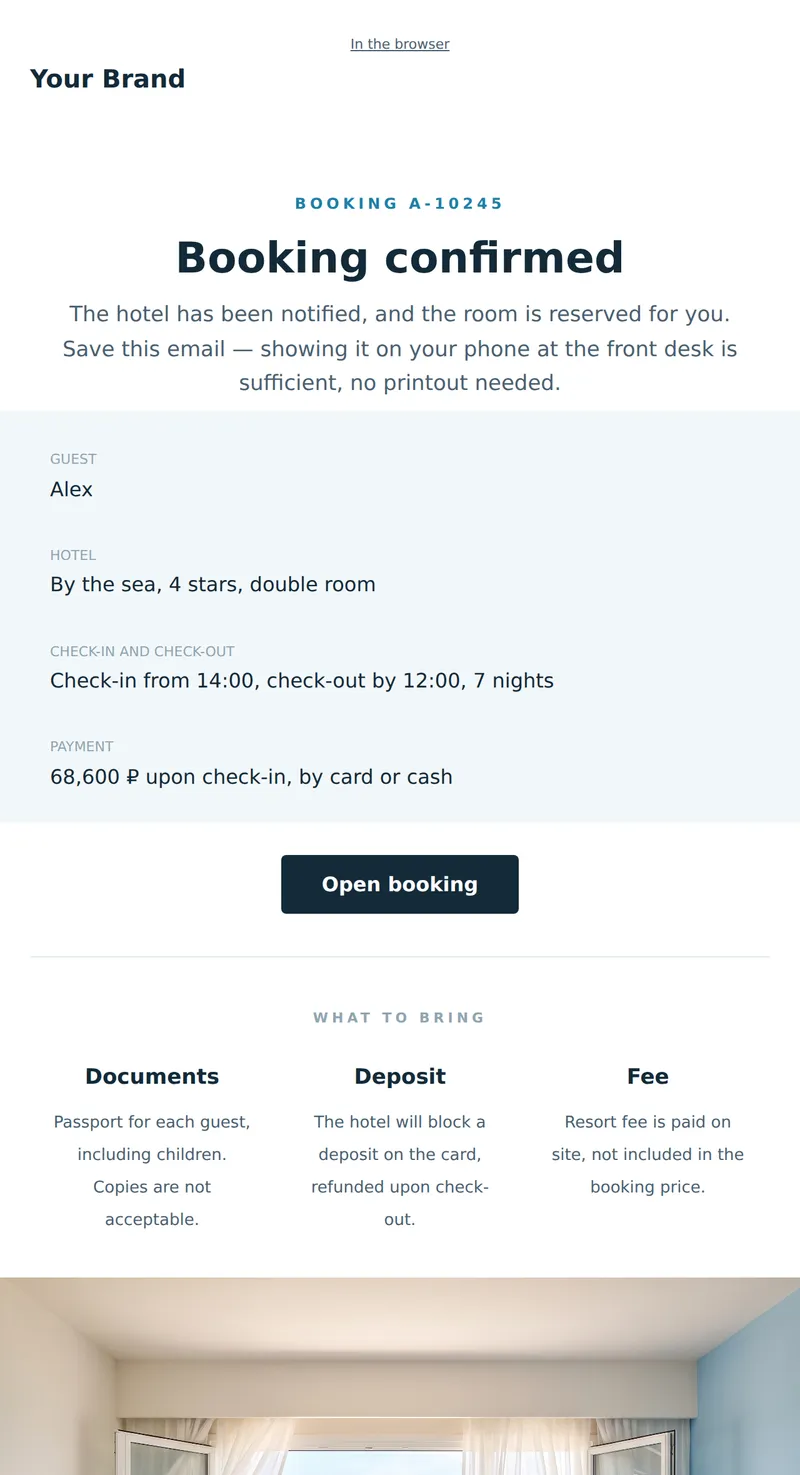
Service letter about booking: hotel, dates, what to bring, and cancellation policy. A letter to be opened at the front desk.
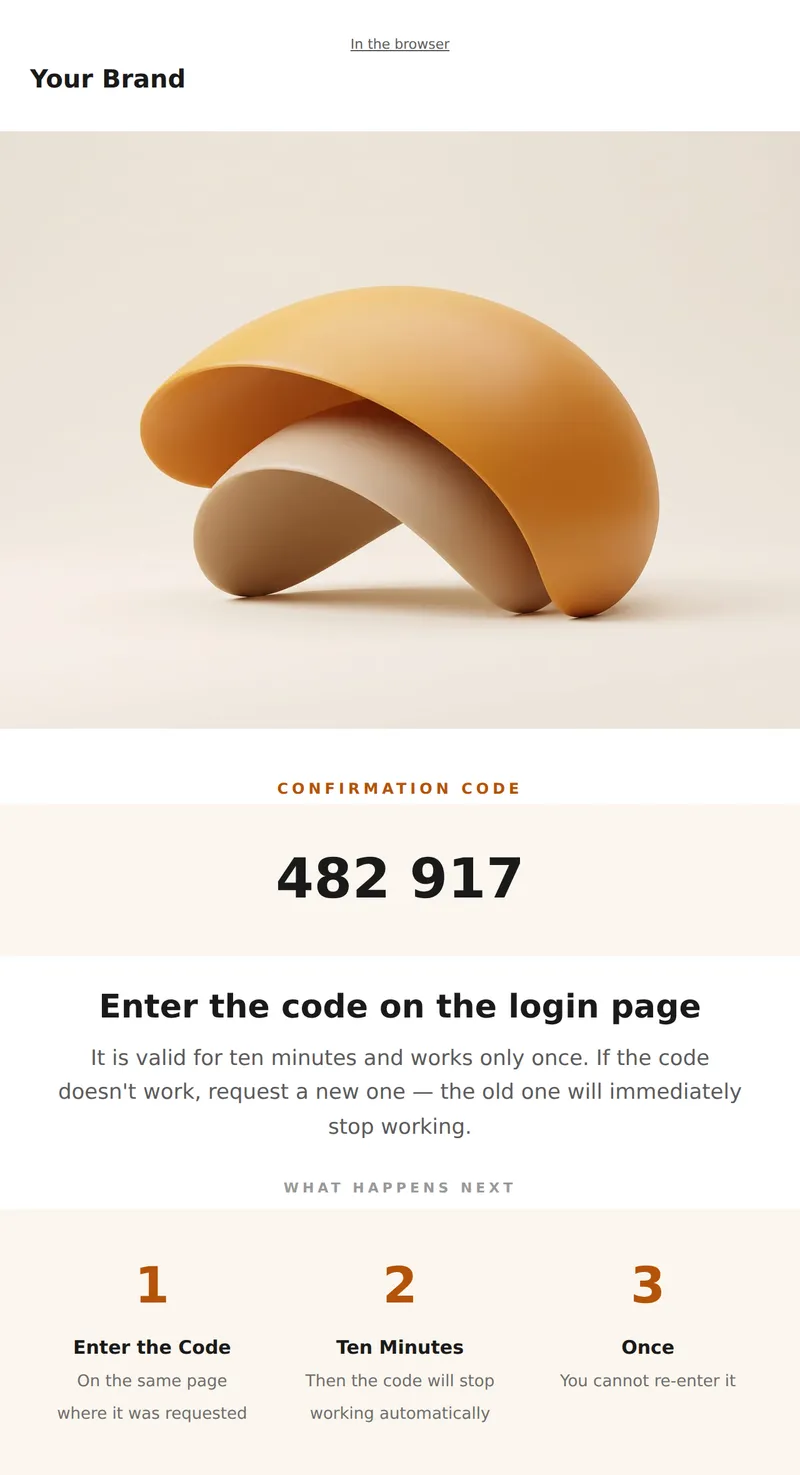
One-time login code: the code itself, its validity period, and what to do if the request wasn't yours.
Why these emails matter
Transactional emails are essential for maintaining customer engagement and trust. They provide important information about purchases, appointments, and account updates. By using well-crafted templates, you can ensure that your messages are clear, concise, and visually appealing, which helps to reinforce your brand's reliability and professionalism.
How to choose a template
When selecting a template, consider the purpose of your email and your target audience. Look for designs that align with your brand's style and tone. It's also important to ensure that the template is easily customizable to fit your specific needs.
Tips
- Keep your messaging clear and concise.
- Use a responsive design for mobile compatibility.
- Incorporate your branding elements for consistency.
- Test different templates to find what resonates best.
- Monitor engagement metrics to improve future emails.
Frequently asked questions
What types of transactional emails are included?
Our collection features various templates such as order confirmations, appointment reminders, and payment confirmations, among others.
Are these templates customizable?
Yes, all templates are designed to be easily customizable to fit your brand's style and specific messaging needs.
Can I use these templates for different industries?
Absolutely. The templates are versatile and can be adapted for various industries including e-commerce, education, and services.
How do I access the templates?
You can access the templates directly from our platform. Simply choose the one you need, customize it, and start using it.
